


Firefox keeps closed tabs with sessions open
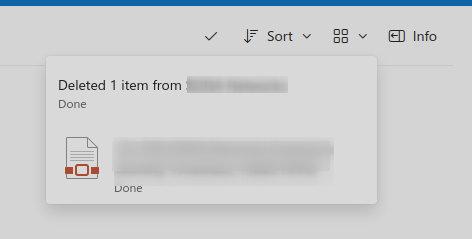
I am using a Linux based system for my Laptop but still need to access and edit some files from a OneDrive Cloud. Whenever I try to clean up my files I open them to see if they can be deleted which will open a session in a separate tab. The problem is when I close that tab Firefox seems to keep that session active which will render me unable to delete a file because OneDrive sees, that it is still opened. (See attached Screenshot) Is this a problem with Firefox not closing sessions properly when closing tabs?

Opaite Mbohovái (1)

That's is not a useful screenshot. I opened a pdf file in a new tab, closed that tab, and was able to delete the file. see screenshots Try the same steps with Firefox in Safe Mode. https://support.mozilla.org/en-US/kb/diagnose-firefox-issues-using-troubleshoot-mode Also try downloading Firefox from Mozilla. Download, unzip, and run firefox-bin from the folder and see if you have the same issue.
https://www.mozilla.org/en-US/firefox/all/#product-desktop-release
What OS?

Moambuepyre jonzn4SUSE rupive