


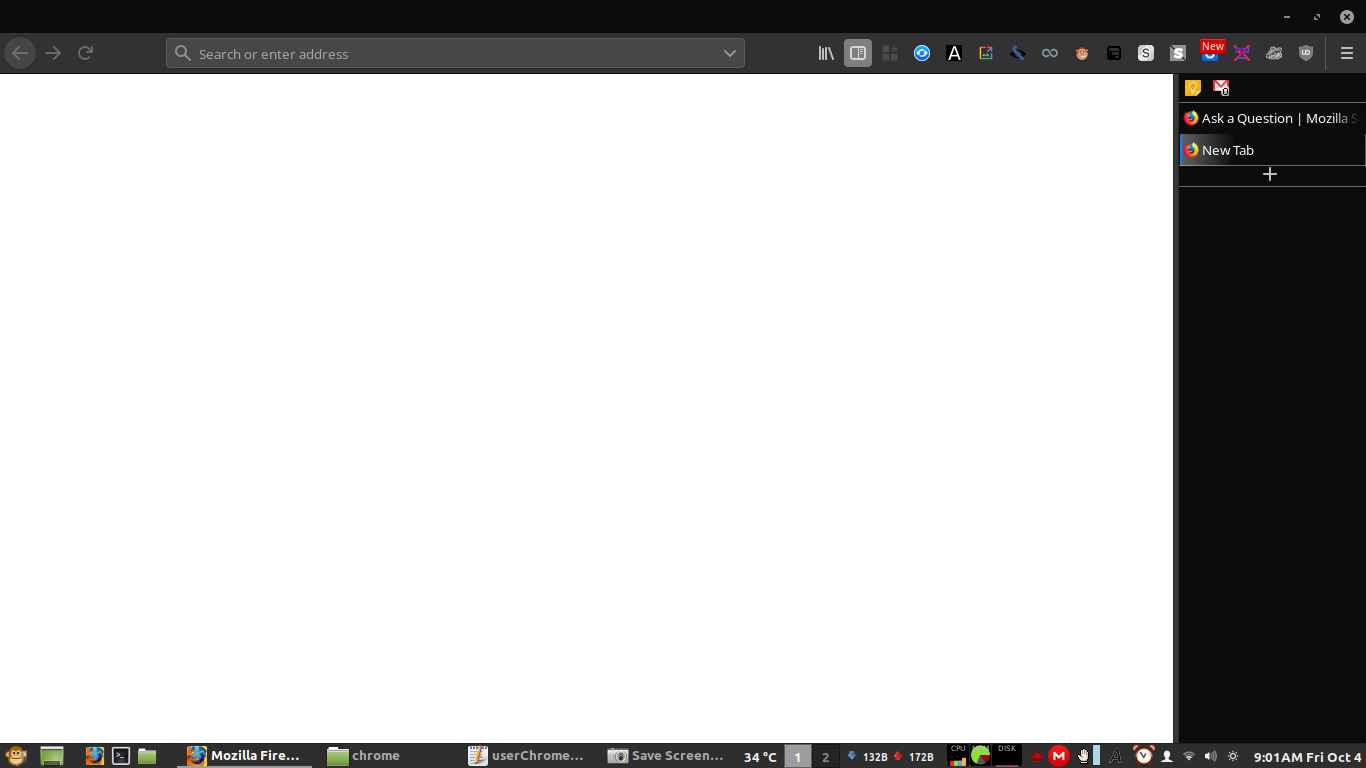
How can I completely remove the bar above the URL bar? I don't need to see horizontal tabs or the Close/Minimize/Restore buttons.

How can I completely remove the bar above the URL bar? I don't need to see horizontal tabs or the Close/Minimize/Restore buttons.
I can close/minimize/restore by right-clicking the Firefox box on my Linux Mint's bottom panel.
My userChrome.css looks like this:
/* Hide horizontal tabs at the top of the window */
#tabbrowser-tabs {
  visibility: collapse !important;
}

#titlebar {
  visibility: collapse;
}


#tabbrowser-tabs { visibility: hidden !important; }
tab { display: none !important; }

#sidebar-header {
  visibility: collapse !important;
}
Moambuepyre cor-el rupive
Ñemoĩporã poravopyre
This line of code does the trick!
#titlebar {
display: none !important;
}
Emoñe’ẽ ko mbohavái ejeregua reheve
👍 0
Opaite Mbohovái (2)
Hi tailonfire, please use <pre> tags around your code so the forum software doesn't think you are giving it formatting instructions.
My userChrome.css looks like this:
/* Hide horizontal tabs at the top of the window */
#tabbrowser-tabs {
  visibility: collapse !important;
}

#titlebar {
  visibility: collapse;
}

/* visibility: collapse is better, so remove this */
#tabbrowser-tabs { visibility: hidden !important; }

tab { display: none !important; }

#sidebar-header {
  visibility: collapse !important;
}
Perhaps you also need to suppress the New tab button and the All tabs list button. I don't know about the standard OS buttons. Linux works differently than Windows.
If you don't get the full recipe here, try:
Ñemoĩporã poravopyre
This line of code does the trick!
#titlebar {
display: none !important;
}
Moambuepyre tailonfire rupive