


Numbers not displaying correctly in Linux Mint 18.3

Arabic numerals are displaying as white, and oversized, making them invisible against white backgrounds. Problem persists in safe mode, and after refreshing Firefox. Numerals are only visible after highlighting with mouse
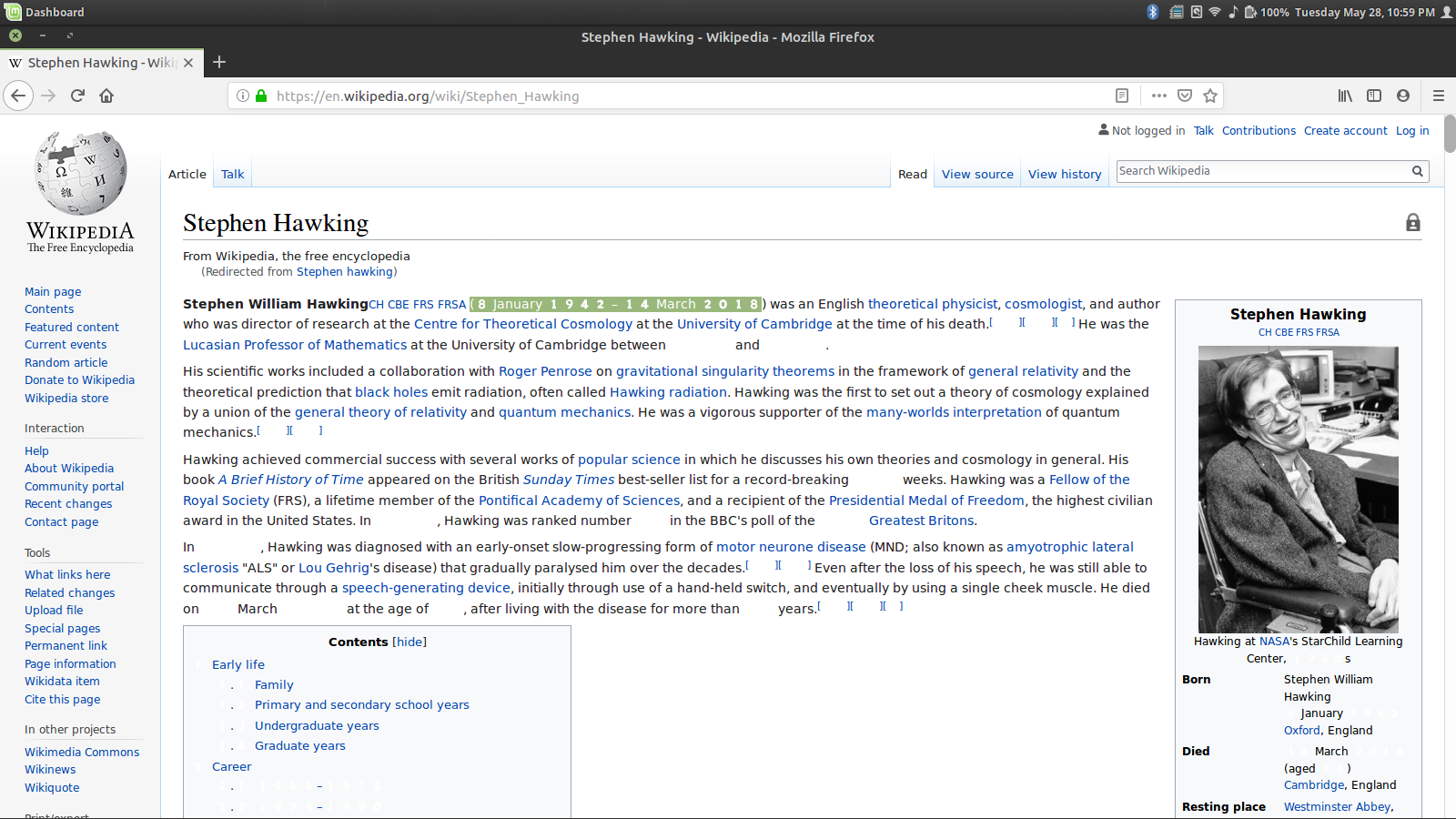
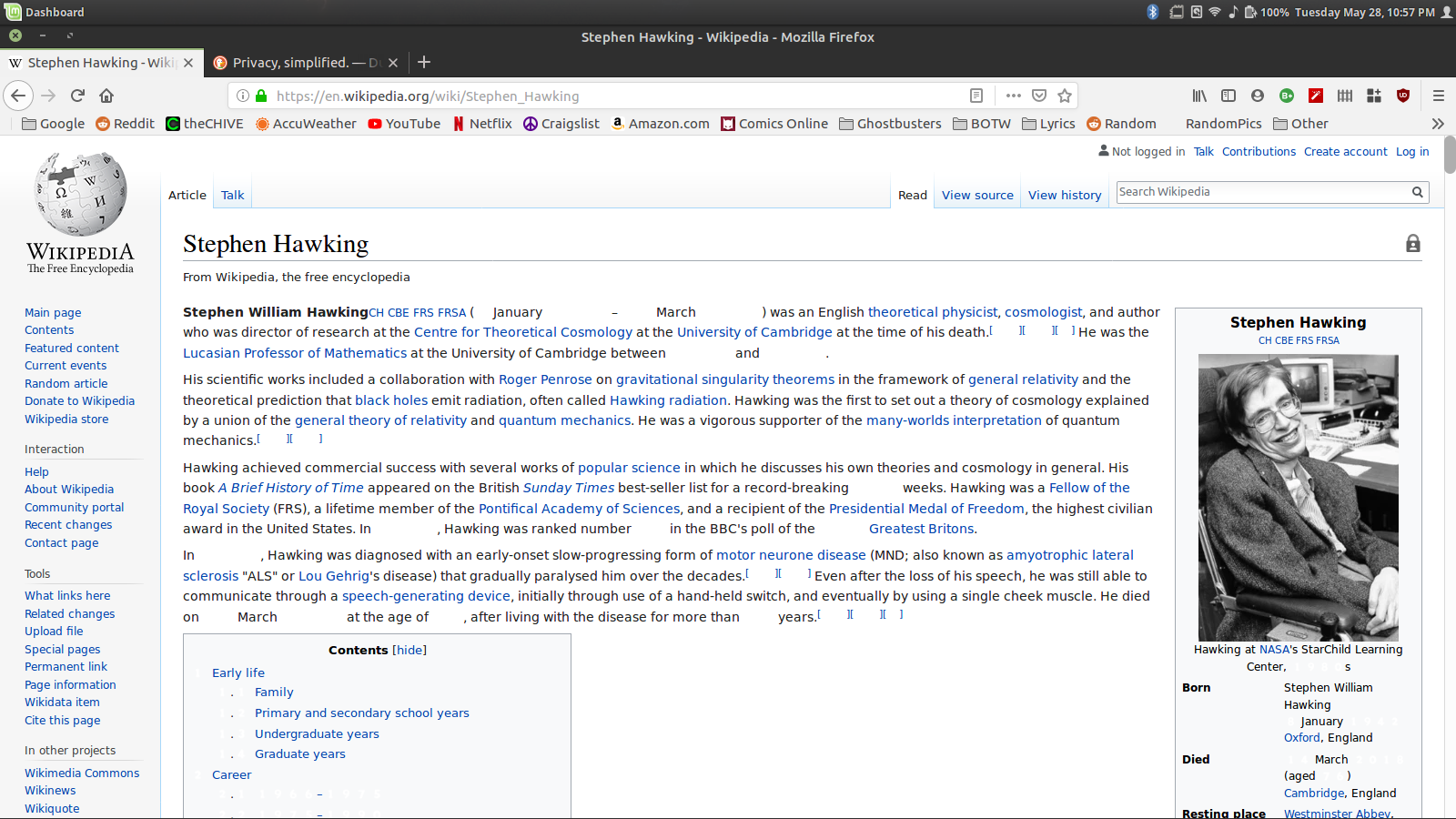
Moambuepyre tsparks1307 rupive
Opaite Mbohovái (3)
What font-family and what other font properties are used?
You can right-click and select "Inspect Element" to open the builtin Inspector with this element selected.
You can check in the Rules tab in the right panel in the Inspector what font-family is used for selected text. You can check in the Font tab in the right panel in the Inspector what font is actually used because Firefox might be using a different font than specified by the website.
There are two font families being used, DejaVu Sans and Noto Color Emoji. The numbers are apparently using the Noto Color Emoji fonts.
Performed new install of Linux Mint 19. Problem did not reappear after installation. I'm considering this issue resolved. Issue seemed to be related to Noto Color Emoji font.