


проблема с отображением шрифтов на вебсайтах после обносления

Добрый день. после последнего обновления появилась проблема -- часто текст не отображается, делается прозрачным. Что сделать чтобы отображался? Приходится пользоваться другим браузером
Opaite Mbohovái (8)
Translate to english as this is a english forum.
I have a problem after updating the browser. often the text on websites is not fully displayed, it becomes transparent. I have to use a different browser. can I do something myself or is the problem can be fixed?
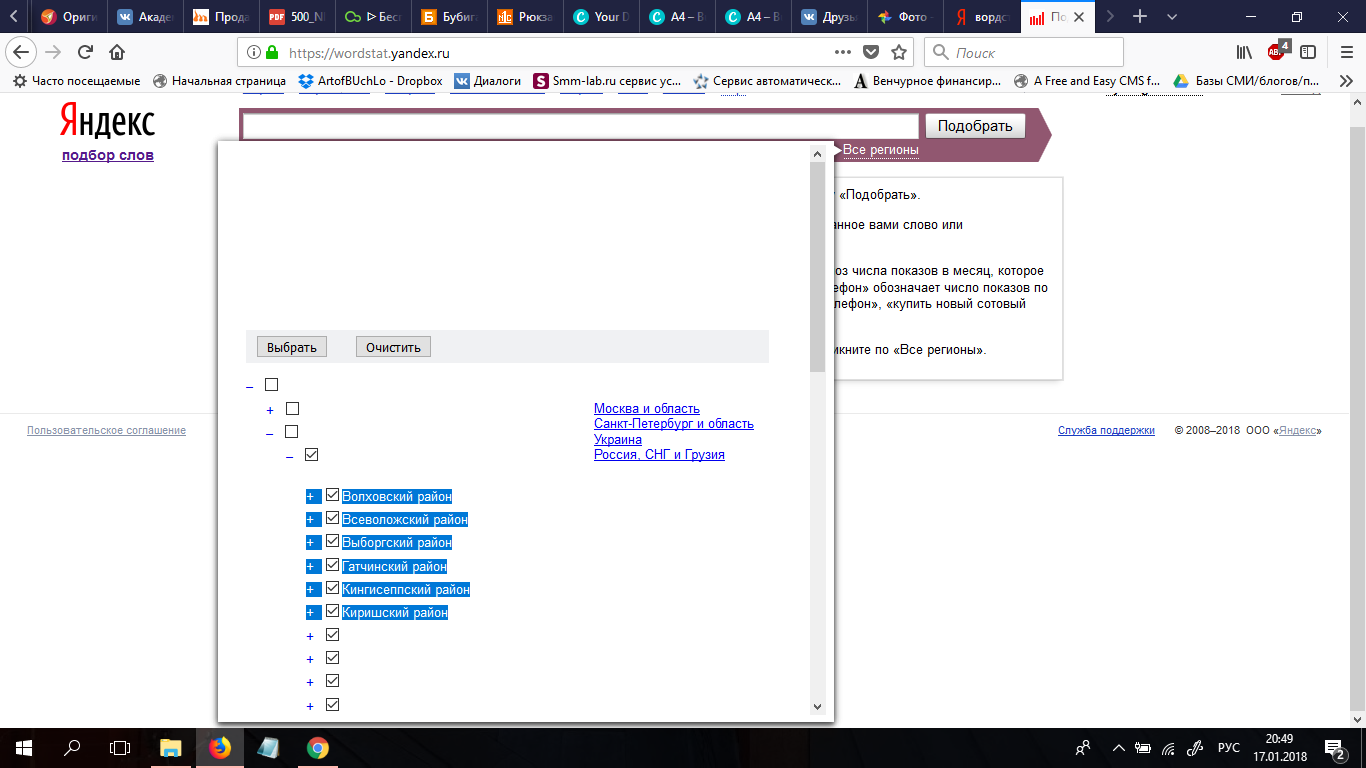
Does that happen on IE11, Edge or Chrome?
No. Edge and Chrome are ok
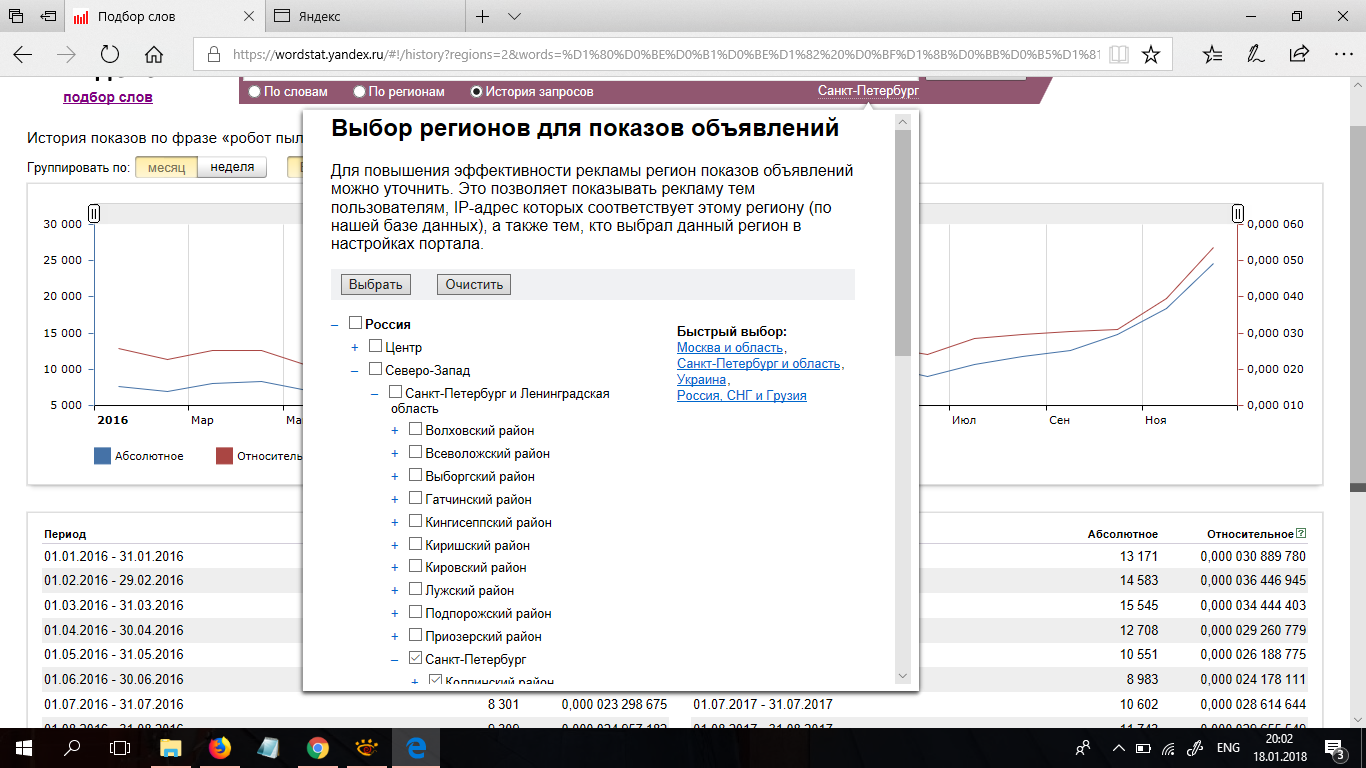
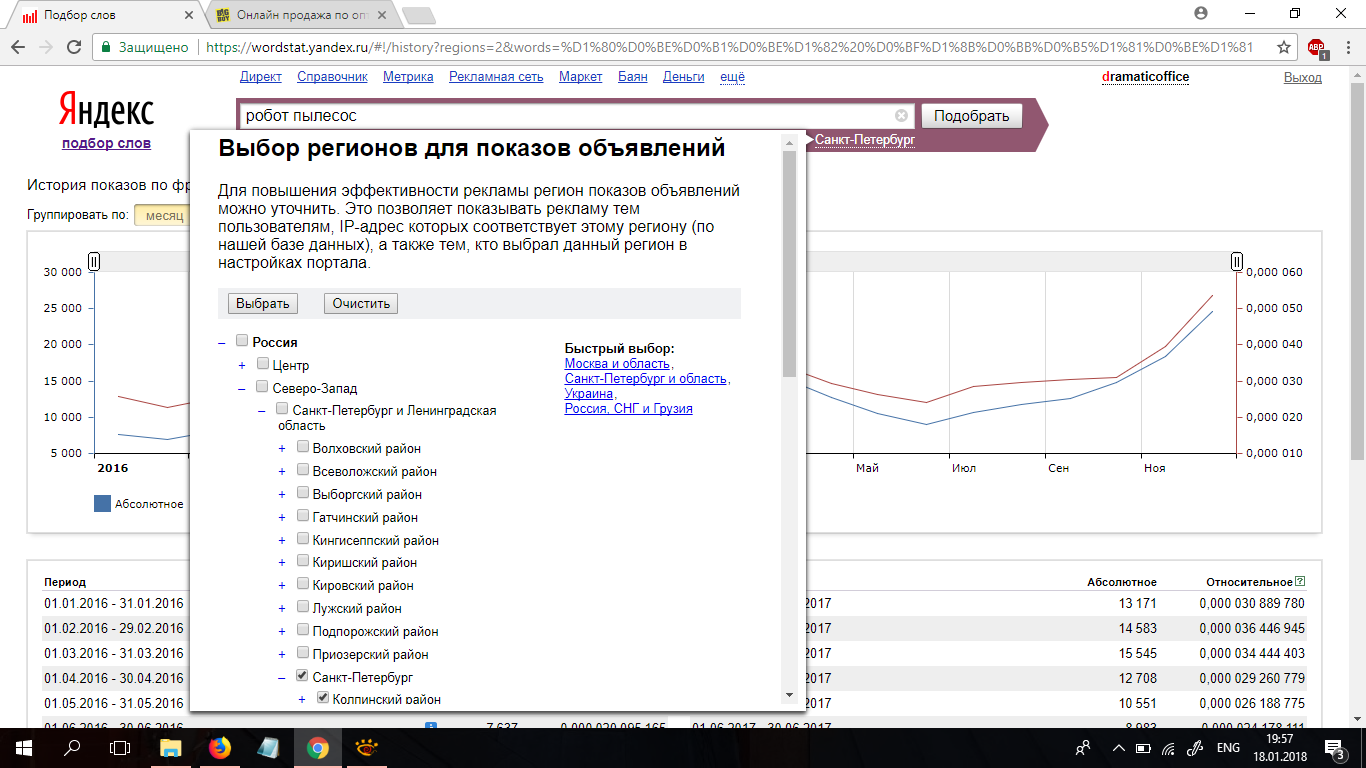
You can check the default colors in case you have changed the text color to white.
- Options/Preferences -> General: Fonts & Colors -> Colors:
The Yandex website uses the Arial font, so you can check for issues with this font.
- font-family: Arial, sans-serif;
It is possible there is a problem with the font that is used to display the text.
You can do a font test to see if you can identify corrupted font(s).
You can try different default fonts and temporarily disable website fonts to test the selected default font.
- Options/Preferences -> General: Fonts & Colors -> Advanced
[ ] "Allow pages to choose their own fonts, instead of my selections above"
Sorry, but it's dont work. Not only yandex, google to and others.
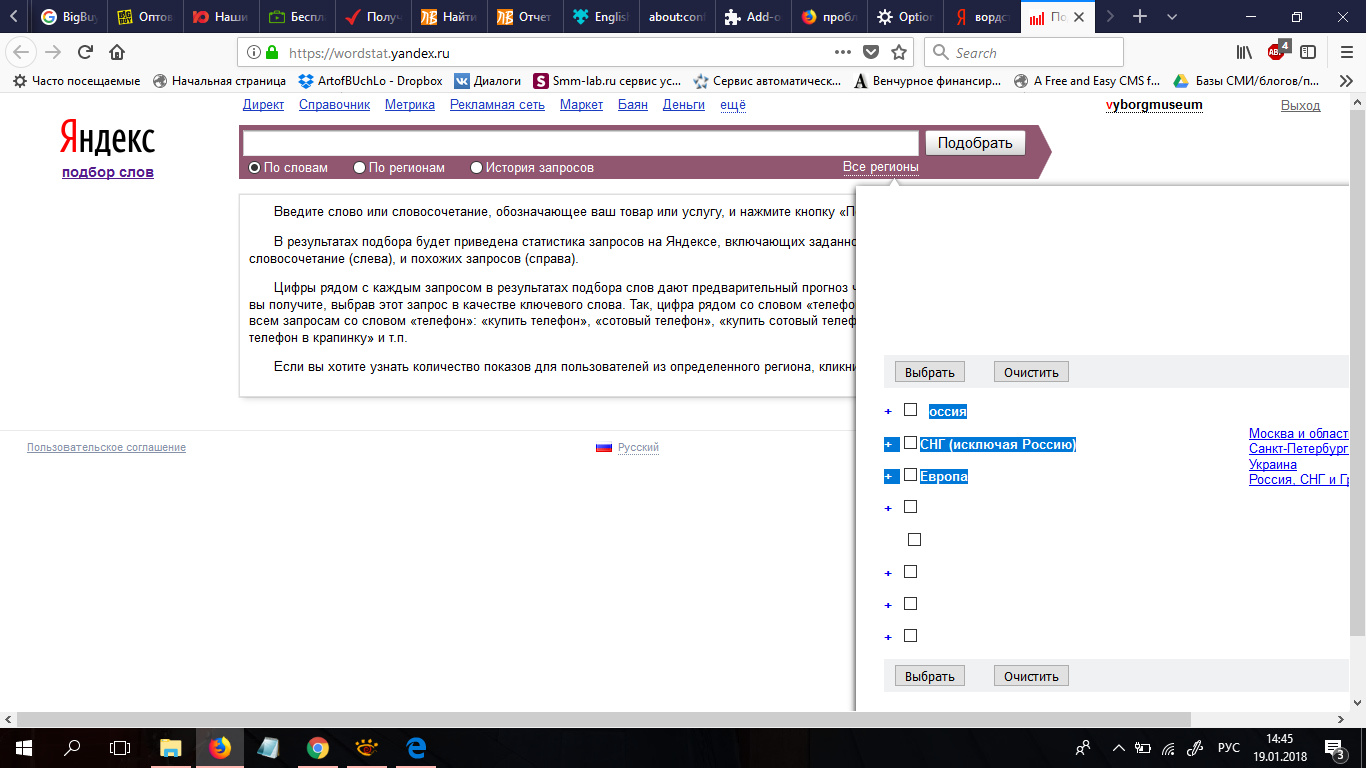
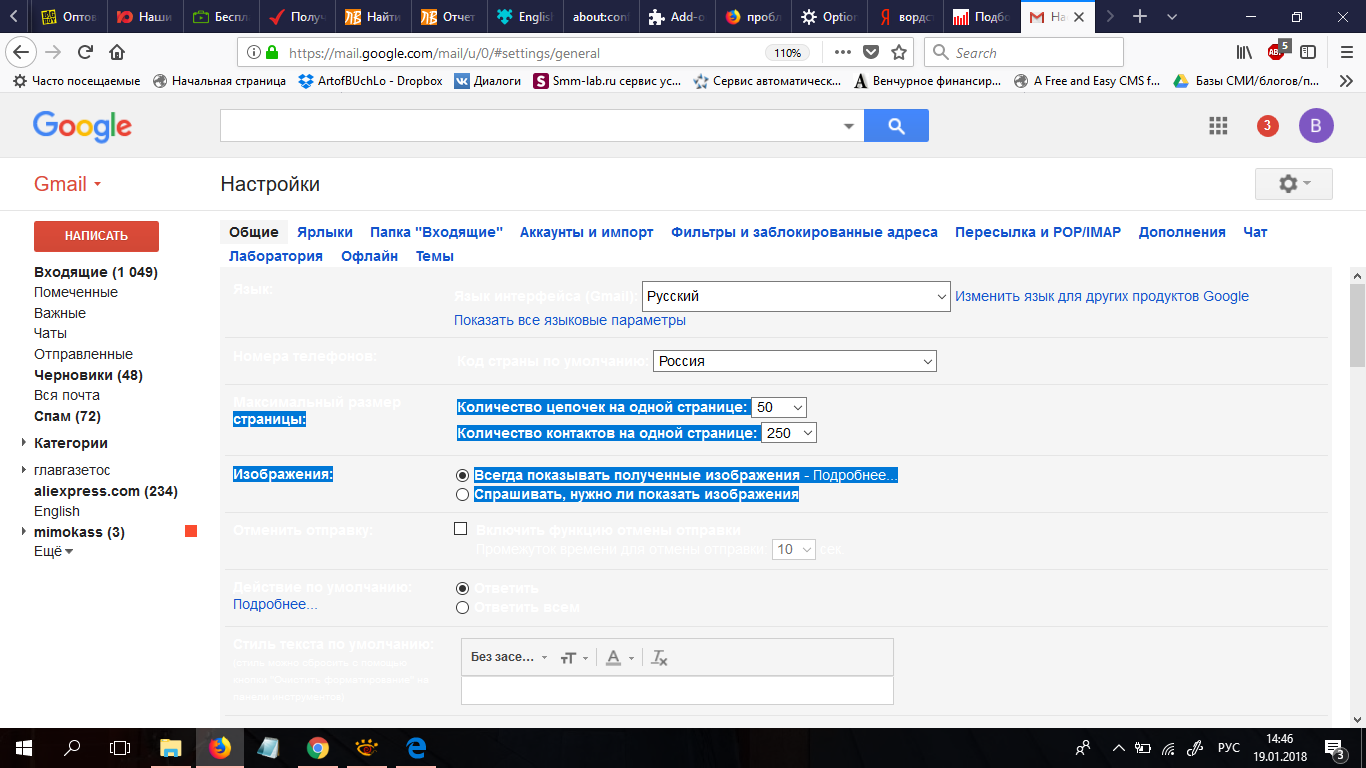
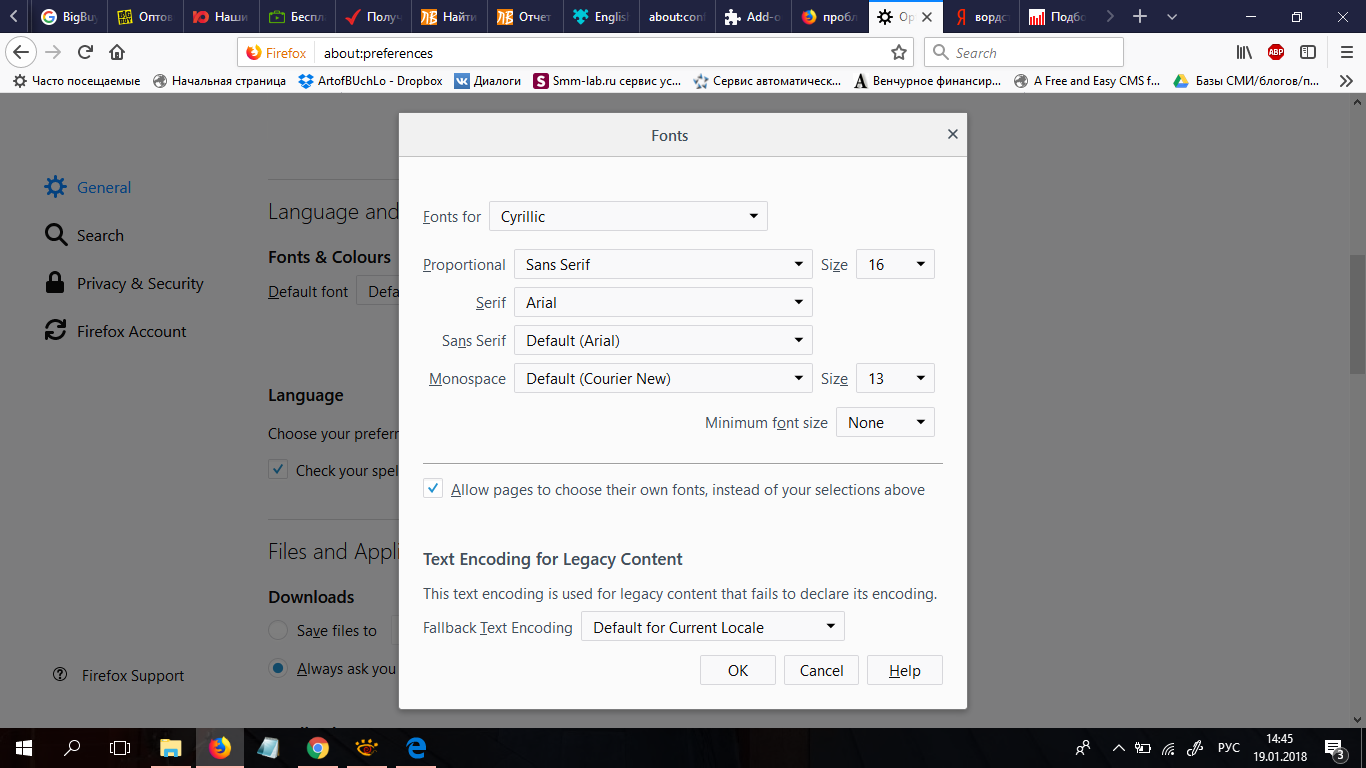
It is possible that there is a problem with the Arial font.
You can paste this data URI in the location/address bar to test the Arial font:
data:text/html,Arial<br><p style="font-family:Arial; font-size:25px;">abcdefghijklmnopqrstuvwxyzABCDEFGHIJKLMNOPQRSTUVWXYZ0123456789}</p>
You can check the font used for selected text in the Font tab in the right pane of the Inspector.
/How_to/View_fonts Note that this is not about the CSS rule that specifies the font-family, but about the font that Firefox actually uses as shown in the Font tab.
You can try to remove the Arial font and/or set another font as the default font like I posted above.
та же проблема