

Ko téma oñeñongatúma.
Ejapo porandu pyahu eikotevẽramo pytyvõ.

Ñongatupyre
Can't delete "special account'
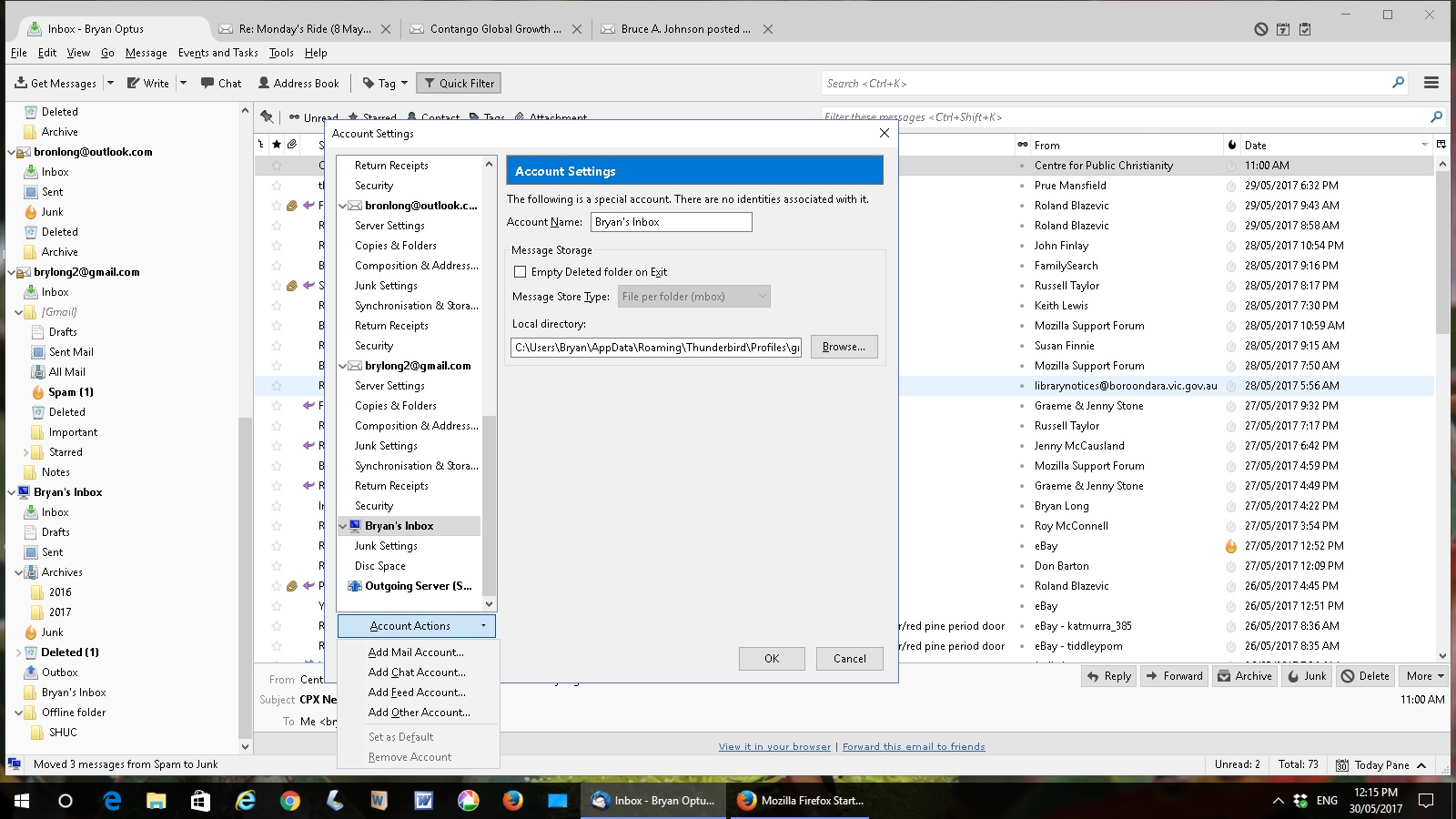
I have several IMAP accounts in Thunderbird but an extra acct has popped up "The following is a special account. There are no identities associated with it."
I think it is a global account but I don't want it and can't delete it. It has no server settings and no folders - just 'junk settings' and 'disk space' and the option to delete is grayed out.
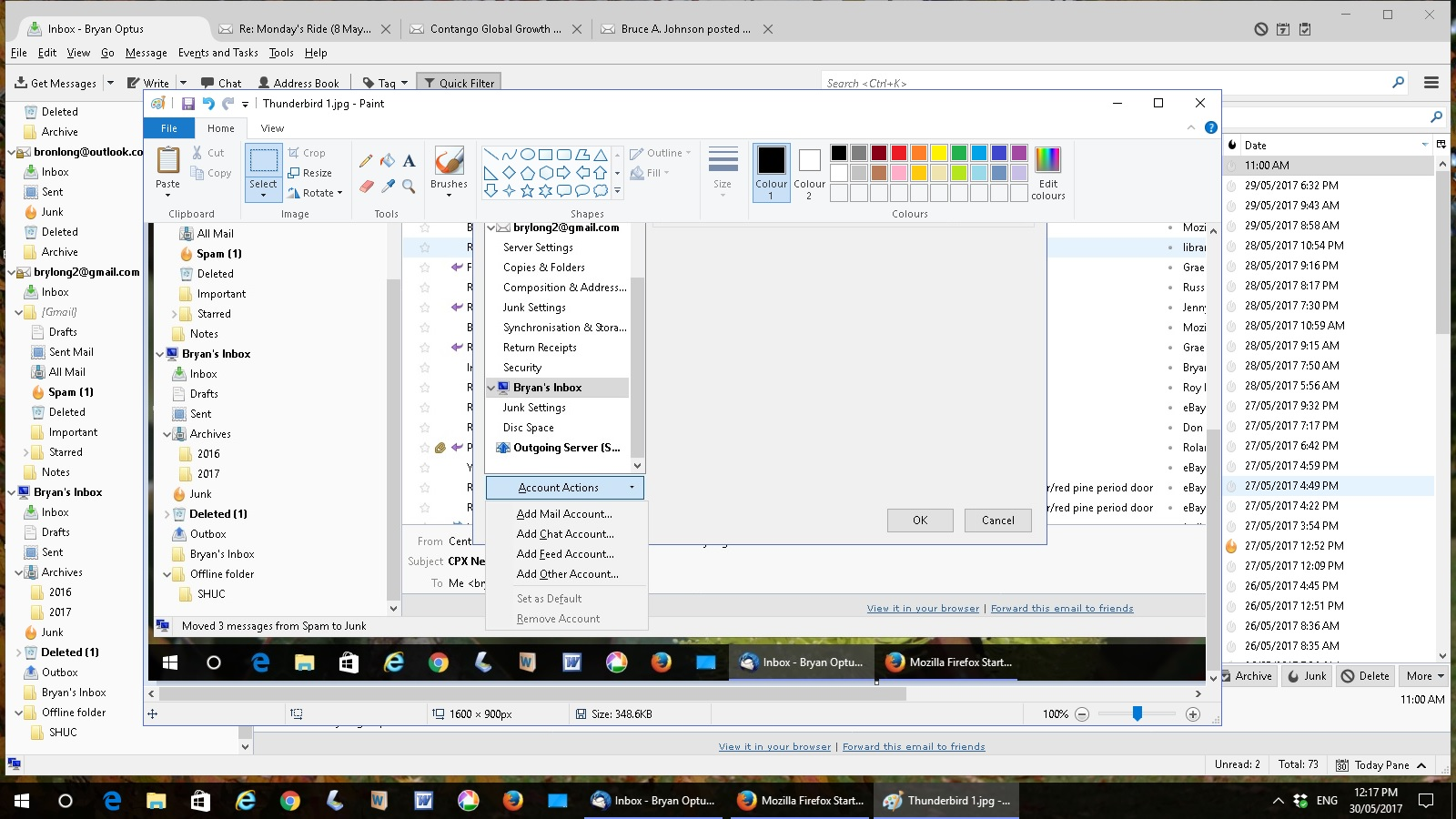
I've added two print screens to show. How do I delete this account?
I have several IMAP accounts in Thunderbird but an extra acct has popped up
"The following is a special account. There are no identities associated with it."
I think it is a global account but I don't want it and can't delete it. It has no server settings and no folders - just 'junk settings' and 'disk space' and the option to delete is grayed out.
I've added two print screens to show.
How do I delete this account?

Opaite Mbohovái (2)

Since I do not see the special account Local Folders listed I can only assume that for some reason you decided to rename it to Bryan's Inbox. The Local Folder account is default to Thunderbird and cannot be deleted.
Moambuepyre user01229325 rupive
It most certainly is (or was) Local Folders.