+ sign for new tabs has disappeared

Since yesterday the plus sign for new tabs has disappeared. Due to an update? This is really bothersome. krs Jens
Since yesterday the plus sign for new tabs has disappeared.
Due to an update?
This is really bothersome.
krs
Jens
All Replies (1)
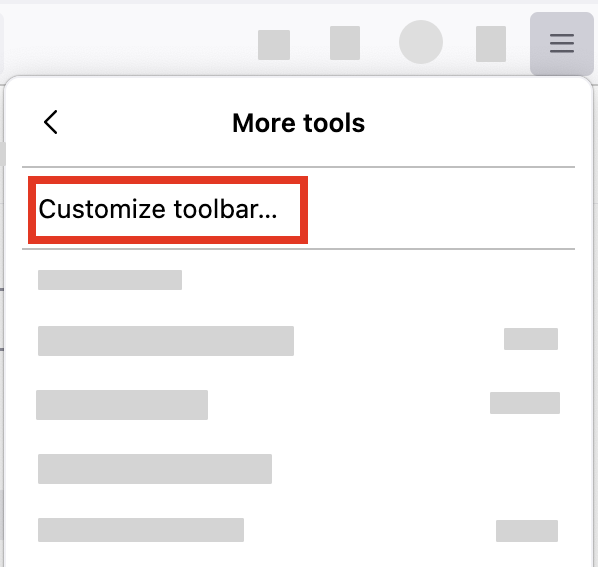
- Click the menu button
 in the top-right corner, click More tools, and choose the Customize toolbar… option.
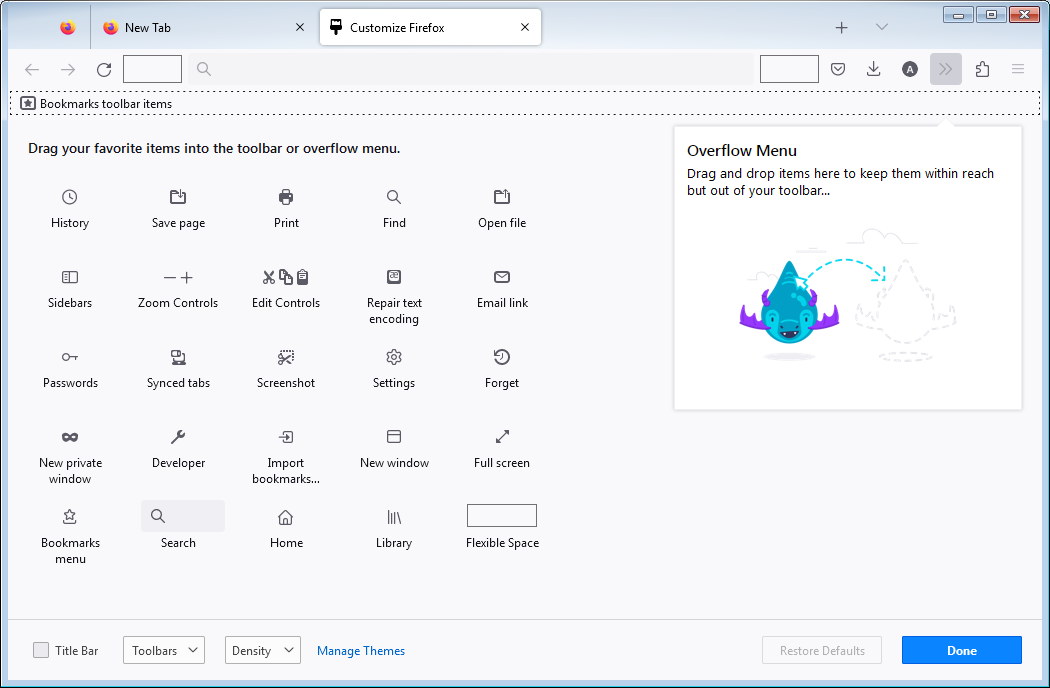
- A special tab will open that allows you to drag and drop items in the toolbar.
- Find your new tab button and move it on your toolbar. Eventually click the Restore defaults button.