


How to add translation direction in Ukrainian ?

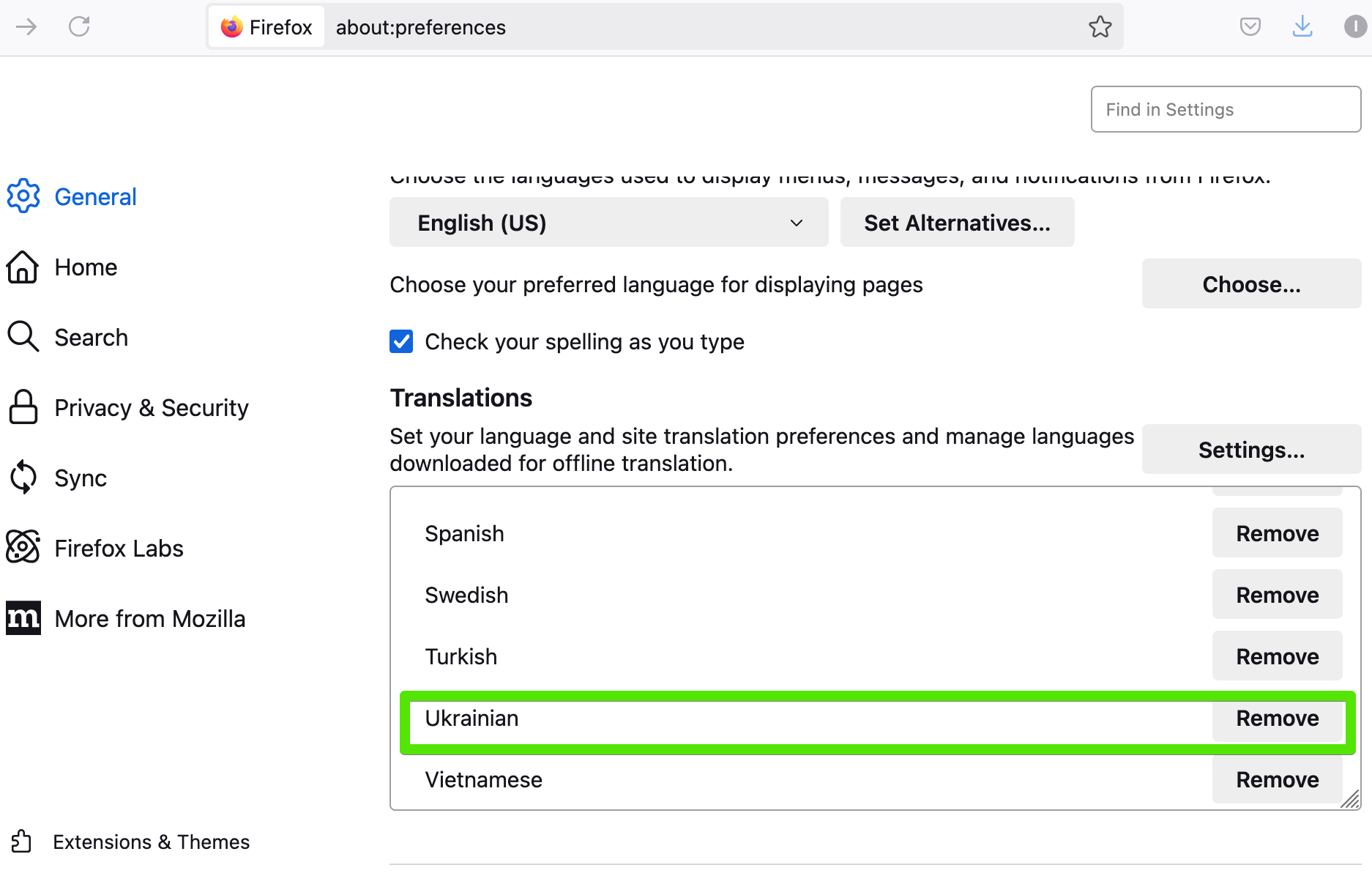
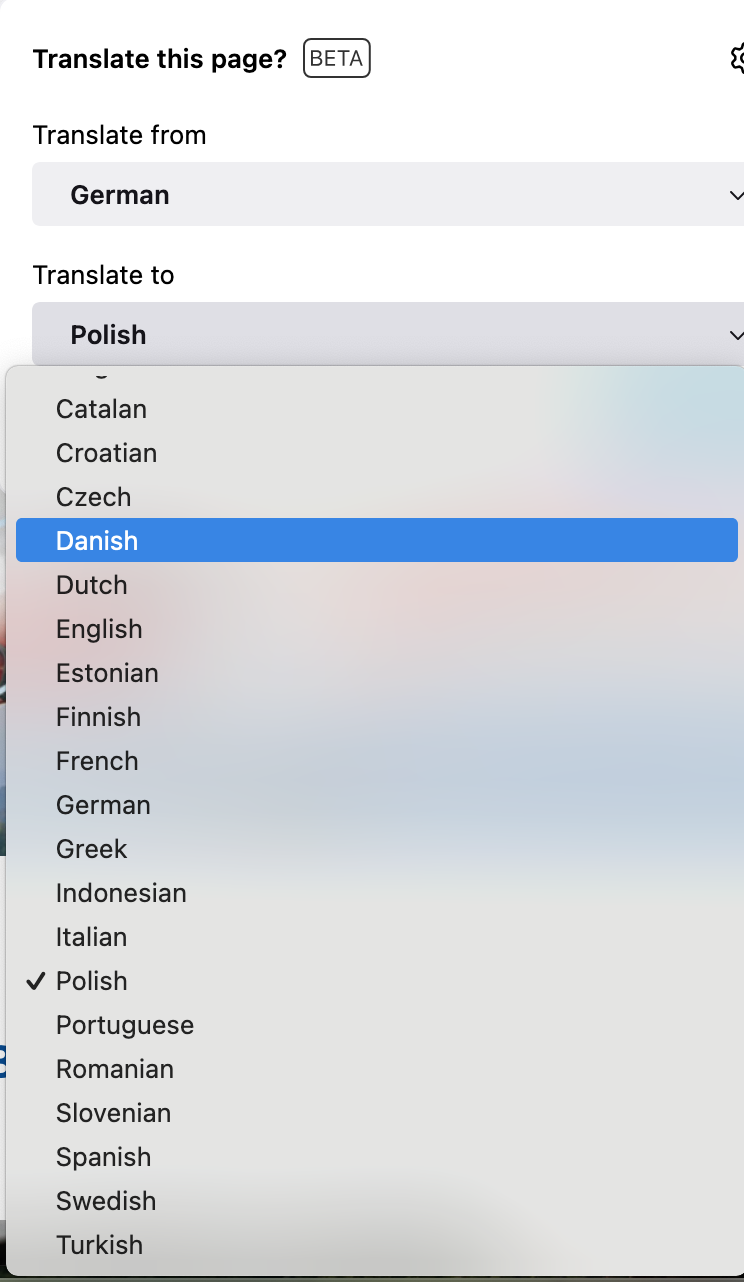
The built-in translation feature in the browser is a great feature. In the settings I have loaded Ukrainian language but when I click on the translation button at the end of the address bar it is not displayed in the list. Can you please tell me what I need to do to display the language I need?
The built-in translation feature in the browser is a great feature. In the settings I have loaded Ukrainian language but when I click on the translation button at the end of the address bar it is not displayed in the list. Can you please tell me what I need to do to display the language I need?
Réiteach roghnaithe
This is uk->en translation. en->uk doesn't have a decent quality yet, you can use it only in the Nightly version.
Read this answer in context 👍 1All Replies (2)
Réiteach Roghnaithe
This is uk->en translation. en->uk doesn't have a decent quality yet, you can use it only in the Nightly version.
thanks for the reply