


youtube videos don't load

youtube videos don't load. Everything is ok in Google chrome.
All Replies (5)
Works for me. see screenshot Show the issue and provide a link to a video not working for you. Did you try Firefox in Troubleshoot Mode? https://support.mozilla.org/en-US/kb/diagnose-firefox-issues-using-troubleshoot-mode#search104
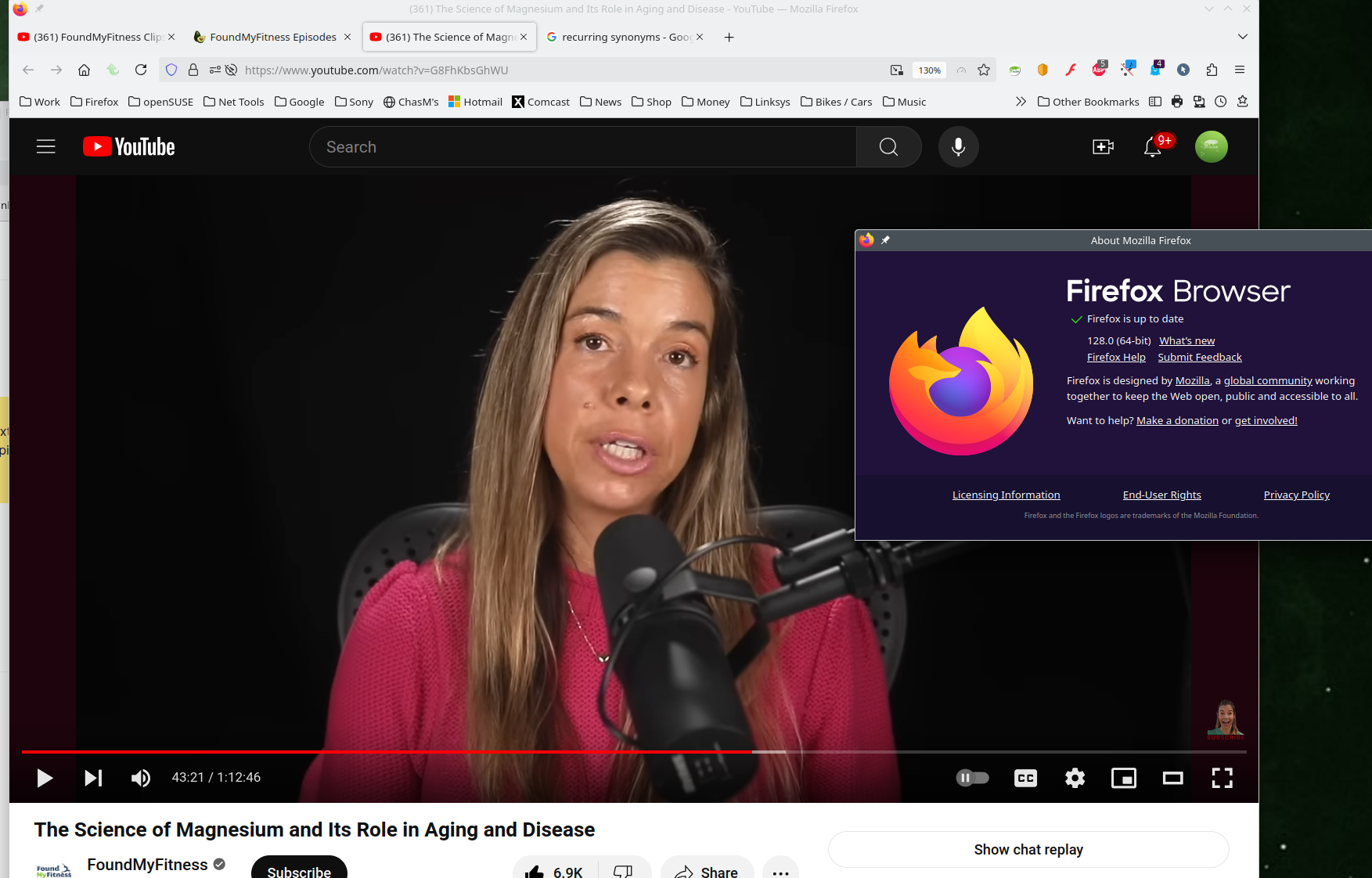
In Troubleshoot Mode, the problem persists.

No problem for me either.
However, I'm on Debian and wonder if the Suse repository edits FireFox somehow as Debian's does. I always get FireFox straight from Mozilla and install it to ~/.bin as the 'official' versions never seem to run as smoothly. I also get the updates more promptly.
You can check the Web Console (Tools -> Web Developer) for messages about blocked content and about the presence of mixed or unsafe content.
You can check the Network Monitor to see if content is blocked or otherwise fails to load.
If necessary use "Ctrl+F5" or "Ctrl+Shift+R" (Mac: Command+Shift+R) to reload the page and bypass the cache to generate a fresh log.
You can check the connection settings and check for possible issues with a Proxy or VPN service.
- Settings -> General -> Network: Connection -> Settings
If you do not need to use a Proxy to connect to internet, select "No Proxy" if "Use the system proxy settings" or one of the others do not work properly.
See also:
Reason: CORS request did not succeed