

Cuireadh an snáithe seo sa chartlann.
Cuir ceist nua má tá cabhair uait.

Cartlannaithe
Browser not opening full screen

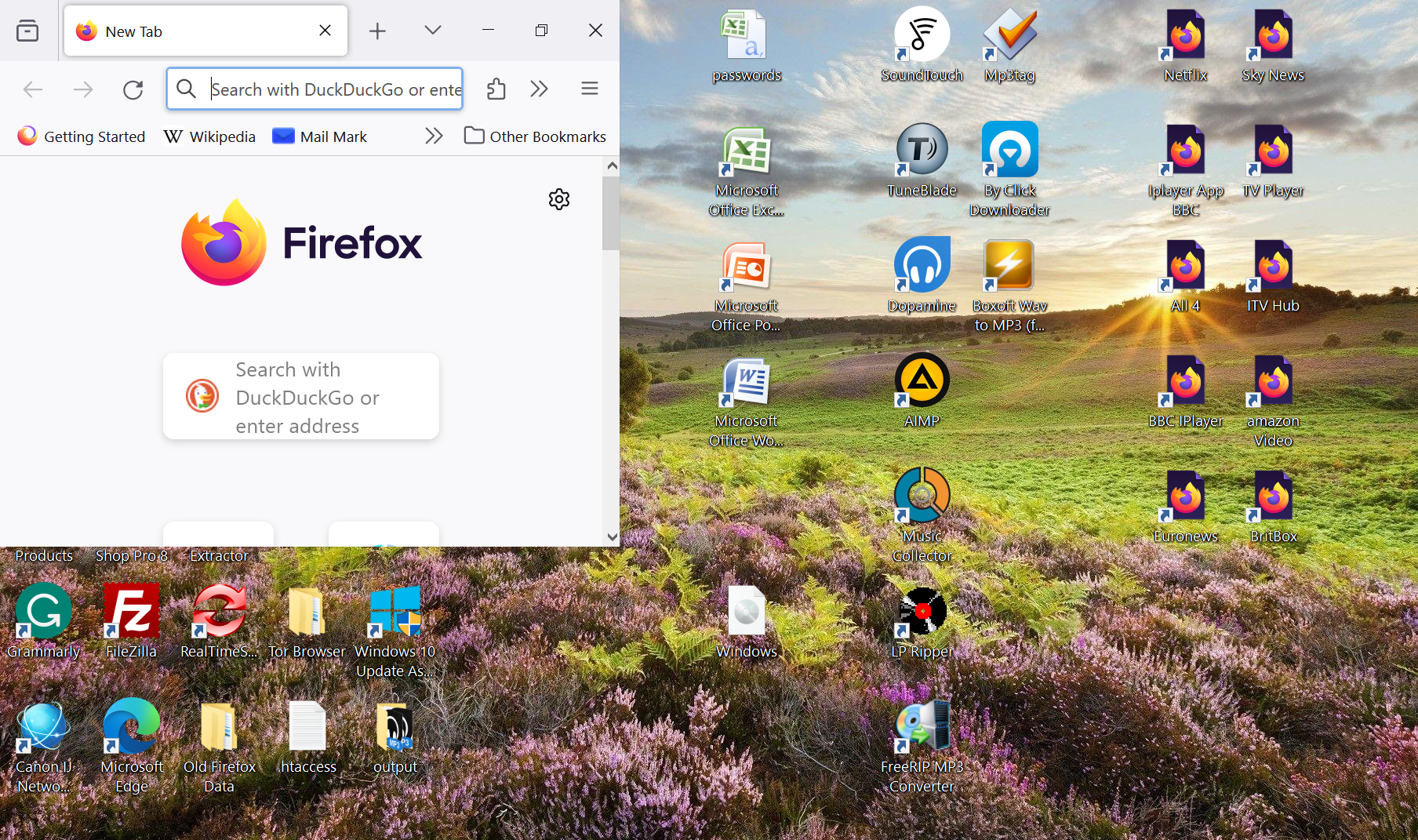
Hello, when I open the Firefox browser from my taskbar it does not open as a full browser page as Image 3.
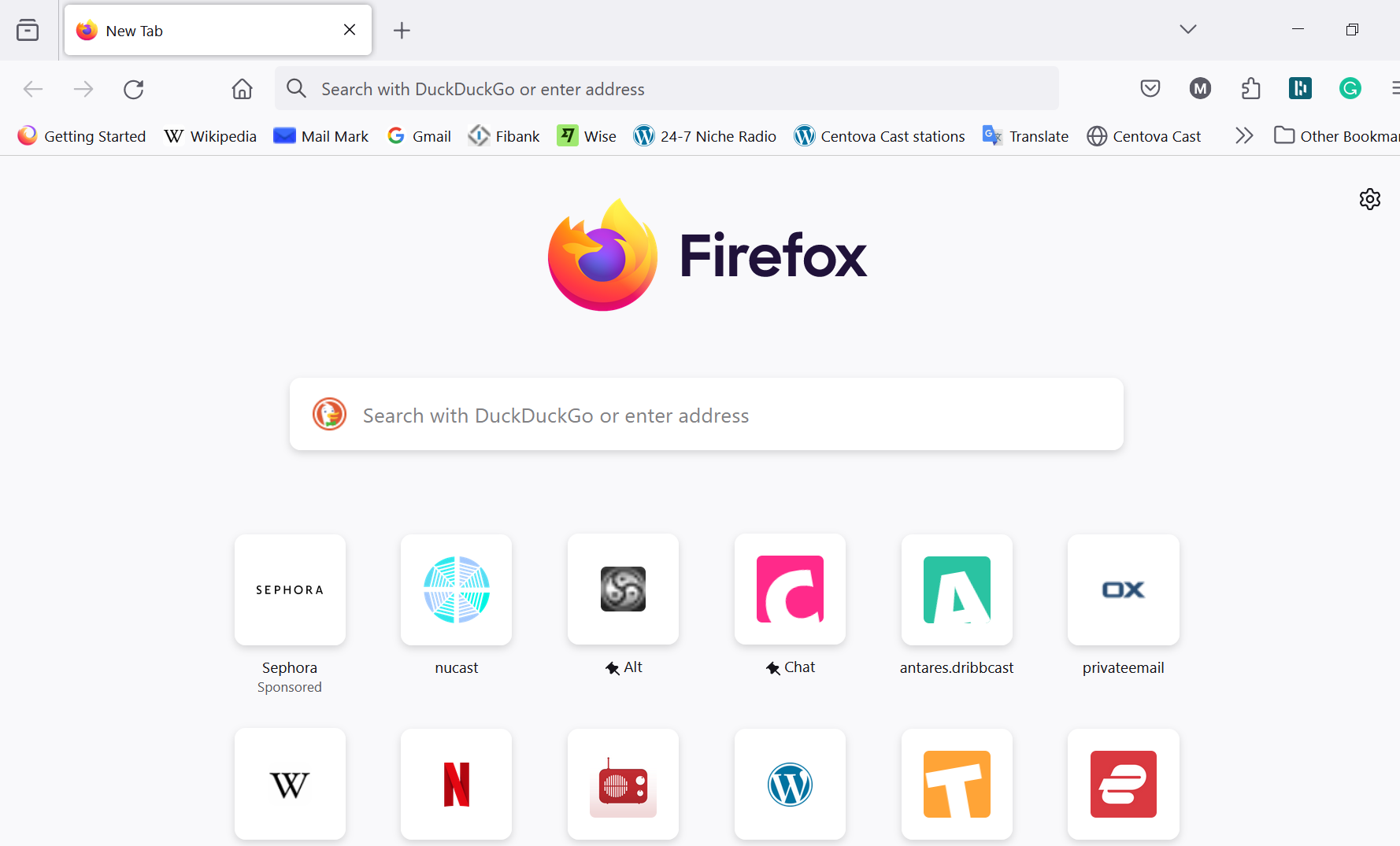
I have to click on the full-screen icon twice to get it open in full screen as in Image 4.
Please can you help?
Hello, when I open the Firefox browser from my taskbar it does not open as a full browser page as Image 3.
I have to click on the full-screen icon twice to get it open in full screen as in Image 4.
Please can you help?
All Replies (1)
Try to rename/remove xulstore.json in the Firefox profile folder with Firefox closed.
You can use the button on the "Help -> More Troubleshooting Information" (about:support) page to go to the current Firefox profile folder or use the about:profiles page (Root directory).
- Help -> More Troubleshooting Information -> Profile Folder/Directory:
Windows: Open Folder; Linux: Open Directory; Mac: Show in Finder - https://support.mozilla.org/en-US/kb/profiles-where-firefox-stores-user-data