


Updating w/o losing config

how to update without losing customizations. Nothing major, I just always end up with effectively a new installation plus bookmarks
All Replies (2)
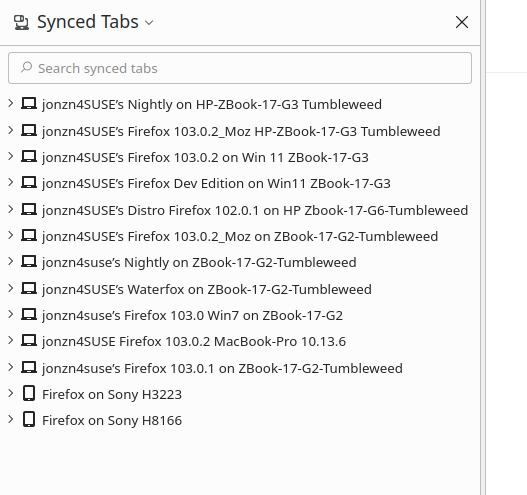
Here's my suggestion... Before updating, download another version of Firefox. As a test, use Beta, Dev, or Nighty and make sure it installs into a different directory than your current version. Sign into Sync in your current and the version of Firefox you downloaded. Make sure the new Firefox has all your data synced over. This is like a backing up your data. Sync will see the different version as another device. see my screenshot When the new version has all your data, then update the old version.
https://www.mozilla.org/en-US/firefox/all/#product-desktop-release https://support.mozilla.org/en-US/kb/how-do-i-set-sync-my-computer https://support.mozilla.org/en-US/kb/how-do-i-choose-what-information-sync-firefox
Athraithe ag jonzn4SUSE ar
This question has been locked because the original author has deleted their account. While you can no longer post new replies, the existing content remains available for reference.