


Is there a way for the basic ENGLISH spell check dictionary to auto update? Its really annoying to have to update the spellcheck dictionary everytime FF updates

Every time FF updates, it forces me to download and install the spell check dictionary for English. It makes me just choose to use another browser since more often than not its opening facebook and I like spell check when I use fb. Is there any solution?
All Replies (5)
The basic English dictionary is built into Firefox, you shouldn't need to install or update it separately. How do I use the Firefox spell checker?
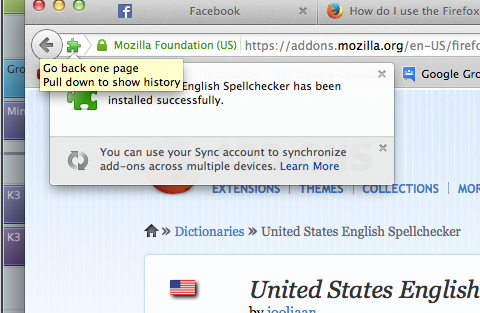
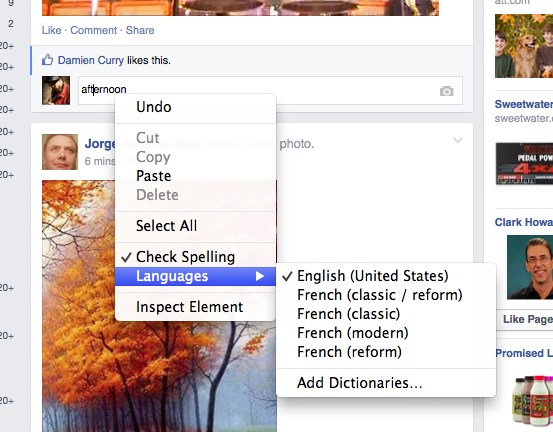
Well every time I go to facebook with Firefox, it chooses French as the default language and will not allow me to choose English. I do have French as one of my languages on FB, so maybe its something with FB, but it happens EVERY time to get an update to FF, and only solution is to download manually the English dictionary here https://addons.mozilla.org/en-US/firefox/language-tools/ It will only then allow me to choose English as the default language to be checking
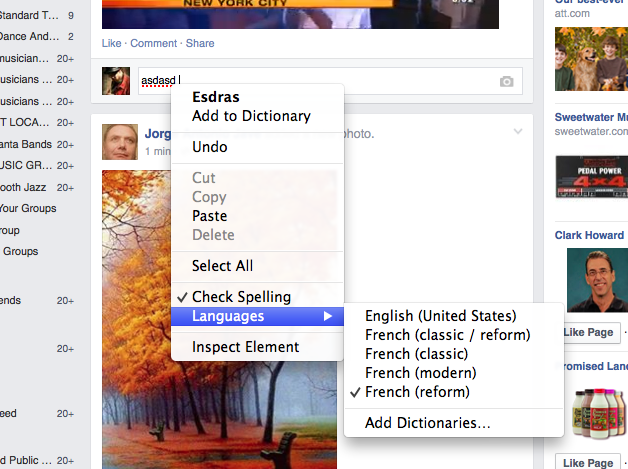
Heres a little tour
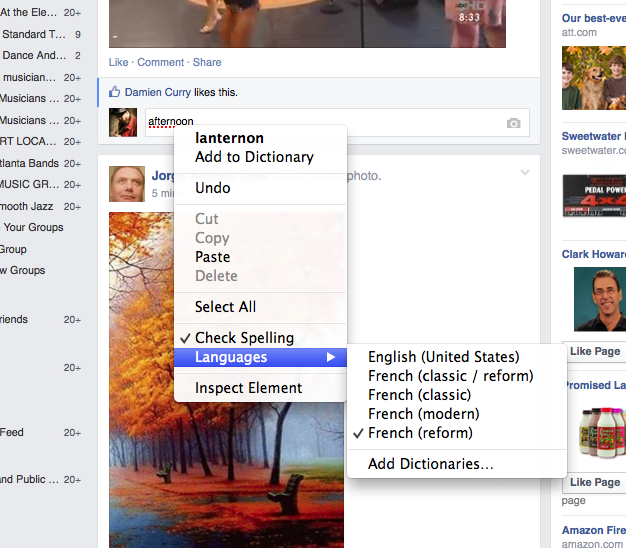
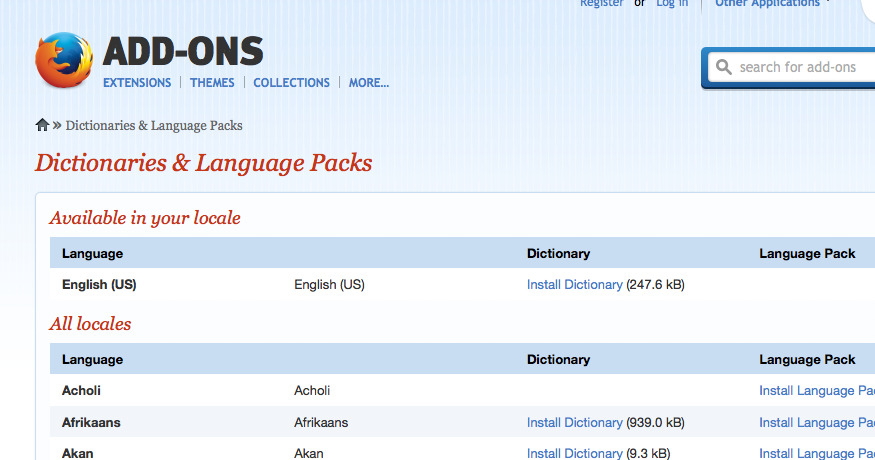
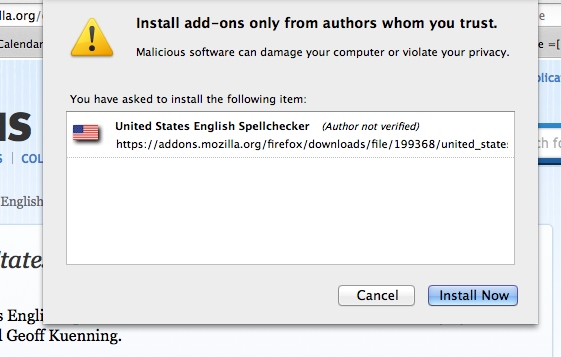
Finally
What Firefox locale do you use? Is that the en-US version or another locale like the French locale?
You shouldn't lose installed dictionaries and other installed extensions when you update Firefox unless you would reset Firefox or a new profile got created for other reasons like problem with the profiles.ini file.
Are there otherwise problems with updating that you notice?
Note that in case you do not need all four French dictionaries then you can remove others and only keep the ones you need. You can find the dictionary files in the dictionaries folder of the extension in the extensions folder in the Firefox profile folder or possibly in the Firefox program folder if you use a French Firefox locale (don't know if that locale includes a dictionary).
You can use this button to go to the currently used Firefox profile folder:
- Help > Troubleshooting Information > Profile Directory: Show Folder (Linux: Open Directory; Mac: Show in Finder)
- http://kb.mozillazine.org/Profile_folder_-_Firefox