


Why is firefox loading some web pages (ex.: google.com) with jargon while others are OK?

Firefox is loading some web pages using jargon or some random language (not a real spoken language, rather a fake jargon language)... sites affected so far are cnn.com, chicagotribune.com, google.com... but sites like craigslist.org are OK. All sites are able to be loaded properly using Safari.
I uninstalled my current Firefox, reinstalled it again from the firefox download site, and the same thing is happening.
Screenshots are posted below in the replies.
Bewurke troch kcas10 op
Keazen oplossing
You can do a check for corrupted fonts and other font issues:
http://www.creativetechs.com/iq/garbled_fonts_troubleshooting_guide.html - CreativeTechs Tips: Garbled Fonts Troubleshooting Guide
http://www.thexlab.com/faqs/multipleappsquit.html - Font Book 2.0 Help: Checking for damaged fonts
If you have Mac OS X 10.6 (now Leopard) then also see:
http://forums.mozillazine.org/viewtopic.php?f=38&t=1461325 - snow leopard fonts (restart the font server)Dit antwurd yn kontekst lêze 👍 2
Alle antwurden (3)
here are screen shot examples. i have tried to change the language settings, and that makes no difference.
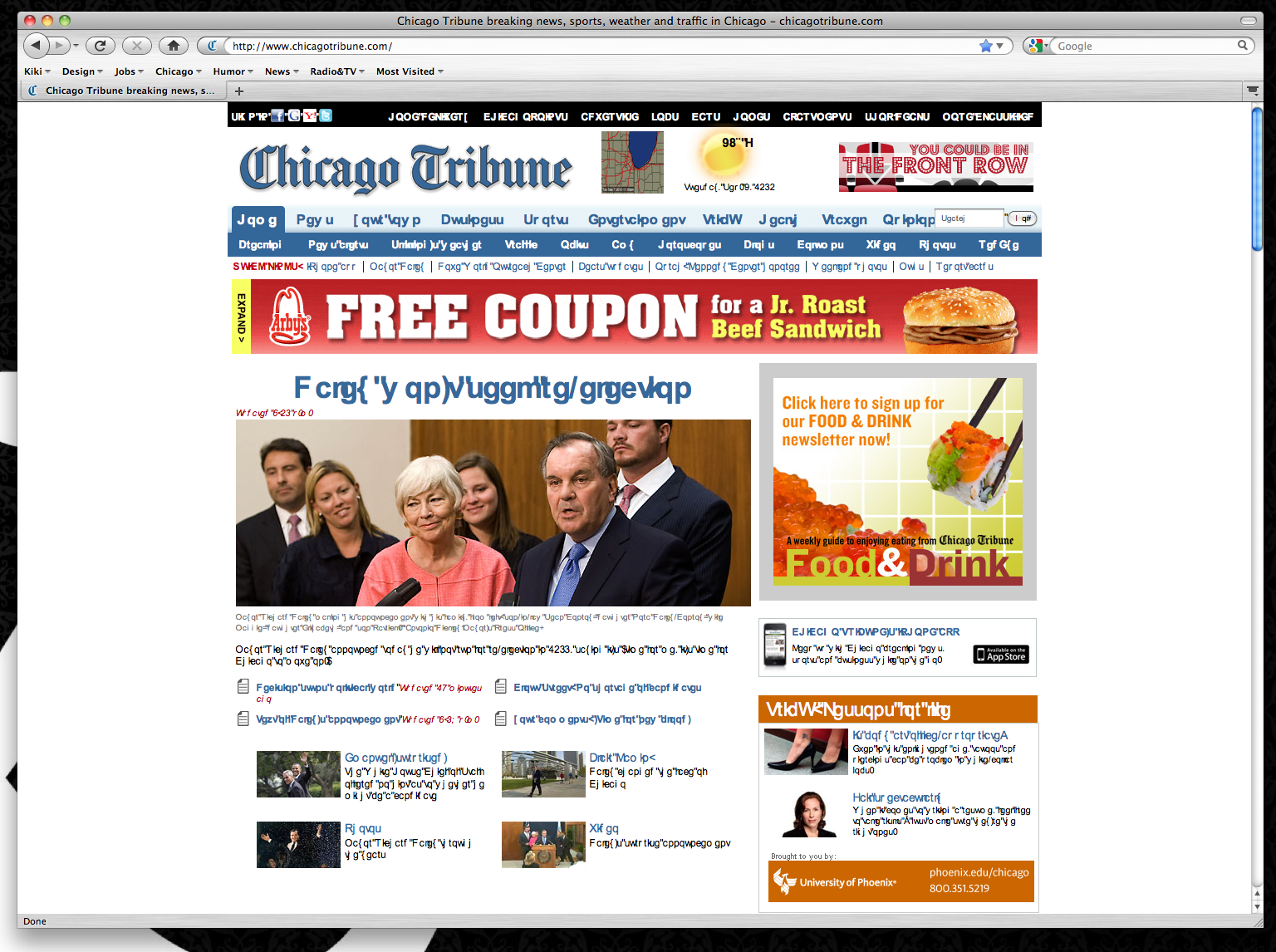
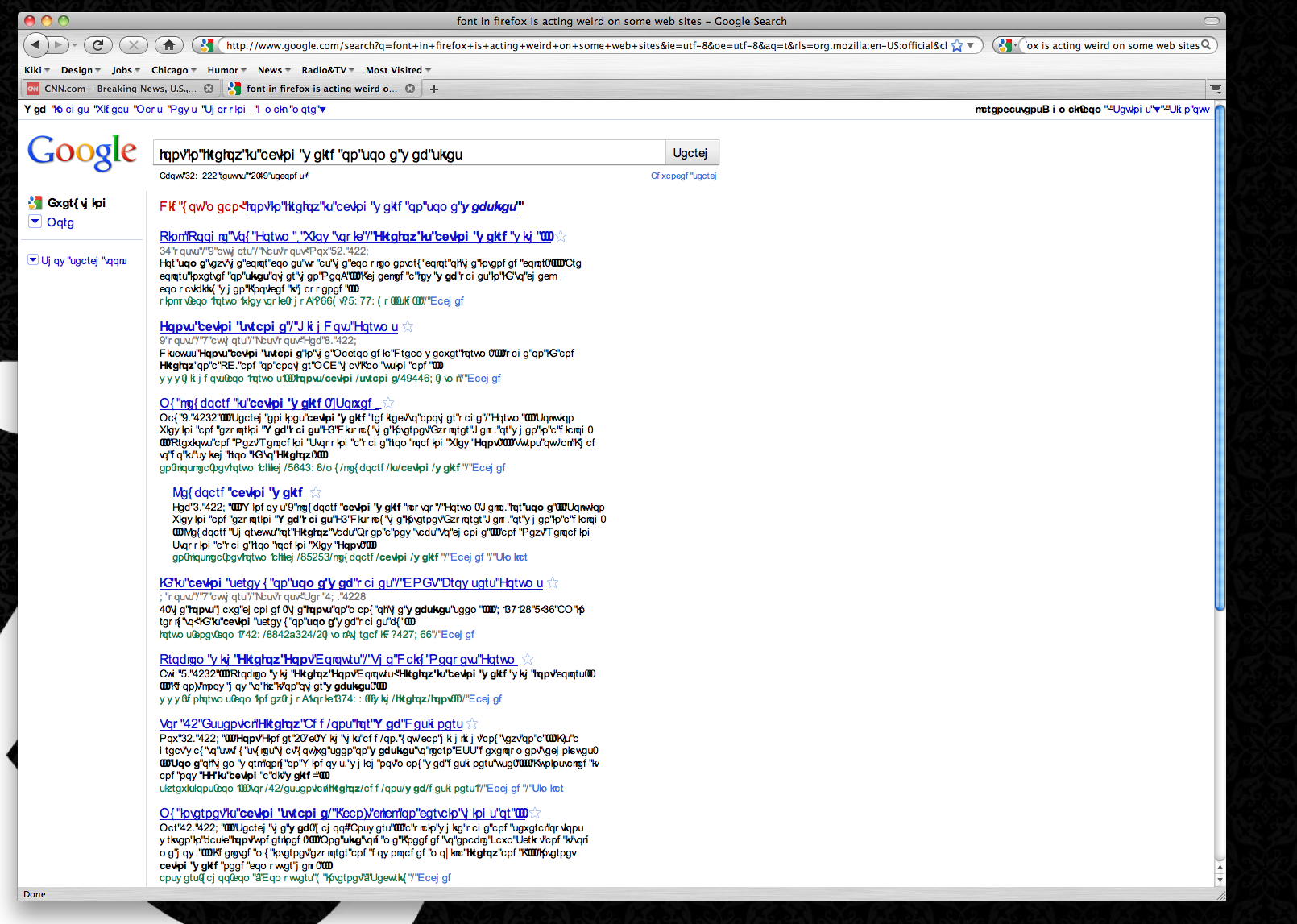
Bewurke troch kcas10 op
Keazen oplossing
You can do a check for corrupted fonts and other font issues:
http://www.creativetechs.com/iq/garbled_fonts_troubleshooting_guide.html - CreativeTechs Tips: Garbled Fonts Troubleshooting Guide
http://www.thexlab.com/faqs/multipleappsquit.html - Font Book 2.0 Help: Checking for damaged fonts
If you have Mac OS X 10.6 (now Leopard) then also see:
http://forums.mozillazine.org/viewtopic.php?f=38&t=1461325 - snow leopard fonts (restart the font server)
genius. thank you so much. all is fixed.