


updated to 153.0.3 and no folders.

Auto updated to 153.0.3 and no folders are shown, only inbox & trash. How do I get them back? On silicon M1 iMac, 14.8.5.
Alle antwurden (10)
Does this concern a POP account? Was the Folder pane empty after the update and did you recreate the POP account? Newly created POP accounts only have an Inbox and a Trash folder in the beginning; other folders like Sent or Drafts are added when you send your first message or when you save a message as draft.
Interesting. Yes it is a POP account. I may have recreated the account as it was the only option I saw to get back my mail.
How can I get back the folders?
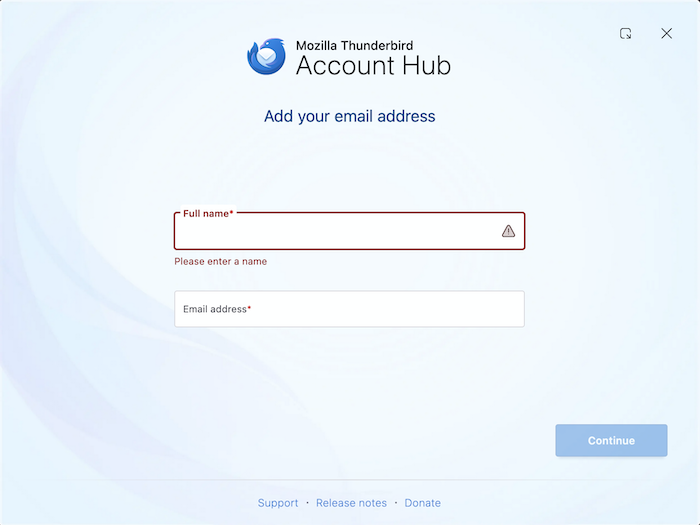
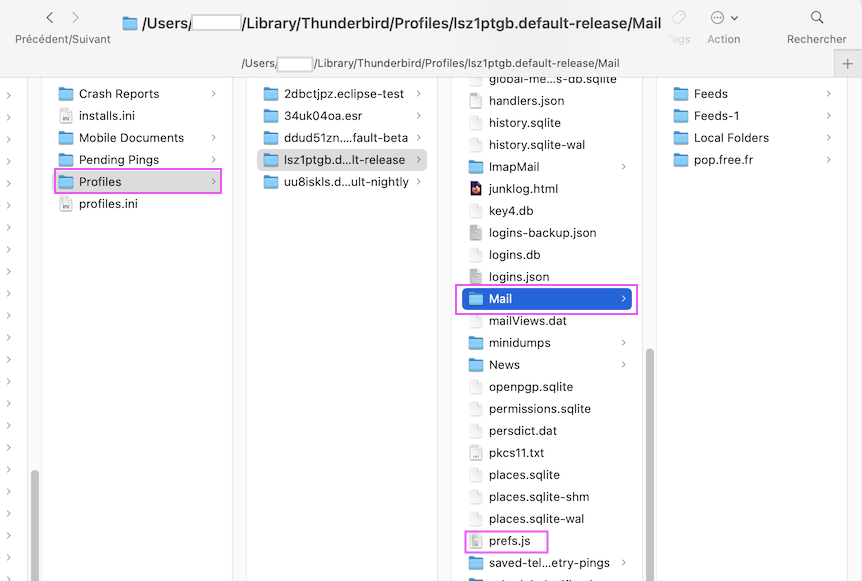
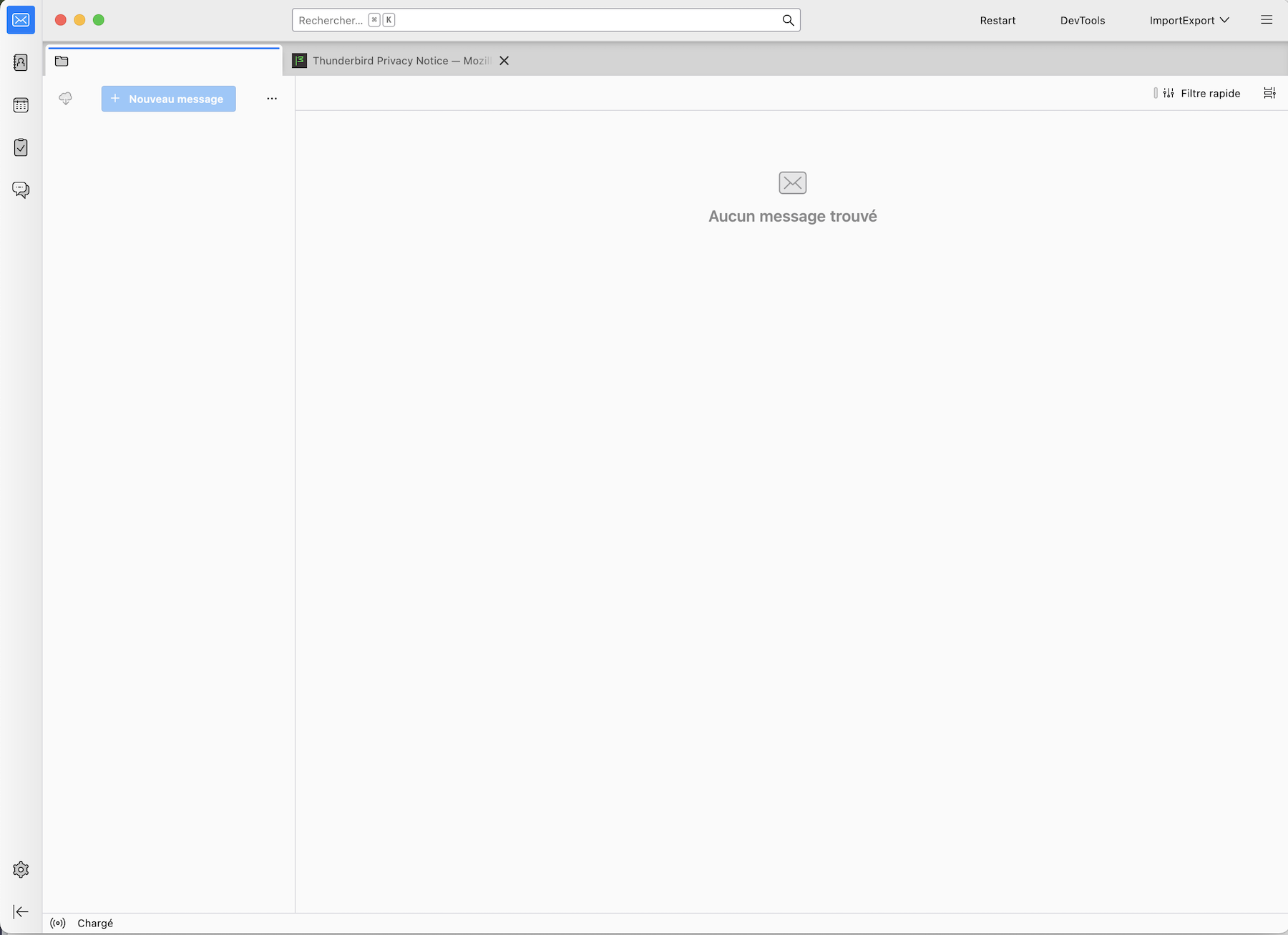
There is not enough information about what was really happening after the update to make a diagnosis. Did Thunderbird display a nearly empty start page like in the 1st image I join to my message? Or did it open with a start page showing the Account Hub prompting to add your email address (2nd image)?
In Thunderbird now go to Help > Troubleshooting Information > Profile Folder > Show in Finder, then exit Thunderbird. In the profile folder open the "Mail" folder and make a screenshot of its contents. Look for a prefs,js file and retrieve its size; also look for a possible prefs-1.js file.... Then go one level higher in the folder "Profiles" and make a screenshot of its contents . To help you navigate in the Finder I add a screen shot with my Thunderbird profiles (3rd image)
I do not find a prefs.js file in the mail folder or in any of the three Mail folders

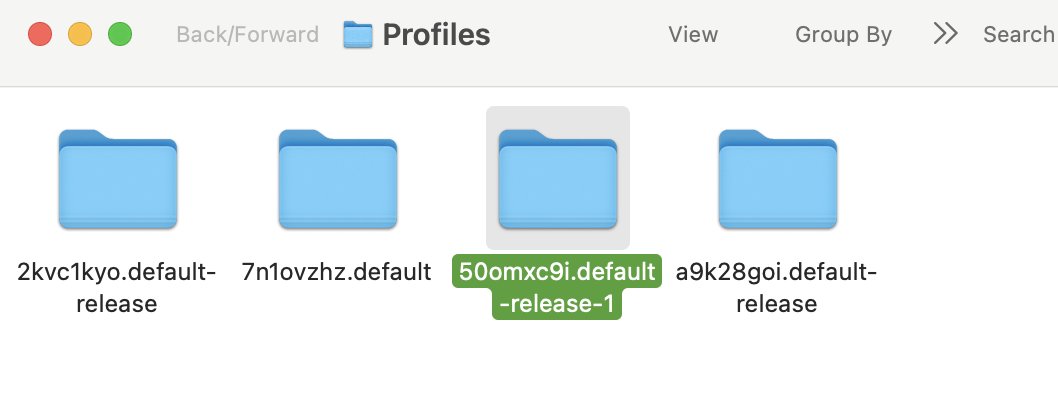
Did you look in the "green" xxxxxxxx.default-release-1 profile folder? The prefs.js file is located directly in the profile folder and not in Mail folders.
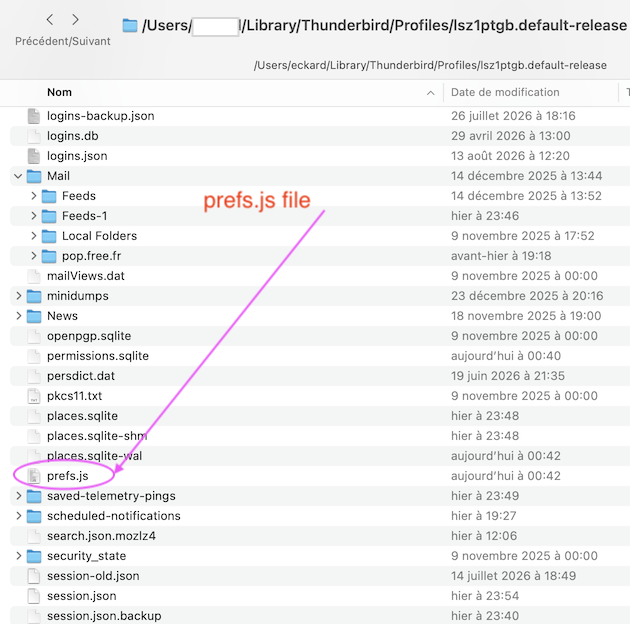
I think this is what you were looking for prior. contents 12KB
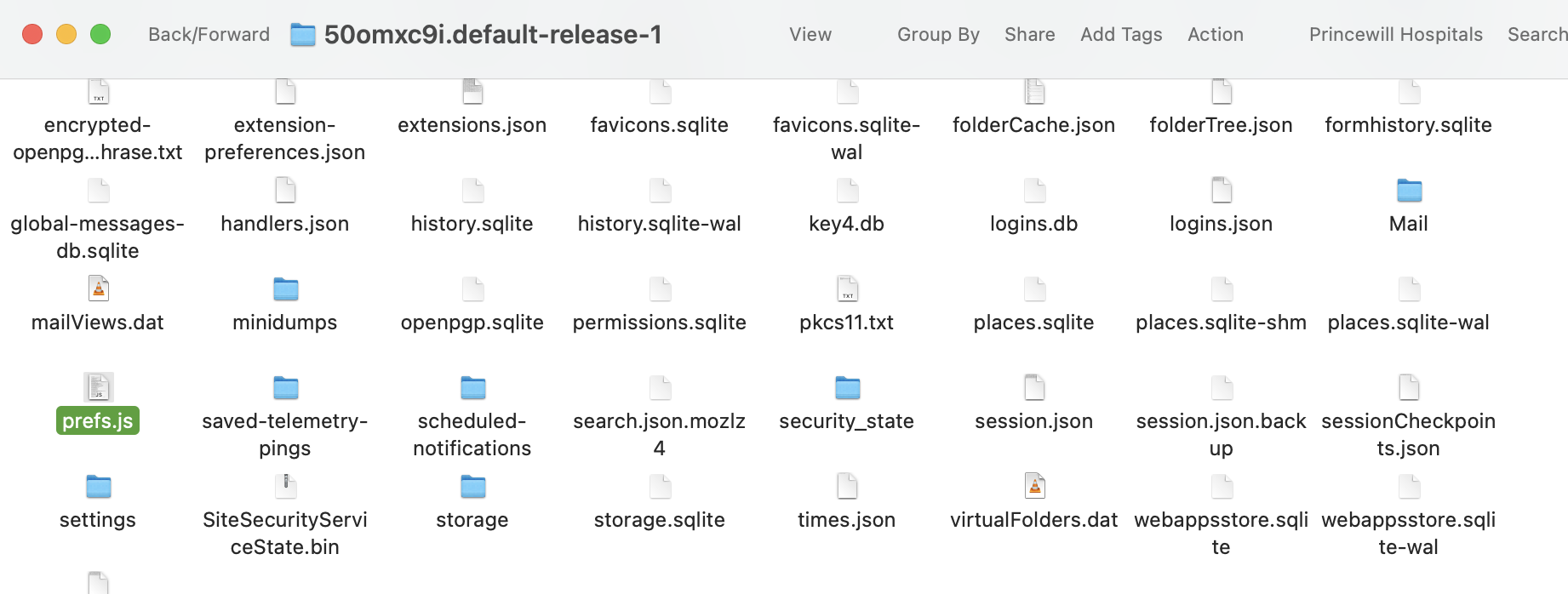
When I compare the 12 kB size of your prefs.js file with prefs.js files in my test profiles, my conclusion is that your prefs.js corresponds to a profile containing only one email account. Probably this profile "default-release-1" has been created recently for an unknown reason. And since there are FOUR profile folders in "Profiles" we will have to find out which profile you had used lately. How many email accounts did you use previously and were they POP or.IMAP accounts?
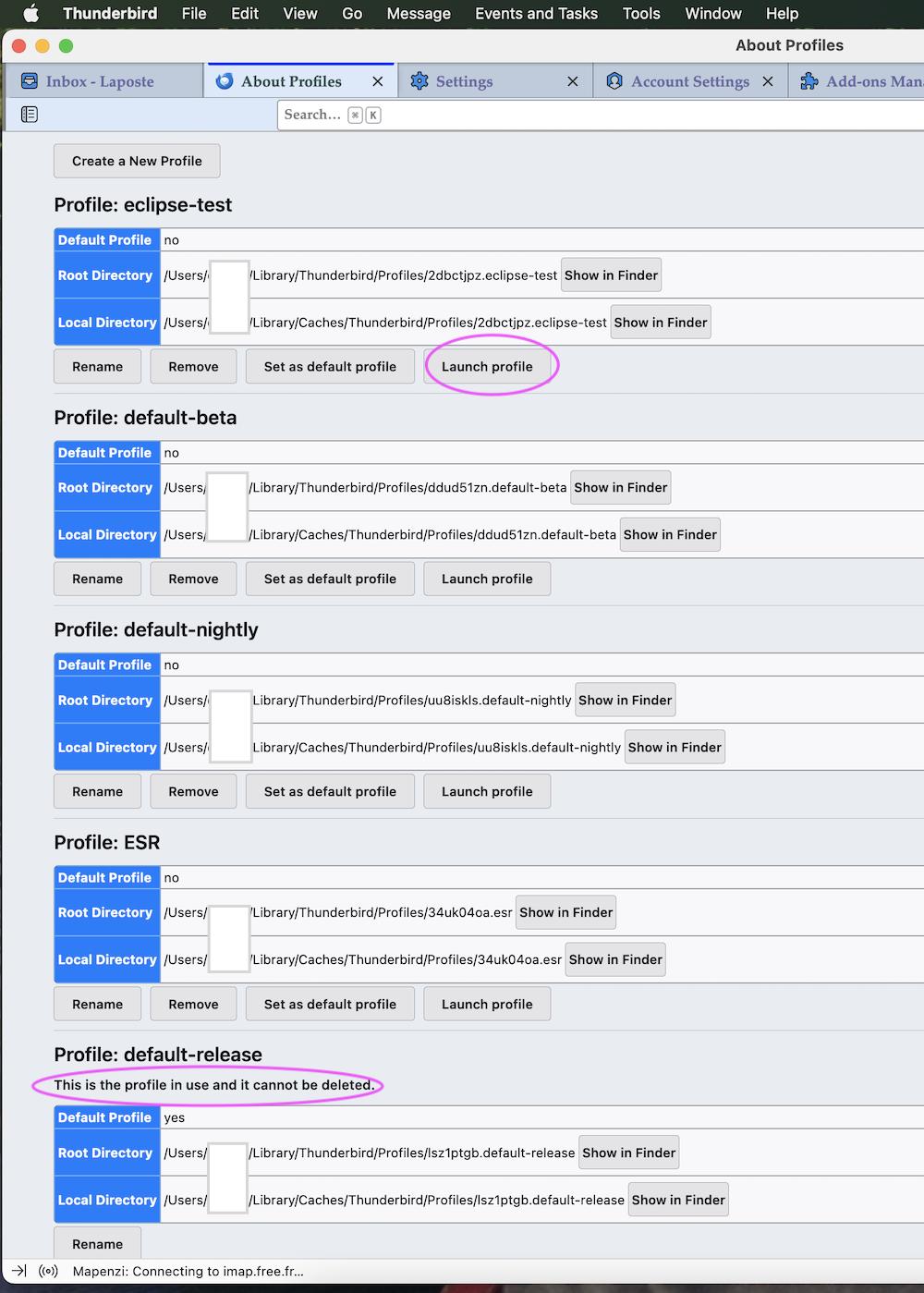
In Thunderbird now go to Help > Troubleshooting Information > Profiles > about:profiles ... You'll see a new tab "About Profiles" which displays all your profiles and the paths to their local storage directories (see my attached screenshot) First identify and note the "Profile in use" which is the one you just opened in Thunderbird; it should be profile "50omxc9i.default-release-1" Now go to profile "a9k28goi.default-release" and click the button "Launch Profile". Immediately a second Thunderbird instance will appear in the Dock and you'll have click on this second Thunderbird Dock icon to bring the Thunderbird window of the "default-release-1" in the foreground. Verify if it contains - or not - your old accounts, folders and messages. If this is not the profile you used recently exit this Thunderbird instance, go back to About Profiles in the first instance, look for profile "2kvc1kyo.default-release", hit "Launch Profile" .... etc until you identify your old profile.
Bewurke troch Mapenzi op
I have only had one account and that is a POP account. The old profile with the missing folders is not in the profile group presently showing up in troubleshooting.
My saved backup profiles prior to the update are as shown in the attachment. But of course they are not identified in the current profile list. These saved profiles are typically about 100GB or so with all of the missing files. How can I get them back?
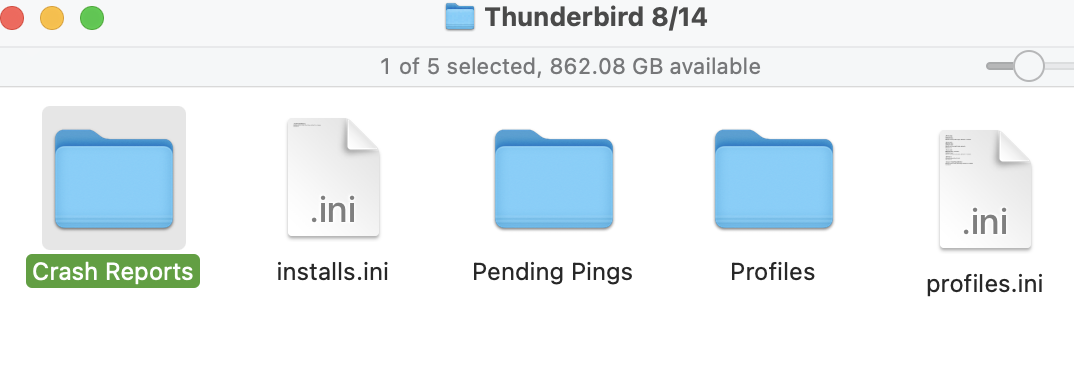
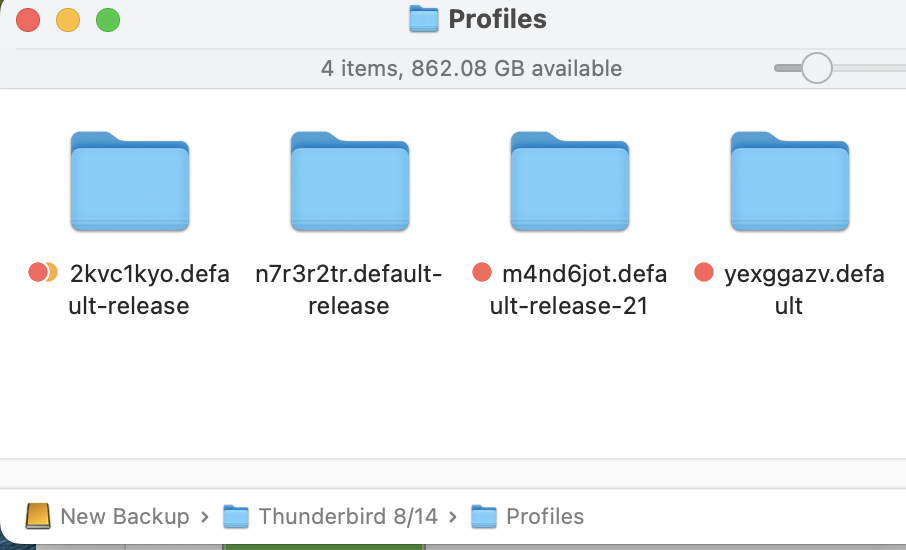
Thanks, but I accessed the Profile Manager, added in my old saved profiles just prior to the update, restarted, and everything has been restored!
Thumbs up!! Thank you for your feedback!