


Not Syncing with my desktop...
I have my phone and desktop synced but it won't fill in my current passwords!
Alle antwurden (4)
Hi Steven,
Have you made sure that password syncing is enabled? Please see the attached screenshot of the Mozilla account settings section in Firefox for Android.
Also, could you check when Sync was last completed? That information may help identify where the issue is occurring. It’s possible that your data has synced correctly, but Firefox for Android is unable to autofill your password for another reason.
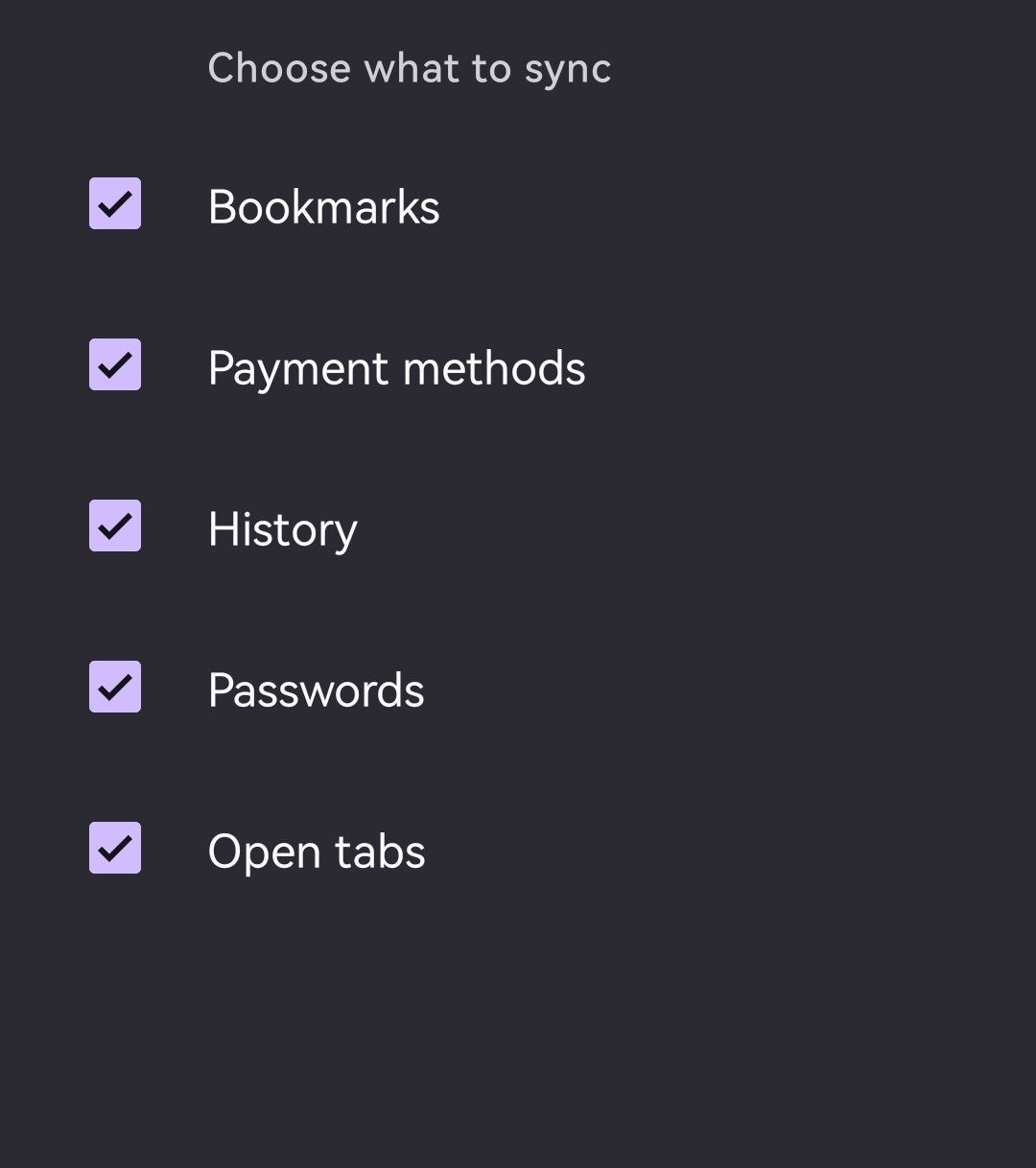
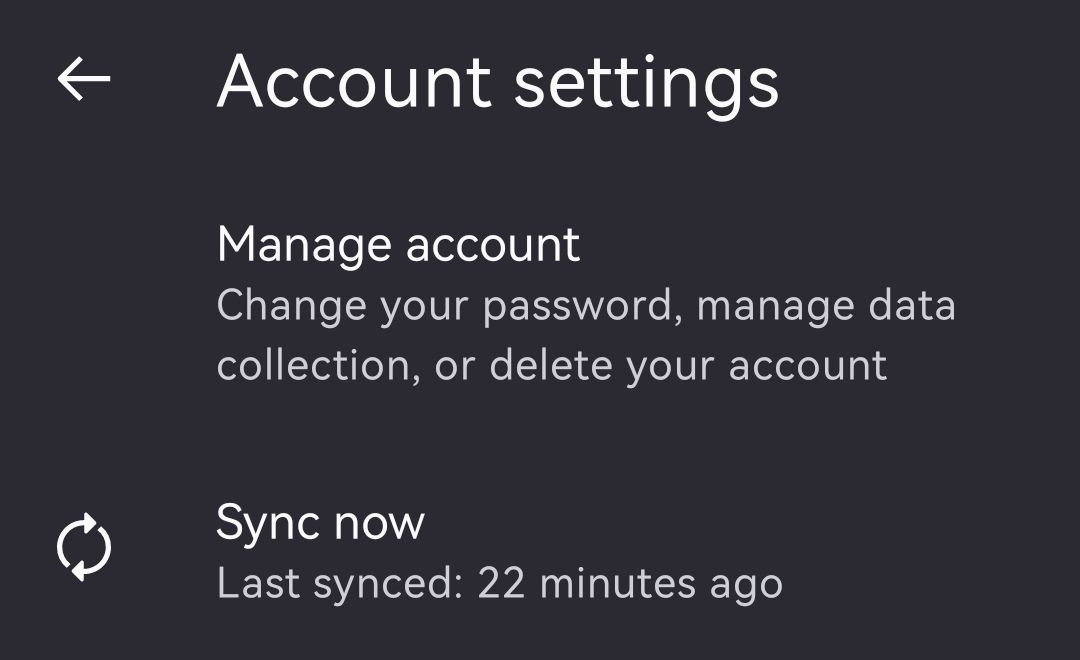
Yes, password syncing is enabled, and when I checked for when the last sync was, it says "Last synced 0minutes ago". When i clicked the Sync Now, it still showed the same, nothing changed.
Still not syncing successfully, although it says on my desktop that it's synced to my android phone, yet when I try to sign in to a site, the password won't fill itself in! Only some other one, that says "tinyurl", this despite the password is in my Firefox password collection. Plus, it still says "no passwords are in the Google password manager"! What is going on? This seems a real mess...
Hi Steven,
Can you check if you can find the passwords you're looking for from Firefox for Android's password manager? You may see Manage saved passwords in Firefox for Android to learn more about your saved password. It's possible the problem is on the autofill process, and not the syncing.