


Authentication errors in setup

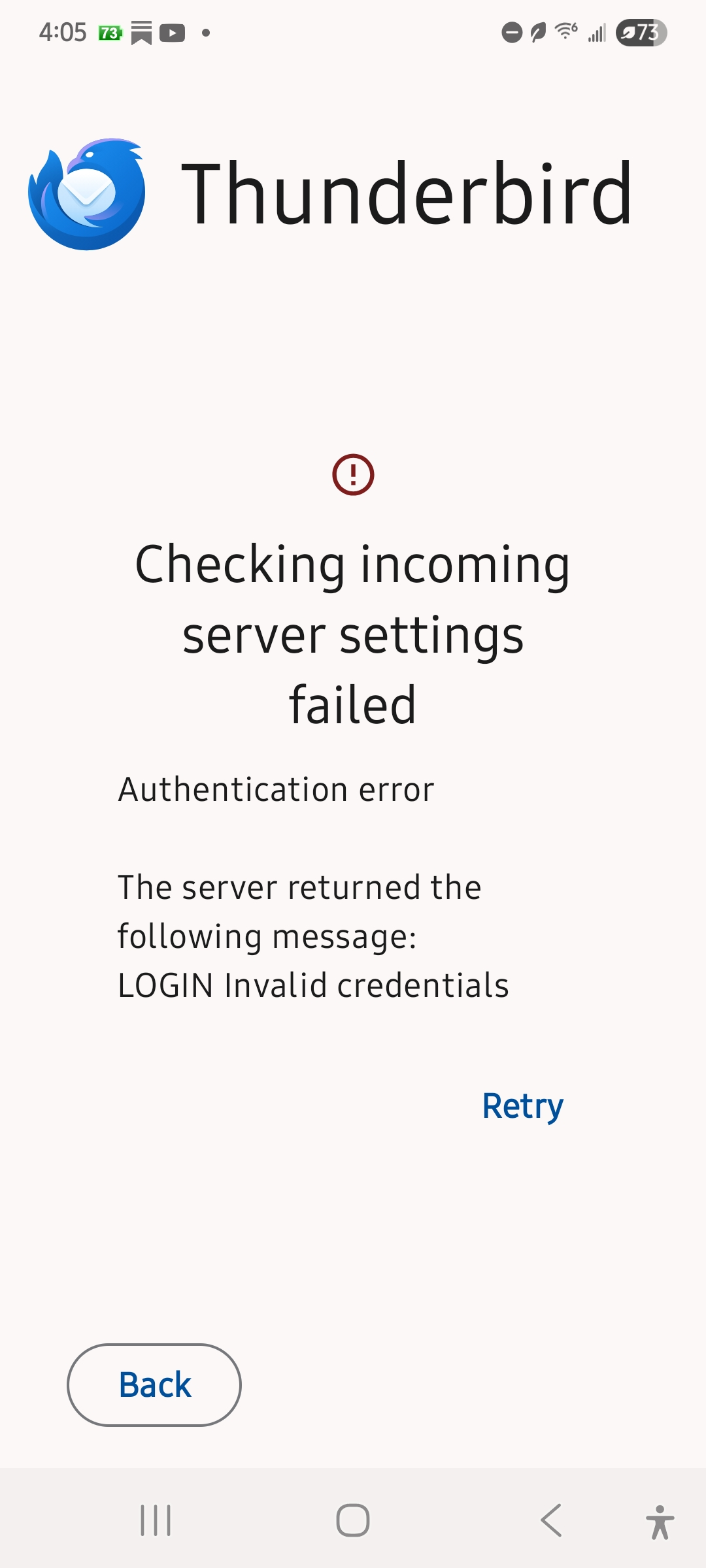
Trying to set up thunderbird for android. I use yahoo mail for my ATT accounts. I get the following message when trying to set up Thunderbird for the first time, "incoming server settings failed. Authentication error. LOG IN invalid credentials" I updated my email password and still have the same problem. I do not have thunderbird on a desktop or laptop, or anywhere for that matter. It accesses my gmail accounts just fine. Please advise.
Alle antwurden (1)

Yahoo no longer supports basic authentication (account user name and password) for email client sign-in.
You need to use either oAuth 2.0 (modern prefered method) or setup a 2FA App password.
oAuth 2.0
In Thunderbird, navigate to ... 1. Settings > account > fetching mail > incoming server 2. Settings > account > sending mail > outgoung server
a. Change authentication type = oAuth 2.0, then next. b. Click the yahoo "sign-in" button. c. A yahoo sign-in web page will open. d. login and grant Thunderbird the required permissions
App password
AI generated steps.
Web Browser Steps Log into your Yahoo Mail account at mail.yahoo.com. Click your profile icon (top-right), select "Account info," then go to "Account security" on the left. Under "Other ways to sign in," click "Generate and manage app passwords," select "Get started," enter a name like "IMAP Client" or "Outlook," and click "Generate." Copy the 16-character password (shown once) and use it in your email client's password field instead of your regular password