Videos hang on BBC News website

They play for a couple of seconds, then the panel they are playing in goes black. They used to work a month or two ago. Videos play fine in YouTube. They also play fine in apps like VideoPlayer and VLC. They play fine in Chromium based browsers Opera, Brave and Vivaldi. My graphics card requires switching acceleration off. I can’t find a switch for that in Firefox.
Problem Videos start playing, then after a few seconds the video panel turns black. Audio may continue. Refreshing does not help.
Environment
   OS: Fedora Linux 43
   Firefox 147.0.1 (also tested Firefox Flatpak)
   Display server: Wayland and X11 (both tested)
   Hardware acceleration: on and off (tested)
   Media Source Extensions: enabled (disabling MSE triggers an “unsupported device” error)
What works
   BBC News videos play correctly in Chromium-based browsers (Brave, Vivaldi)
   Videos play correctly in mpv/VLC
   Other video sites (e.g., YouTube) play correctly in Firefox
What I’ve tried in Firefox
   Disabling hardware acceleration
   Disabling VA-API
   Disabling WebRender
   Disabling RDD sandbox
   Running Firefox under X11
   Using the Firefox Flatpak build
None of these measures help. This suggests the issue is related to Firefox’s interaction with BBC’s player on Linux. Has anyone else seen this, or is there a known workaround?
Alle antwurden (7)

What desktop? Does it happen with your OS on a live usb stick? I have no issue with the site. see screenshot https://www.bbc.com/video
Operating System: openSUSE Tumbleweed 20260131
KDE Plasma Version: 6.5.5
KDE Frameworks Version: 6.22.0
Qt Version: 6.10.1
Kernel Version: 6.18.7-1-default (64-bit)
Graphics Platform: X11
Processors: 12 × Intel® Core™ i7-9850H CPU @ 2.60GHz
Memory: 128 GiB of RAM (125.1 GiB usable)
Graphics Processor: Intel® UHD Graphics 630
Manufacturer: HP
Product Name: HP ZBook 17 G6
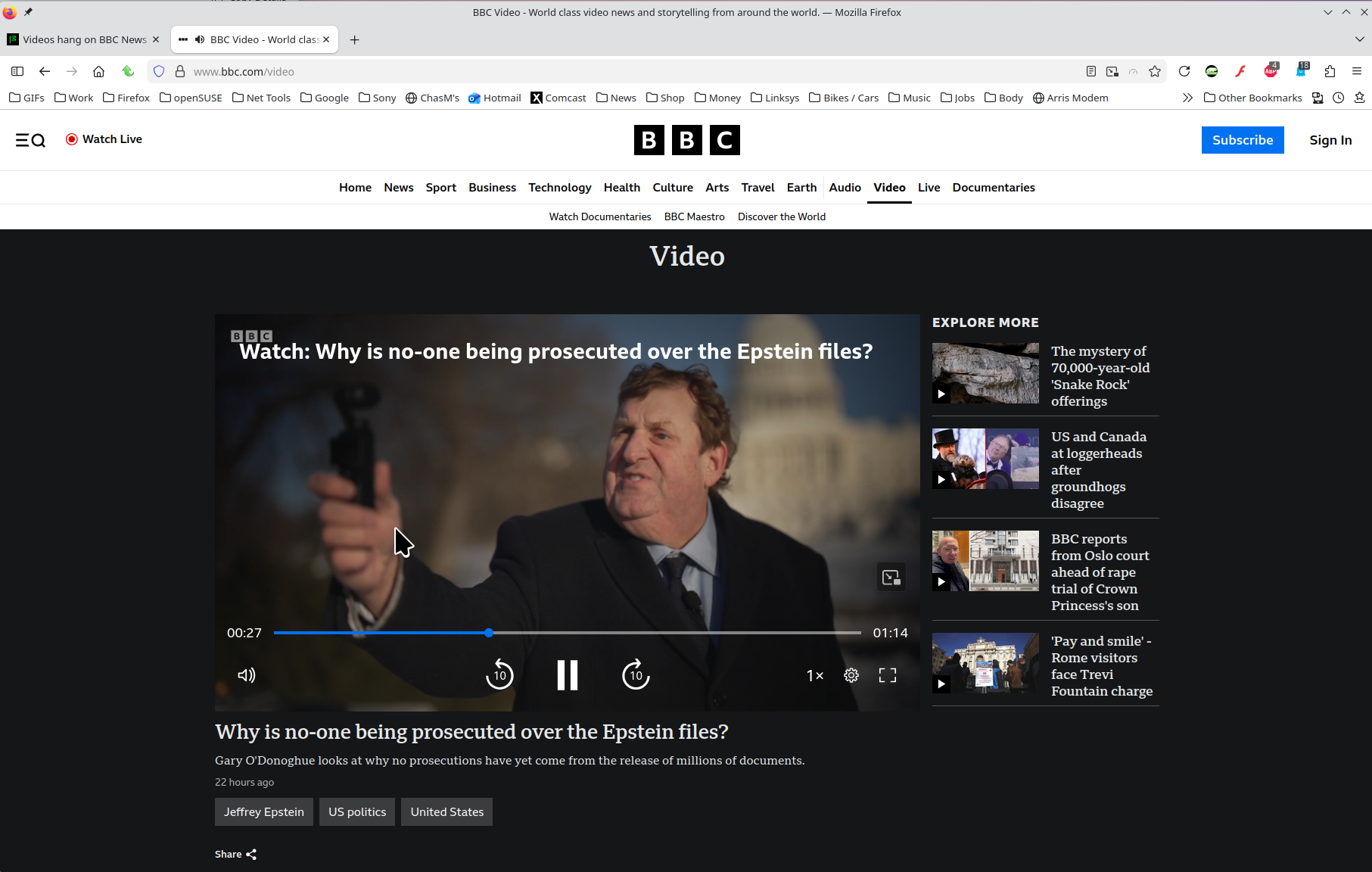
Bewurke troch jonzn4SUSE op
Yeah, no issues here. see screenshot Did you try a tarball from Mozilla? Churchill: Britain's Secret Apartheid https://www.bbc.com/video/docs/series/10257291
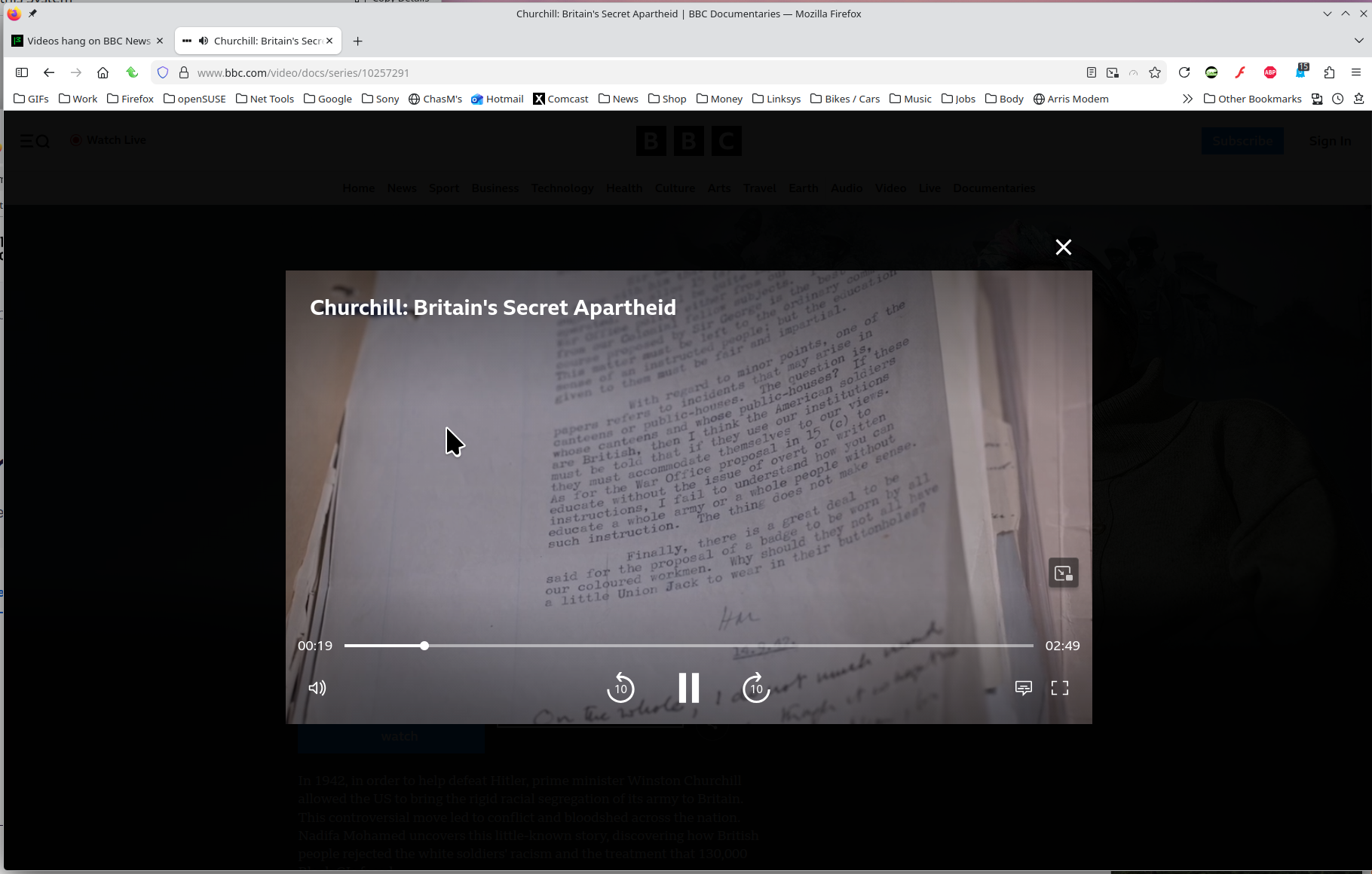
Bewurke troch jonzn4SUSE op
Fedora is Gnome by default. You have a completely different OS, desktop, windows manager and graphics processor. The fact that you have no problem on your computer doesn't appear to be relevant to mine.
ChrisOfBristol said
Fedora is Gnome by default. You have a completely different OS, desktop, windows manager and graphics processor. The fact that you have no problem on your computer doesn't appear to be relevant to mine.
I know that.