


Firefox 145.0.1 update fails to load on desktop -- Password Manager Not Working

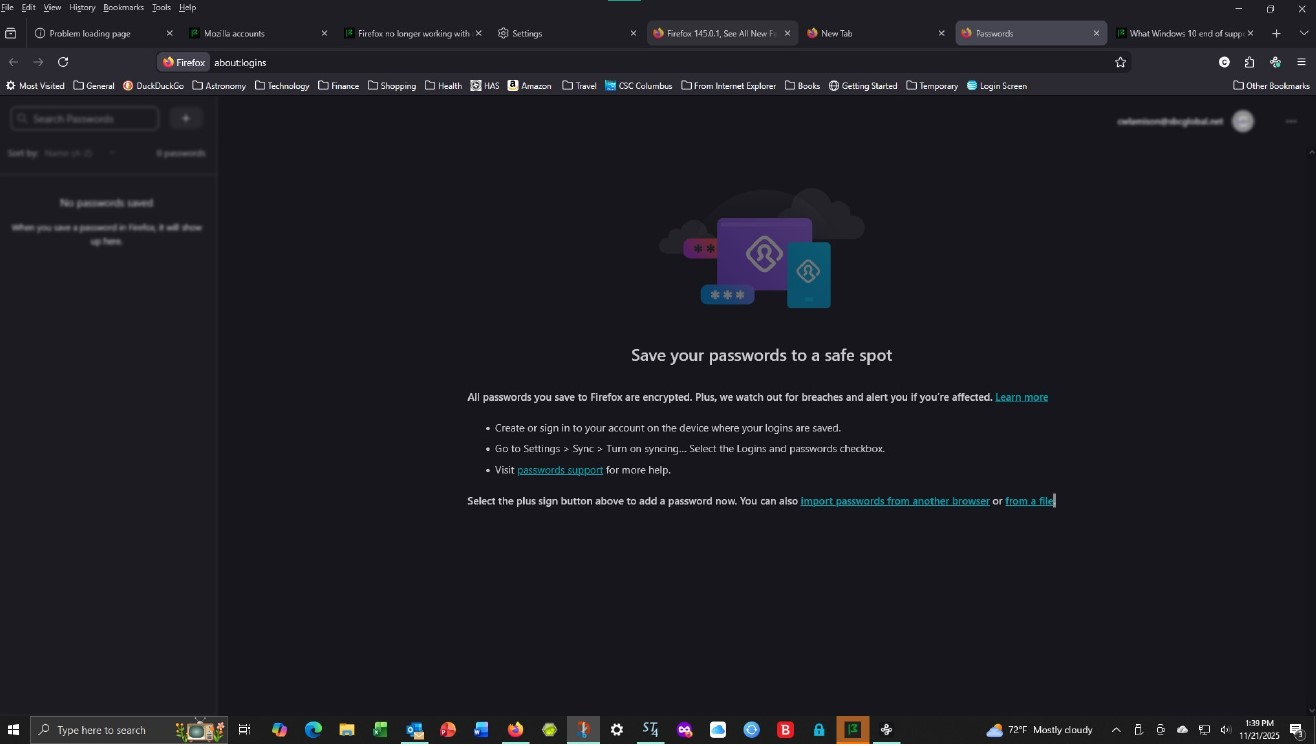
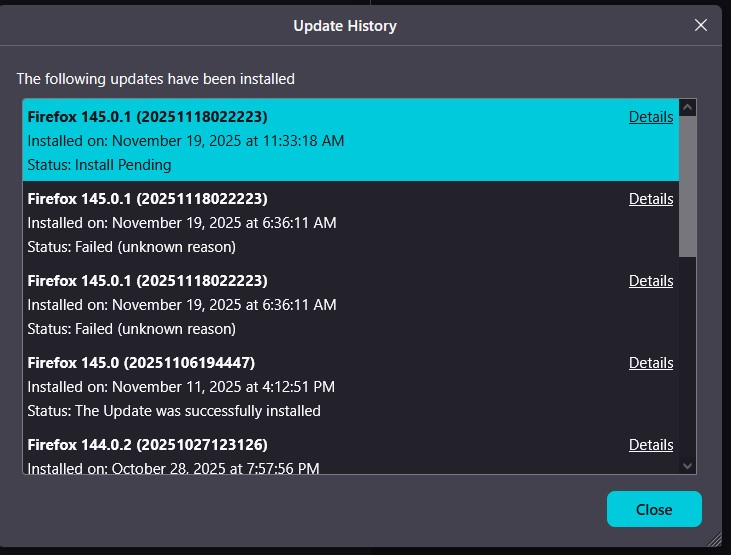
I can't access the Firefox password manager on my desktop Windows 10 PC. See screen shot #1 from attempt. Further investigation shows a failed update which seems to correspond to the date the access problem started per screenshot #2. Passwords are available on my IOS Phone as normal.
What should I do to restore PW access?
Thanks, Craig Lamison
Alle antwurden (2)
Keazen oplossing
Hi Craig,
Reinstalling Firefox sounds like a good idea here. The data and preferences should be preserved by default (make sure NOT to check Remove my personal data), but you can create a backup of your profile folder just in case.
Thanks Denys. To back up the profile folder as suggested I went to Help, More Troubleshooting Information and did Refresh Firefox. As well as putting a profile folder backup on my desktop this actually cleared up the problem. I didn't actually have to proceed to a clean install.