Windows 10 reached EOS (end of support) on October 14, 2025. For more information, see this article.

Sykje yn Support

Mij stipescams. Wy sille jo nea freegje in telefoannûmer te beljen, der in sms nei ta te stjoeren of persoanlike gegevens te dielen. Meld fertochte aktiviteit mei de opsje ‘Misbrûk melde’.

Mear ynfo

Dizze konversaasje is argivearre. Stel in nije fraach as jo help nedich hawwe.

updates disabled by your system administrator

  • 2 antwurd
  • 1 hat dit probleem
  • 733 werjeftes
  • Lêste antwurd fan phillstroud

mear opsjes

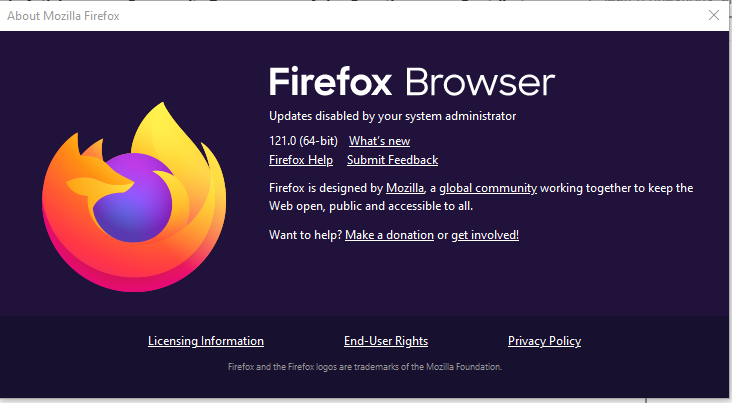
So I need to update my Firefox Browser to 128 BUT somehow "Updates disabled by your system administrator." and as I am the only user I have never set up an administrator.

So I have had a look and I don't understand most of what I am reading.

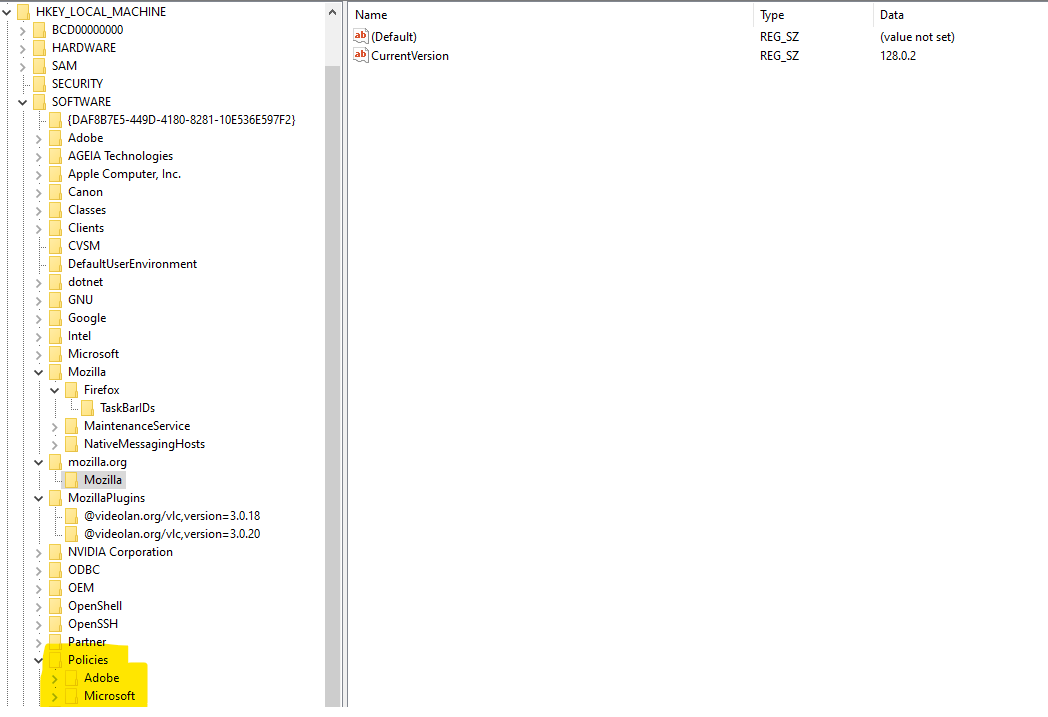
So about:policies.... DisableAppUpdate true So how do I change that? I have looked at Reg Editor but have no idea what I am looking at.

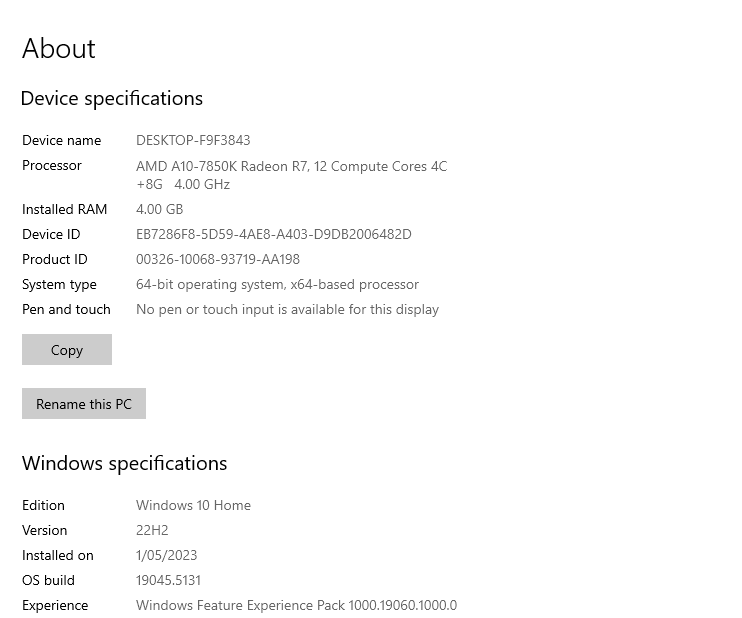
It took me a long time to update to Firefox 121 because I did not like some of the changes Mozilla did to it like spacing between Bookmarks in the dropdown so to update again is a big thing for me. Attached as much as I think is relevant. Any help will be much appreciated.

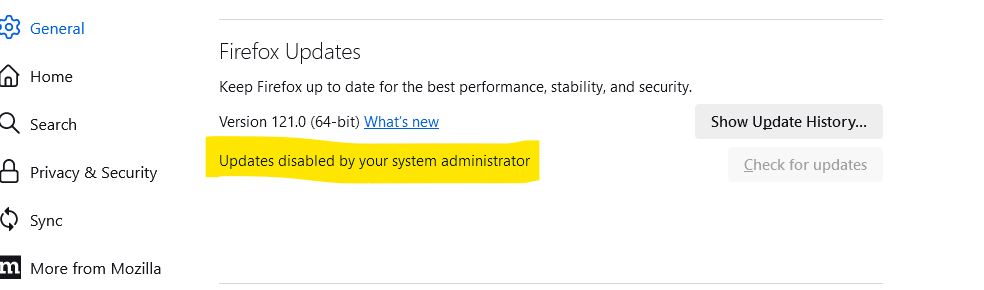
So I need to update my Firefox Browser to 128 BUT somehow "Updates disabled by your system administrator." and as I am the only user I have never set up an administrator. So I have had a look and I don't understand most of what I am reading. So about:policies.... DisableAppUpdate true So how do I change that? I have looked at Reg Editor but have no idea what I am looking at. It took me a long time to update to Firefox 121 because I did not like some of the changes Mozilla did to it like spacing between Bookmarks in the dropdown so to update again is a big thing for me. Attached as much as I think is relevant. Any help will be much appreciated.
Keppele skermôfbyldingen

Alle antwurden (2)

mear opsjes

Keazen oplossing

mear opsjes

jonzn4SUSE

Thank you so much for your reply.

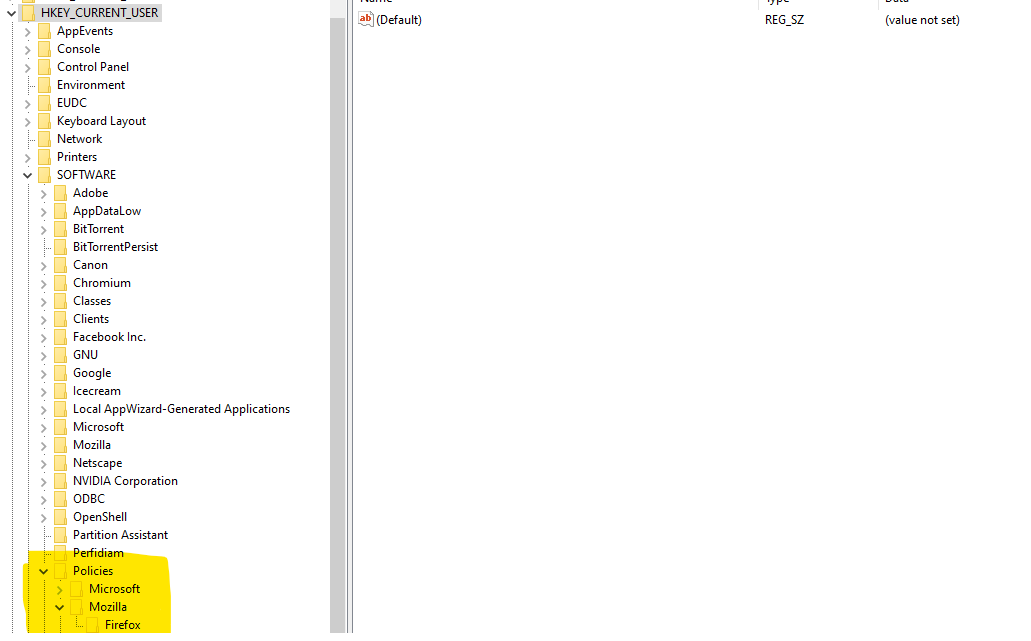
It did take me a bit of rooting around but finally found what I was looking for in one of the hot keys and deleted the DisableAppUpdate policies and all working as it should.

As you can see from the attached it was not where it was expected to be. I found it under HKEY_CURRENT_USER Policies Mozilla Firefox

Again thank you for your help. Haha not bad for an old guy hey.