


Windows 10 reached EOS (end of support) on October 14, 2025. If you are on Windows 10, see this article.

Sykje yn Support

Mij stipescams. Wy sille jo nea freegje in telefoannûmer te beljen, der in sms nei ta te stjoeren of persoanlike gegevens te dielen. Meld fertochte aktiviteit mei de opsje ‘Misbrûk melde’.

Mear ynfo

Dizze konversaasje is argivearre. Stel in nije fraach as jo help nedich hawwe.

Prime Video not loading video pages: "That shouldn't have happened" error

  • 1 antwurd
  • 0 hawwe dit probleem
  • 116 werjeftes
  • Lêste antwurd fan gwendrenee

I am unable to load the video pages on prime video in firefox. Instead of loading the video's page, it gives me a black screen and says "That shouldnt' have happened. It looks like something went wrong on our side. Let's find you a great video to watch instead." It works fine in Chrome, and other streaming sites like Netflix also work. I tried upgrading firefox, and upgraded to 129.0 (64 bit), but the same error is still happening. I contacted Amazon support, they couldn't figure it out, and told me to talk to Firefox support.

I disabled ublock origin, and disabled trackign protection, and error still occurs.
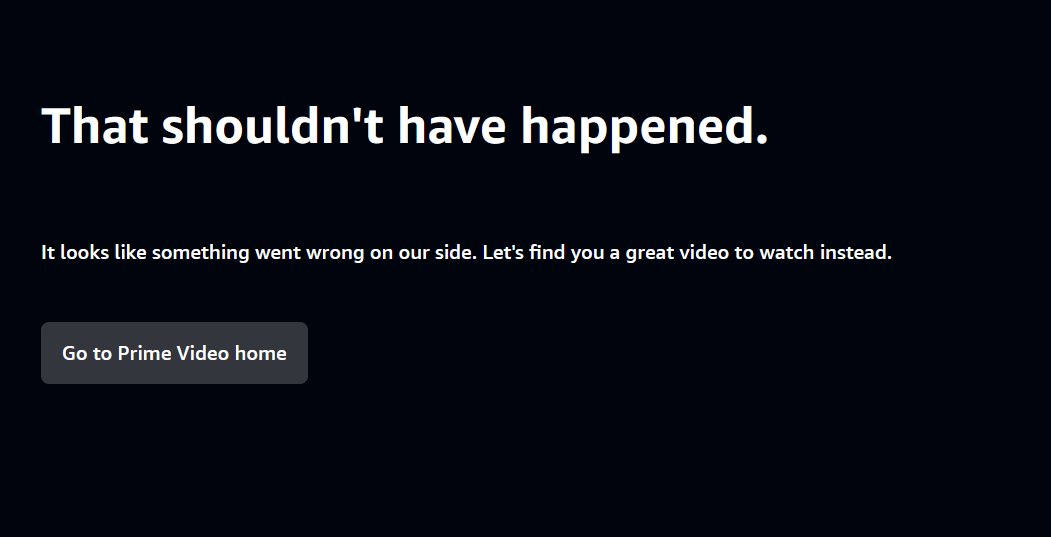
I am unable to load the video pages on prime video in firefox. Instead of loading the video's page, it gives me a black screen and says "That shouldnt' have happened. It looks like something went wrong on our side. Let's find you a great video to watch instead." It works fine in Chrome, and other streaming sites like Netflix also work. I tried upgrading firefox, and upgraded to 129.0 (64 bit), but the same error is still happening. I contacted Amazon support, they couldn't figure it out, and told me to talk to Firefox support. I disabled ublock origin, and disabled trackign protection, and error still occurs.
Keppele skermôfbyldingen

Alle antwurden (1)

Update: I was able to trace the problem to the extension "ClearURLs", disabling it fixes the problem. I submitted an error report for the addon.

Bewurke troch gwendrenee op