


Setting Startpage as search engine

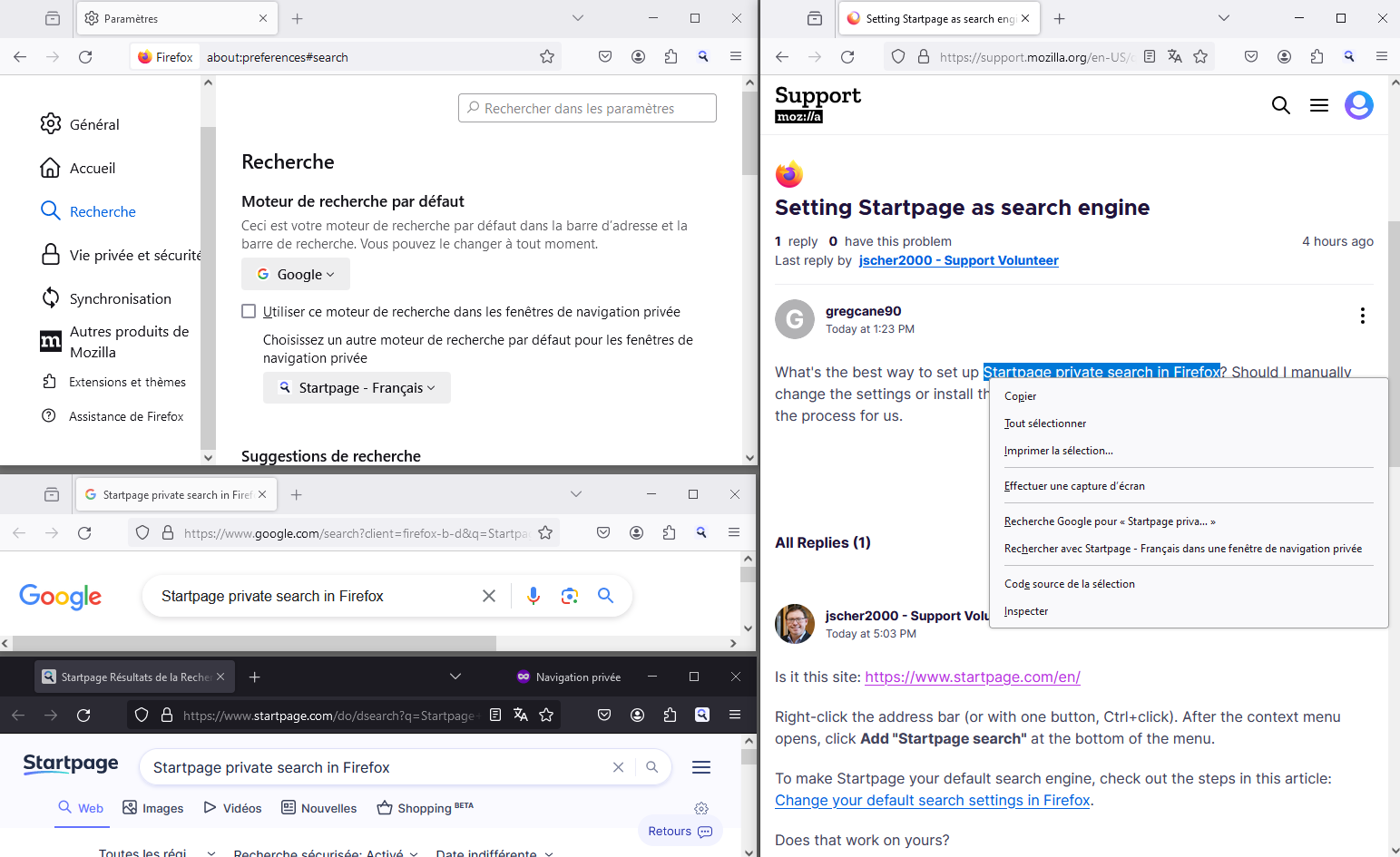
What's the best way to set up Startpage private search in Firefox? Should I manually change the settings or install the extension? Also, it seems like Firefox could improve the process for us.
Keazen oplossing
Is it this site: https://www.startpage.com/en/
Right-click the address bar (or with one button, Ctrl+click). After the context menu opens, click Add "Startpage search" at the bottom of the menu.
To make Startpage your default search engine, check out the steps in this article: Manage Firefox search settings.
Does that work on yours?
Dit antwurd yn kontekst lêze 👍 3Alle antwurden (5)
Keazen oplossing
Is it this site: https://www.startpage.com/en/
Right-click the address bar (or with one button, Ctrl+click). After the context menu opens, click Add "Startpage search" at the bottom of the menu.
To make Startpage your default search engine, check out the steps in this article: Manage Firefox search settings.
Does that work on yours?
Hello
In addition Then, if you wish, you can try, browser.search.separatePrivateDefault.ui.enabled https://connect.mozilla.org/t5/discussions/search-in-private-window/m-p/56376
Thanks for the quick info!
Unfortunately the "Right-click the address bar (or with one button, Ctrl+click). After the context menu opens, click Add "Startpage search" at the bottom of the menu" .... does NOT work for me. Message says "Install Error. Firefox could not install the search plugin from “https://www.startpage.com/sp/cdn/opensearch/en/opensearch.xml” because an engine with the same name already exists."
Are you able to add Startpage that way? Because it's definitely not working for me.
I do see in the article you shared that Firefox lists Startpage's extension and includes a screenshot in the article as a way to set it as default. So maybe that's just the easiest way to get private search for now. I would use DuckDuckGo, but their results aren't very accurate.
Bewurke troch gregcane90 op
Thanks for the quick info.
Unfortunately, your first suggestion doesn't work for me. I receive this message "Install Error. Firefox could not install the search plugin from “https://www.startpage.com/sp/cdn/opensearch/en/opensearch.xml” because an engine with the same name already exists."
Does it work for you to right click and add?
The "Change your default search settings in Firefox" article suggests that I use the Startpage private search extension and shows screenshots of it, so I think that might just be the way to go. I would use DuckDuckGo, but there search results aren't that accurate.
Well, I get that message too, because I already added it. If I remove Startpage (from the large list of search engines at Settings > Search > Search Shortcuts) then I can add it again using the address bar method.