


Windows 10 reached EOS (end of support) on October 14, 2025. If you are on Windows 10, see this article.

Sykje yn Support

Mij stipescams. Wy sille jo nea freegje in telefoannûmer te beljen, der in sms nei ta te stjoeren of persoanlike gegevens te dielen. Meld fertochte aktiviteit mei de opsje ‘Misbrûk melde’.

Mear ynfo
Dizze konversaasje is argivearre. Stel in nije fraach as jo help nedich hawwe.
Oplost Argivearre

Mp4 video not showing up on downloads and not even the file is opening

Shravan

So I was downloading a video from a website and when I download it it says "Mp4 (1)/(2)/(3)..."in the notification but when the download finishes I can't find the file in the "downloads"section and when I find the file in the file manager it shows the file but when I click to open it it plays for a second or two then closes automatically

It's not the website's or the files fault since I can download the same file on chrome

Since the new Chrome changes I have tried to switch from Chrome to Firefox but this download problem is the only thing that's bugging me and keeping me from using Firefox as my default browser

Please if anyone has a solution to my problem, it is greatly appreciated
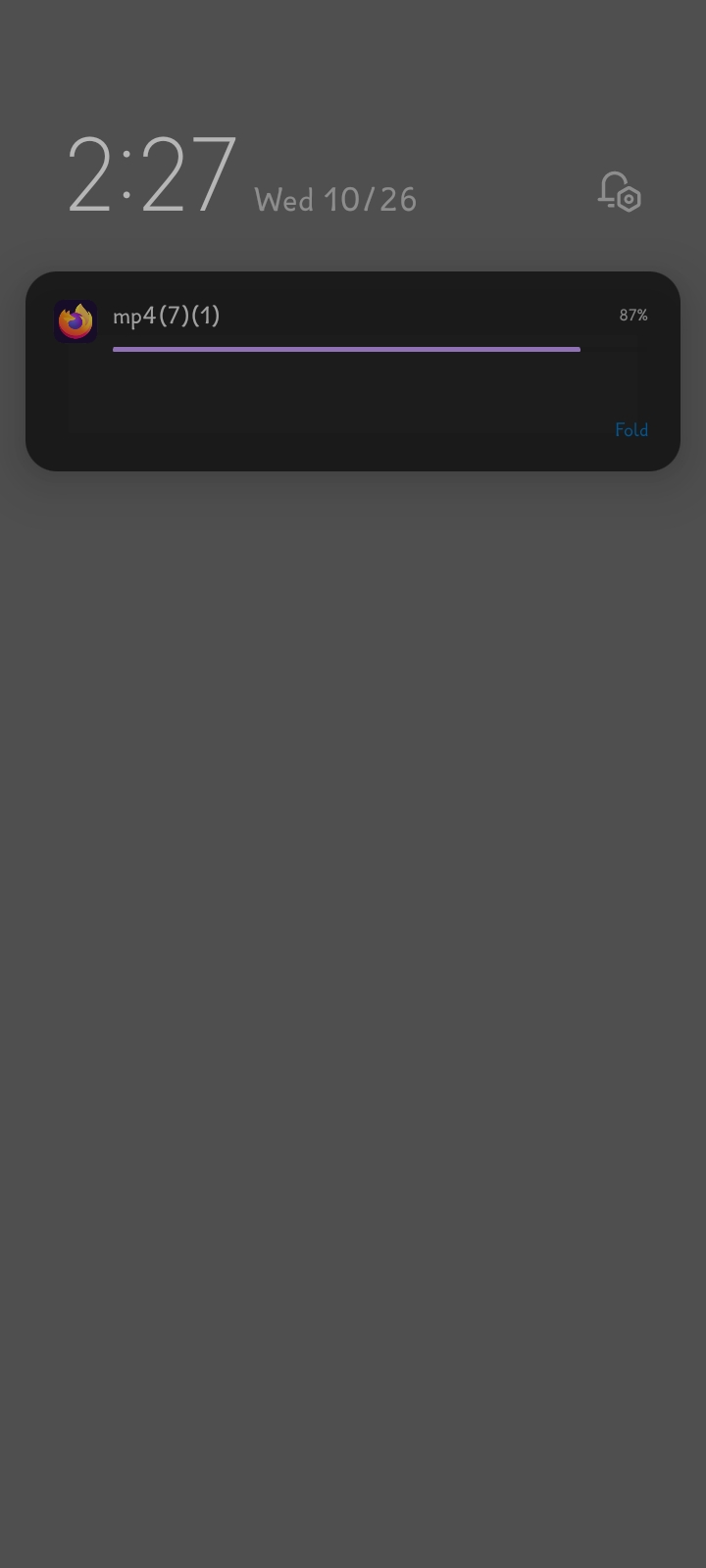
So I was downloading a video from a website and when I download it it says "Mp4 (1)/(2)/(3)..."in the notification but when the download finishes I can't find the file in the "downloads"section and when I find the file in the file manager it shows the file but when I click to open it it plays for a second or two then closes automatically It's not the website's or the files fault since I can download the same file on chrome Since the new Chrome changes I have tried to switch from Chrome to Firefox but this download problem is the only thing that's bugging me and keeping me from using Firefox as my default browser Please if anyone has a solution to my problem, it is greatly appreciated
Keppele skermôfbyldingen
Dit antwurd yn kontekst lêze

Keazen oplossing

That suggests that there is a problem with the video file.

Alle antwurden (3)

Hi

You will need to use a dedicated video player app (like VLC) to be able to play this file.

I used VLC to play the video and even then it just plays a few seconds then cuts off the video

Keazen oplossing

That suggests that there is a problem with the video file.