


new tabs and bookmarks

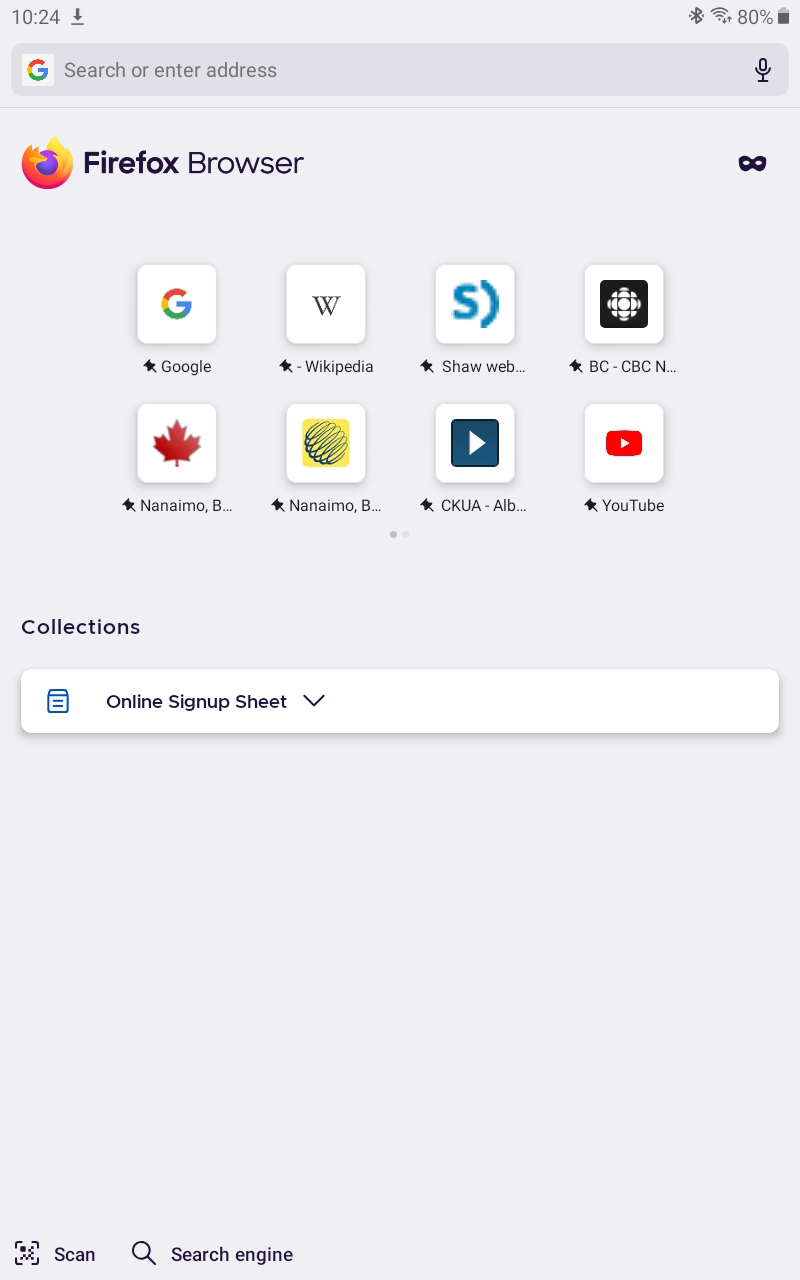
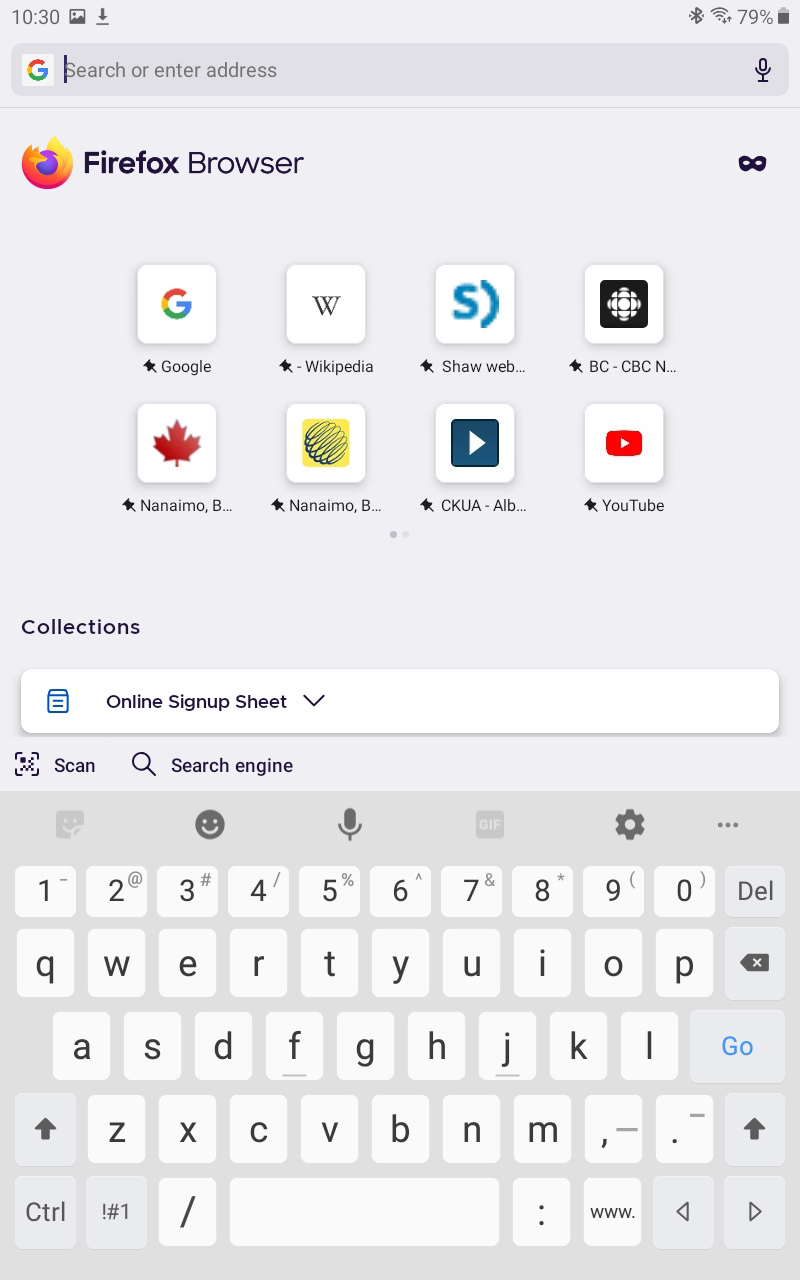
In v.96.2.0, when a new tab is opened (either with the "+" or menu "new tab"), I do get a new tab - but in this version I no longer get the 3 vertical dots beside the address bar to allow me to, for instance, access my bookmarks or history. My choice is limited to the bookmarks already on the homepage. This was not the case with previous versions.
If, after I create the new tab, I do select one of the homepage bookmarks - say, Google search - the 3 vertical dots reappear and Incan get at my bookmarks ... but now I've got an unwanted extra tab open.
Weird.
Keazen oplossing
Hi
Thank you for your feedback. This is something that our developers are aware of and are looking into. You can follow progress on this and add comments at:
Alle antwurden (6)
Running under Android v. 9 on a Samsung Galaxy Tab 8.
Swiping up after opening a new tab used to display the 3 dots and also the Tabs icon so that I could switch tabs. Now I can no longer do either after opening a new tab (until after I've loaded a homepage bookmark).
Hi
If you minimise your keyboard app when you open a new tab, the three dots for the Firefox for Android menu will be visible.
If this is not the case, please can you attach a screenshot that demonstrates what you are seeing to a reply to this thread.
No, that's how it used to work - but not anymore.
What I'm seeing after and before dismissing the eKeyboard (att.)
Bewurke troch Zapfenzieher op
Keazen oplossing
Hi
Thank you for your feedback. This is something that our developers are aware of and are looking into. You can follow progress on this and add comments at:
That's perfect -- thanks for the link, Seburo. The workaround works for me.
Cheers, Z