


How to add a exception for SSL certificate error

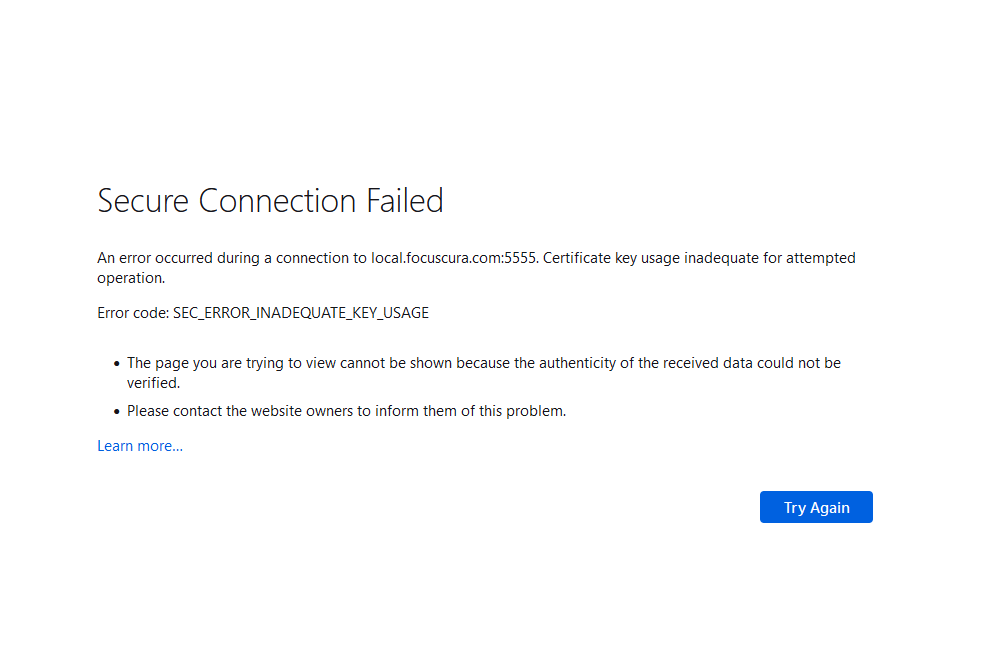
I am developing my web application locally under the url https://local.focuscura.com:5555. When I am trying to access the url I get a "Secure connection failed - SEC_ERROR_INADEQUATE_KEY_USAGE" error which is normal as the SSL certificate is not a valid one. But I would expect to have a "Add exception" button as I can see on Chrome and Edge for the same url. I tried settings the config parameter "network.stricttransportsecurity.preloadlist" to false and delete the SiteSecurityServiceState.txt as found in https://support.mozilla.org/bm/questions/1206414. But it does not work. I still cannot access that url and no "Add Exception" button is shown. I have FF 91 installed on Win 10.
Alle antwurden (2)

I called for more help.
From my research, it looks like a certificate issue. https://www.bing.com/search?q=SEC_ERROR_INADEQUATE_KEY_USAGE
I know it is a certificate issue. The certificate on the development is self signed, thus not valid. I already said this in my initial question. But in this case I would expect to have a "Add exception" button to allow access of that url even if the certificate is not valid. Chrome and Edge do this for my url. Only Firefox does not show such a button. I tried later to host my website app under url https://local.focuscura.com and in this case FF showed the certificate error page but offered me a button to add an exception for this url. So the only difference I would see is that the url with a specific port makes FF to behave differently.