


Tools / Features missing

Hi, I have been using Firefox for months now..I did not get any reply from devolopers why is that? Are they too busy to reply their own users? Anyway Some features are missing..I request dev teams to look into it and try to add them..
Those are....
#1 forward/Backward button on direct Index screen missing..So everytime when I try to shuffle pages from back to front I had to go to Inside settings. It's so irritating. #2 There is no actual adblocker/pop-up blocker which actually work. Everytime I go to a ads enabled page I had to face pop-up ads. I can't do anything about it. #3 no VpN #4 No resume/pause button on Downloads.'
Bewurke troch arghabasu248 op
Alle antwurden (4)

Keazen oplossing
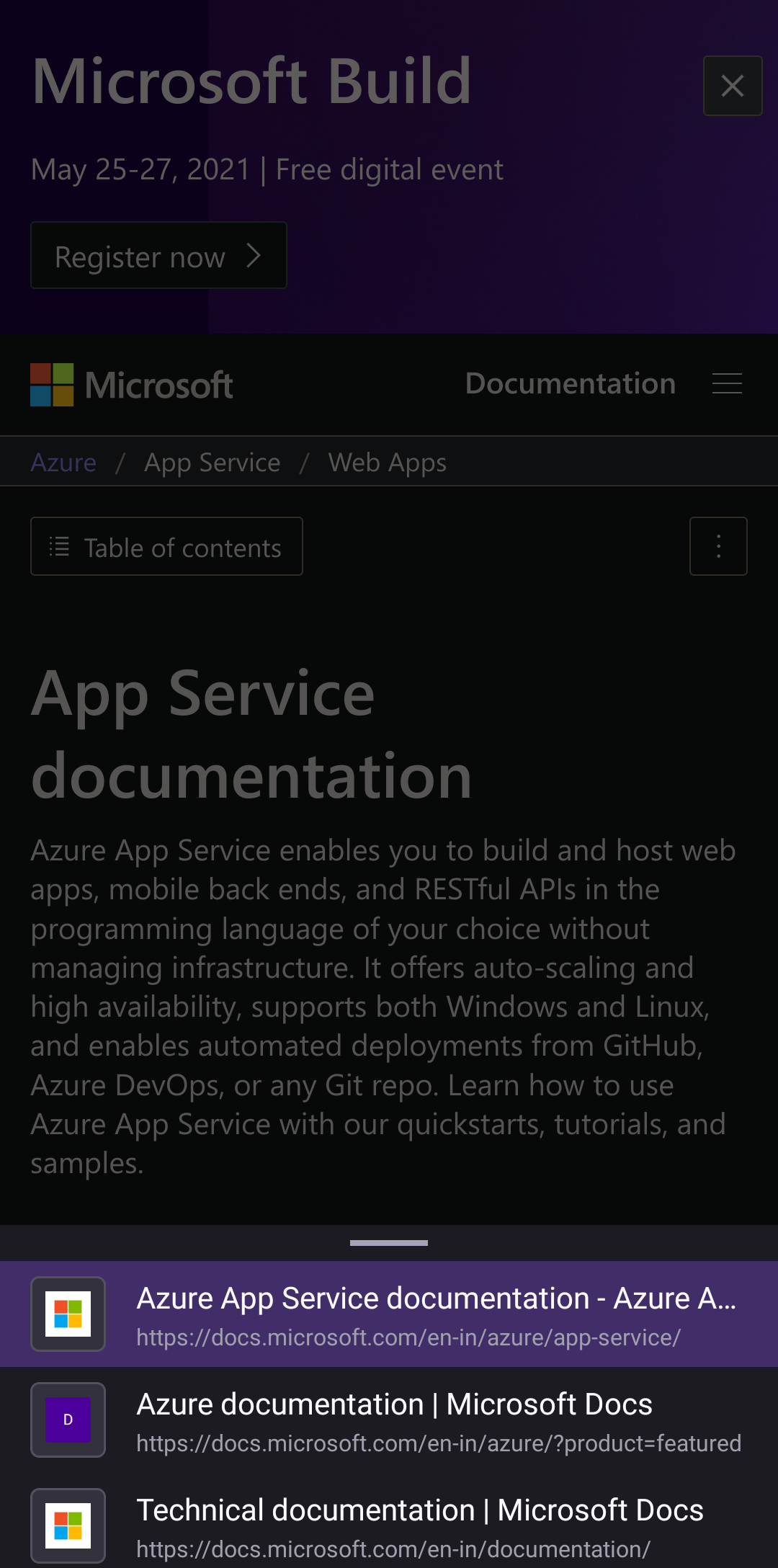
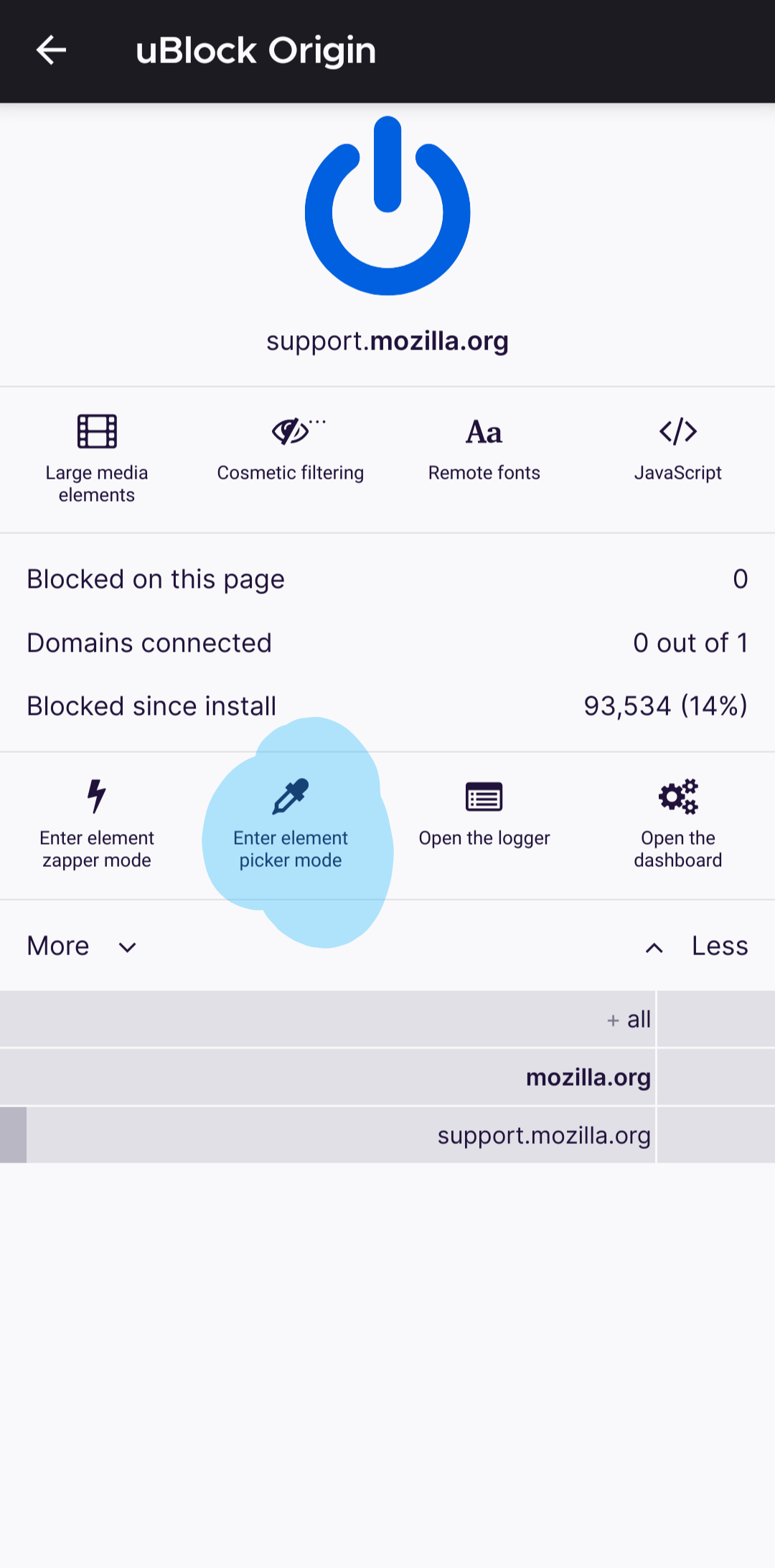
Hi 1) If you want to navigate faster tap and hold back or forward button you have list of links you accessed prevoisly see screenshot one 2) if you want to completely block ads use extensions I am using and recommending privacy badger and ublock origin. if you want to block any popup on any website. tap options ->addons -> u block origin -> element picker mode and tap on that pop up or ad (screenshot two )and tap create to create blocking rules 3)what is your question please provide more information 4) in future we may see that in downloads(that is a good feature suggestion) but for now you can pause on notification bar I think I am writing exam LoL
Mohamed Adnan<p>
Hi hi last time when I checked there was no U blok origin but happy to see its now there thank you very much. And I think Backward and forward swiping button is still a thing is missing... And in 3rd question, accually it wasn't any question. A simple feature missing which was available in Opera. But for some quality lacks I left Opera. 4th well if that's true then that's Cool Hi thanks For attending The Exam. You have successfully passed the exam by getting 3 Out of 4 marks. Congratulations....
Bewurke troch arghabasu248 op
You may, depending on where you are in the world, be able to access the Mozilla VPN from the Google Play store.
Seburo said
You may, depending on where you are in the world, be able to access the Mozilla VPN from the Google Play store.
I mean to say InBuild-Vpn on browser. Yes There is Thousands of Vpns but i need in-build