


Firefox Nightly has stopped working

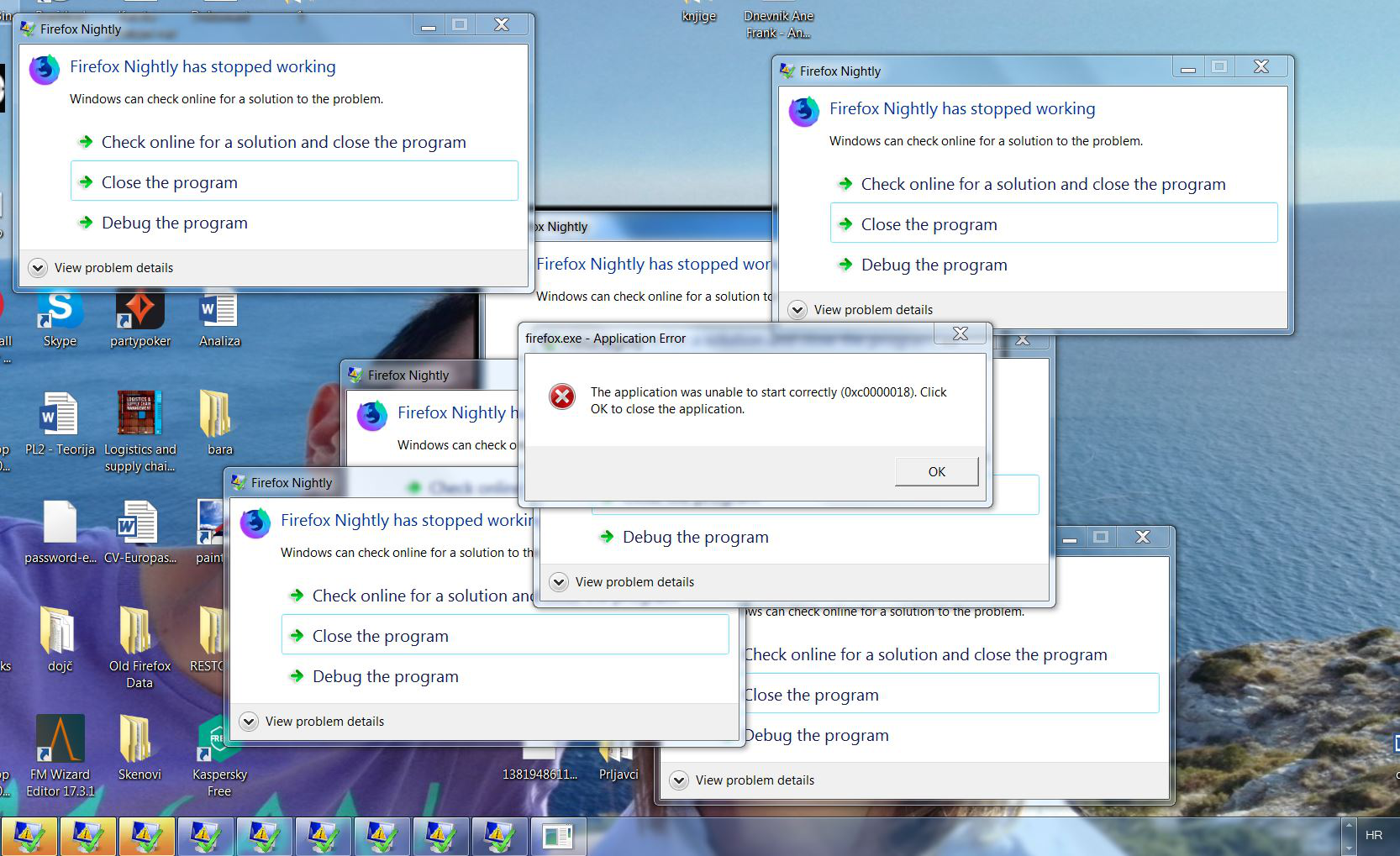
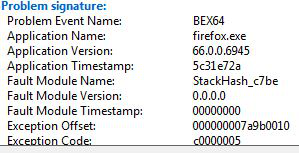
So, every now and than in last week or two when I try to open Nightly i get like 20-30 windows of "Firefox Nightly has stopped working" error, like shown in the image. It continues to multiple until that message in the center opens and then i have to manually close all opened error windows.
Sometimes it works fine, sometimes this happens all the time. Anyone got a clue?
Alle antwurden (2)
No one?
just to add up some info, I can open it when I first boot my PC, but after a while it stops opening pages and in settings I get "Restart to update Nightly" message. When I click it, then I get the above mentioned problem. Same happens when I close the browser myself and try to start it again.

Let’s do a full clean re-install;
Download Firefox For All languages And Systems {web link}
Beta, Developer, Nightly versions https://www.mozilla.org/en-US/firefox/channel/desktop/
Save the file. Then Close Firefox.
Using your file browser, open the Programs Folder on your computer.
Windows: C:\Program Files C:\Program Files (x86) Note: Check Both Folders
Mac: Open the "Applications" folder. https://support.mozilla.org/en-US/kb/how-download-and-install-firefox-mac
Linux: Check your user manual. If you installed Firefox with the distro-based package manager, you should use the same way to uninstall it. See Install Firefox on Linux; https://support.mozilla.org/en-US/kb/install-firefox-linux
If you downloaded and installed the binary package from the Firefox download page, simply remove the folder Firefox in your home directory. http://www.mozilla.org/firefox#desktop ++++++++++++++++++++++++++++ Look for, and remove any Mozilla or Firefox program folders. Do not remove the Mozilla Thunderbird folder if there is one.
Do Not remove any profile folders.
After rebooting the computer, run a registry scanner if you have one. Then run the installer. +++++++++++++++++++++++++++ If there is a problem, start your Computer in safe mode and try again.
http://encyclopedia2.thefreedictionary.com/Linux+Safe+Mode This shows how to Start all Computers in Safe Mode; Free Online Encyclopedia