


html code showing in messages being sent

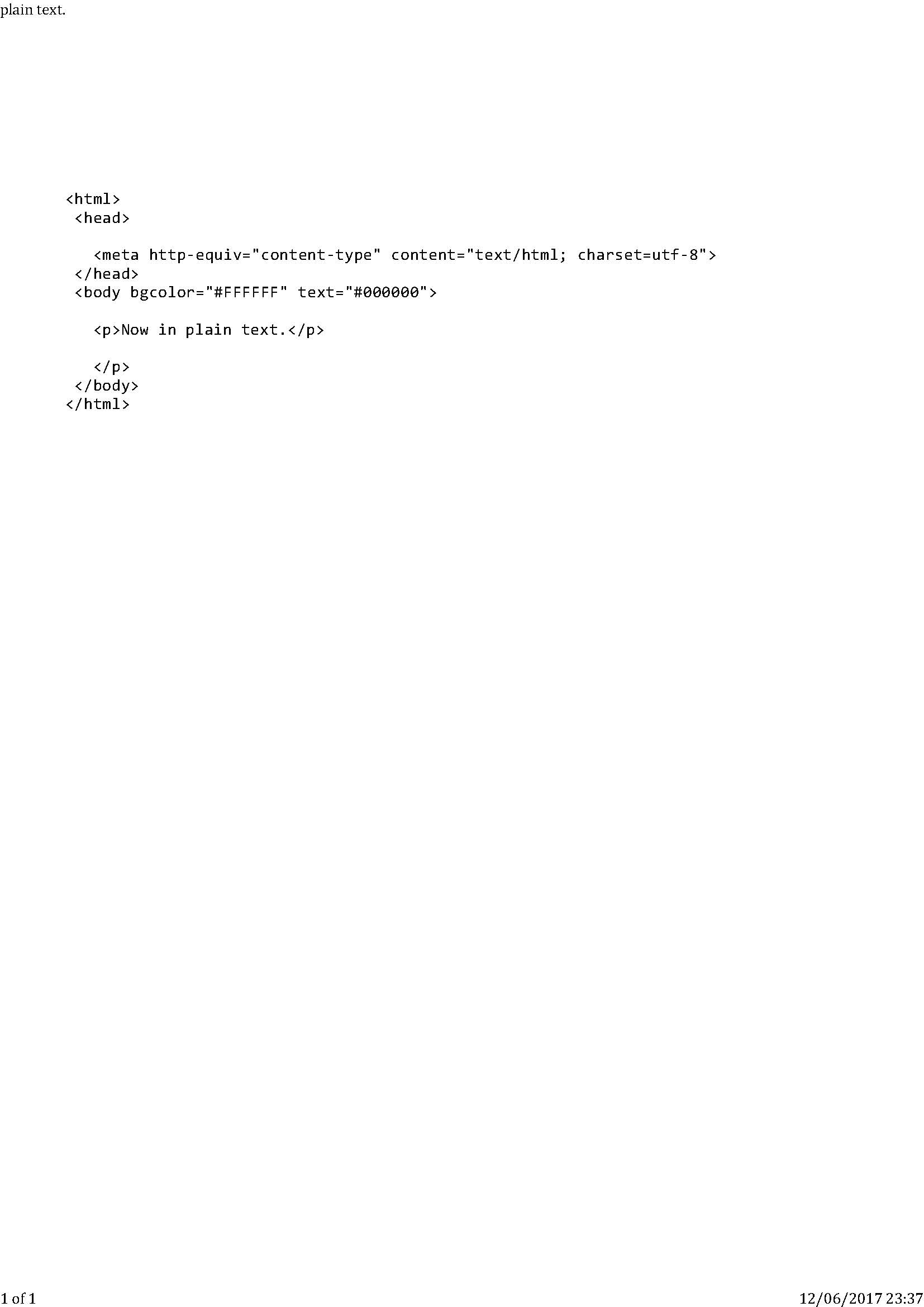
When I write a message it looks normal, but after sending when I view it in sent items it is showing what appears to be html code on the message and the recipient is receiving it in this format. I have tried going to send options and selecting send messages in plain text if possible, but the issue still occurs. I have attached an example email. Do you know how this can be fixed?
Alle antwurden (5)
Always composing in the write window with no pasted content. Sometimes as a new email and sometimes as a reply, but keep having the same problem.
I tried the repair folder for the sent items, but its made no difference. What is shown in the sent items is what has actually been sent and received by others.
is your outgoing mail being scanned by an anti virus prgram?
I am using Avast anti virus. Not sure if it is scanning emails though. Do you know how I can check?
Thank you! I have now disabled Avast from scanning emails, but the problem still occurs. The problem doesn't occur on every email - I can send 2 emails to the same person with 1 being OK and the other showing the html code. Any other ideas?