

Dizze konversaasje is argivearre.
Stel in nije fraach as jo help nedich hawwe.

Solved
Argivearre
Allowing a blocked plug-in

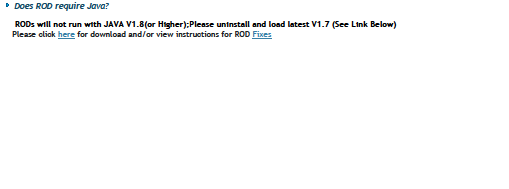
I need to run Java 7.1 for a particular website that only allows that, but Mozilla has blocked it. There are other versions of Java available and I am able to update it but it won't work with what I am trying to do. Is there anyway that I can allow the older version of Java to run? Any help is appreciated!
I need to run Java 7.1 for a particular website that only allows that, but Mozilla has blocked it. There are other versions of Java available and I am able to update it but it won't work with what I am trying to do. Is there anyway that I can allow the older version of Java to run? Any help is appreciated!
Alle antwurden (1)
Keazen oplossing
Hello, try to toggle to false the next preference extensions.blocklist.enabled in about:config. Any luck ?
Note that older java versions are vulnerable, do the job you want and then update to latest as soon as possible. :-)
thank you