


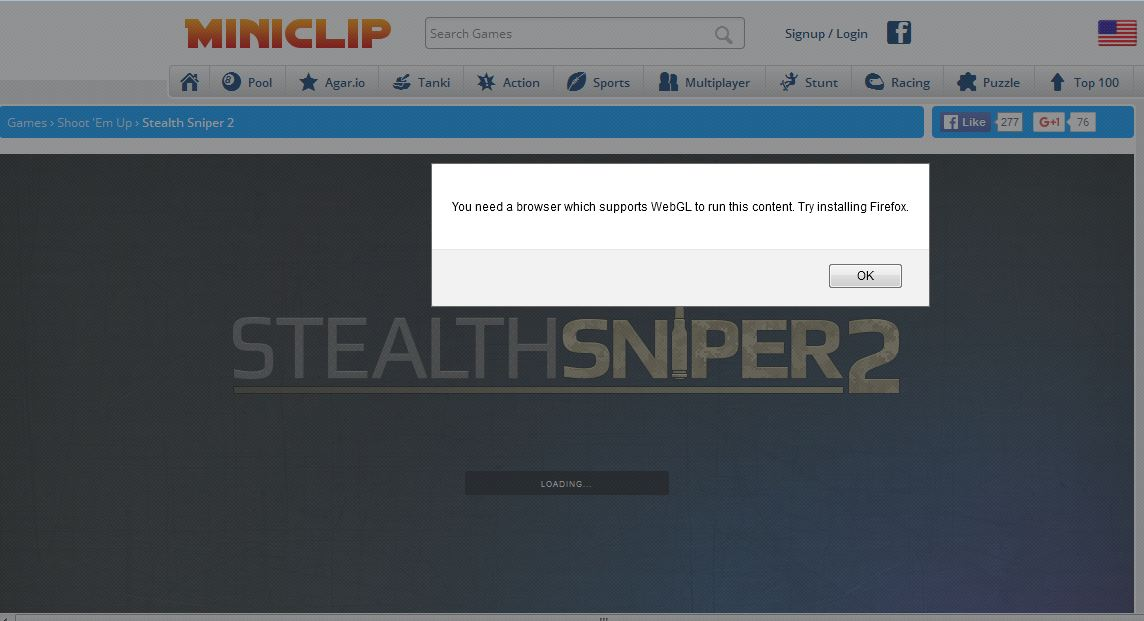
You need a browser which supports WebGL to run this content. Try installing Firefox ....how to solve this error ?

want to play this game on miniclip.com but i got this error
You need a browser which supports WebGL to run this content. Try installing Firefox
game link
want to play this game on miniclip.com but i got this error
You need a browser which supports WebGL to run this content. Try installing Firefox
game link
http://www.miniclip.com/games/stealth-sniper-2/en/
Alle antwurden (5)

I played the game with no problem.
Use this link to check that your plugins are up-to-date. If any are listed as unknown or research, do not worry about them.
i already update this plugin but still no result
here is error
Type about:config<enter> in the address bar. If a warning screen comes up, press the Be Careful button. At the top of the screen is a search bar. Type webgl.disabled
This should be false
Do you see any messages related to WebGL in the graphics section on the about:support (Help > Troubleshooting Information) page?