


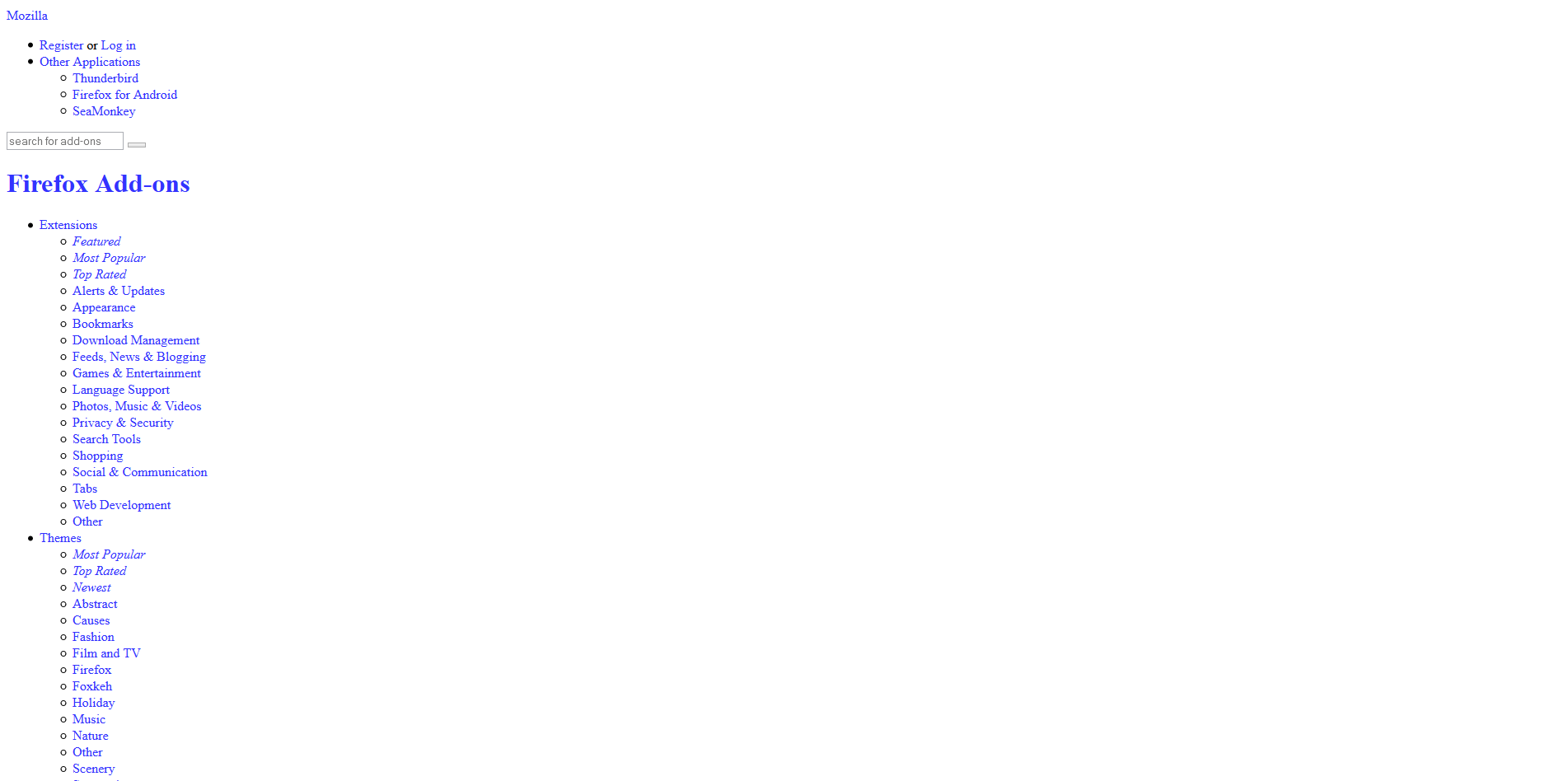
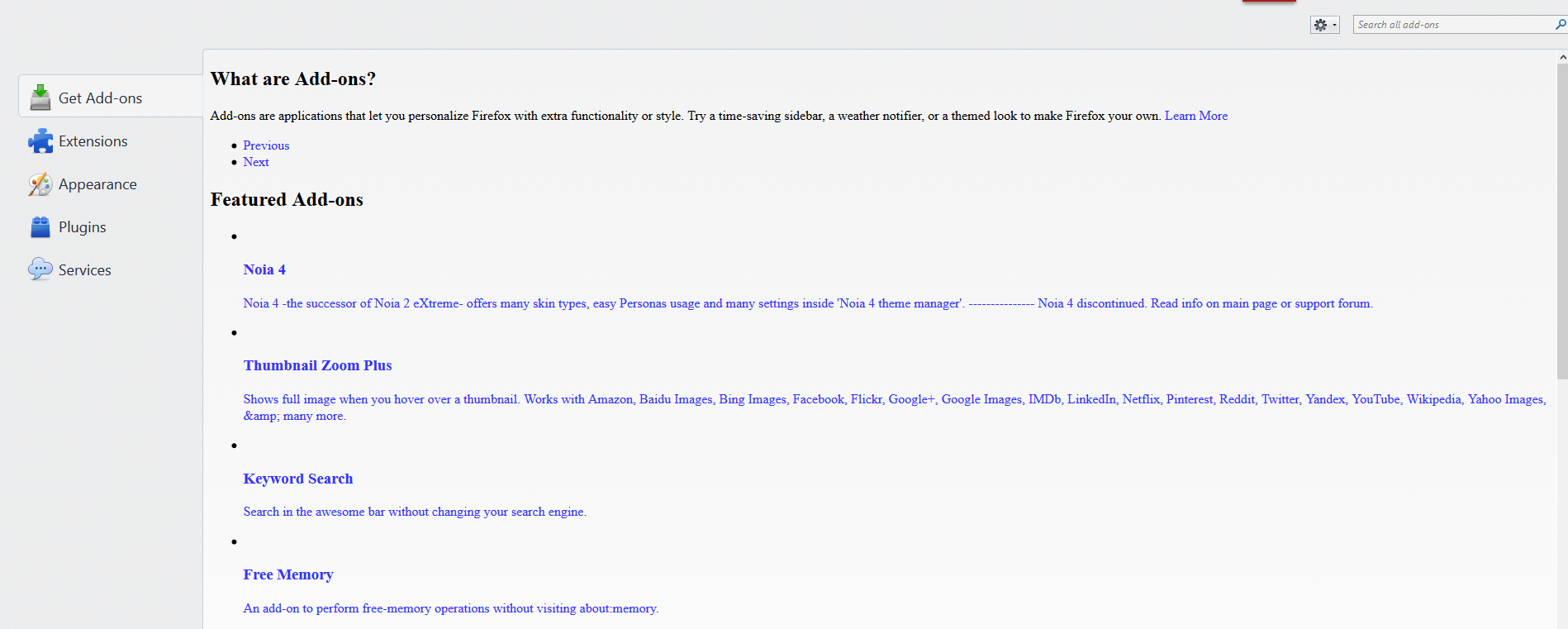
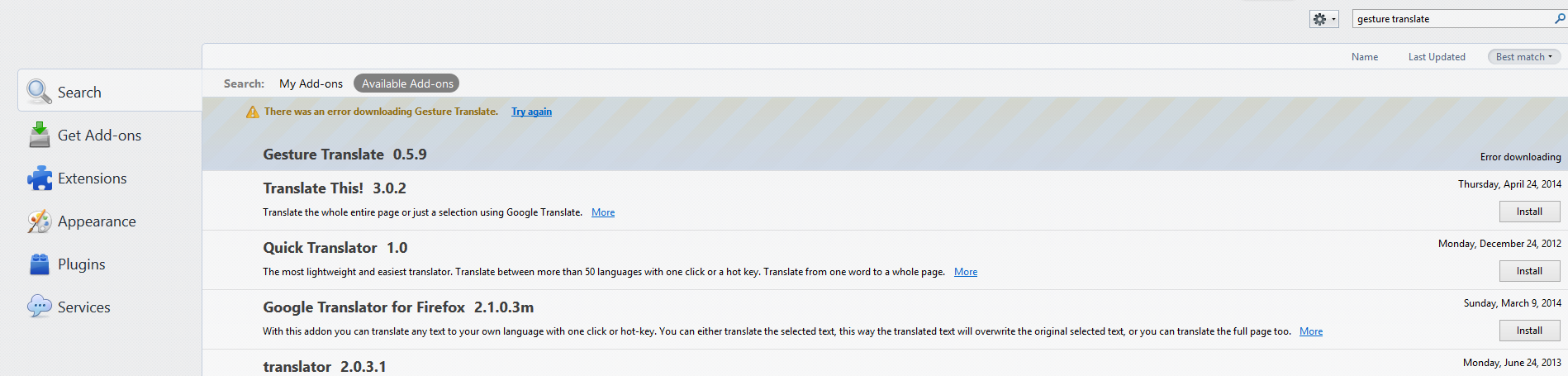
No stylesheets are loaded neither for addons site nor the internal addons manager. can't download addons.

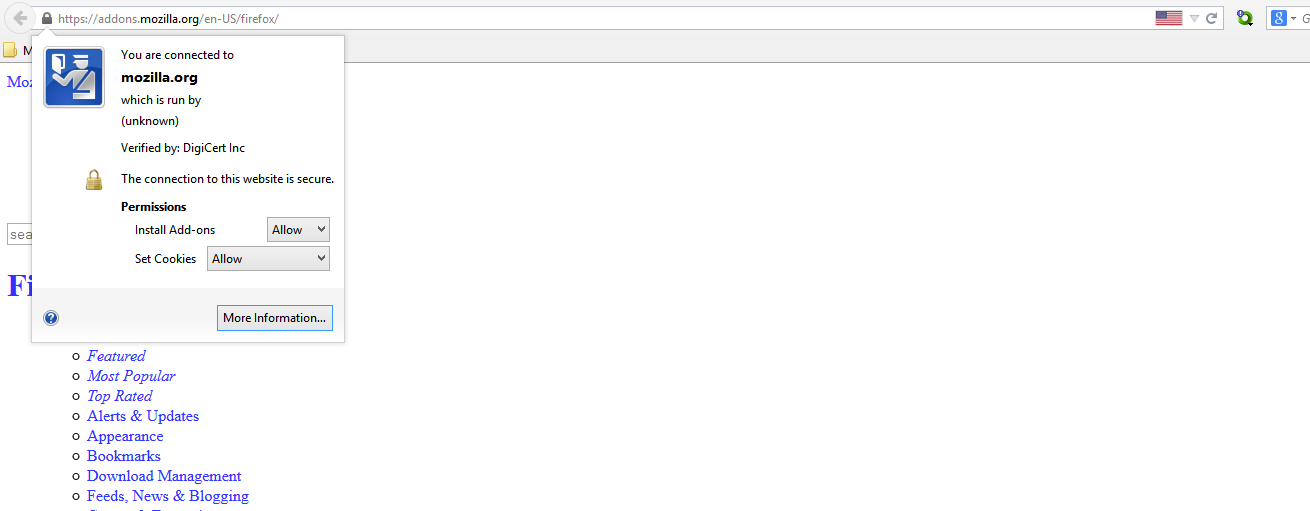
I've tried solutions like resetting and reinstalling or running Firefox with add-ons disabled but they didn't work. everything worked fine with my current configuration but now stylesheets are not loaded (only text and a bunch of links on the left side) for some of Mozilla pages (including AMO). I open the site using all the default settings (basic page style/default fonts, etc.) and updated plugins. I don't even see the green background for https in the address bar for add-ons site. I've also whitelisted Firefox in my Comodo firewall. The sites load perfectly in chrome.
Does anyone know how to handle this problem?
Solution choisie
thanks, can you check that your system's date/time & timezone are set correctly?
Toutes les réponses (6)
...I've uploaded several screenshots:
what happens if you try to load https://addons.cdn.mozilla.net/media/img/icons/collection.png ?

ok I opened the link and I got an error saying secure connection failed: (error code:sec_error_ocsp_future_response). I remember I saw the same error page when I'd checked "when an OCSP server connection fails, treat the certificate as invalid" option under certificates validation tab. but this time it's not checked and it happened again.
Solution choisie
thanks, can you check that your system's date/time & timezone are set correctly?
Thanks a lot! checking time got it fixed.. I just didn't notice a mistake in my time settings could cause such an issue!
great, thanks for reporting back!