


Saving old images

I have three version of image:
2 days old, 1 day old, actual
if i try to save old image by drag & drop onto desktop or Ctrl-S or rightclick->"save image as": I see, it is saved as actual image! Why?
Modifié le par Lrejwgher
Toutes les réponses (3)
Not too sure what you are doing, Presumably it is some sort of interactive web page you are using. Is the site private, or a public one that anyone may use ?
- (if public what is the site and the URL/Address )
- are these images all in the same web-page ?
- are they all visible at the same time in different locations within the page ?
- what happens if you save the whole web page ?
I also note you are apparently using Firfefox12,you may wish to consider updating,the current version is 13.01.
It is a three versions of weather map with same url, but different date:
http://www.hobitus.com/noaa/composite/hvct-precip.jpg
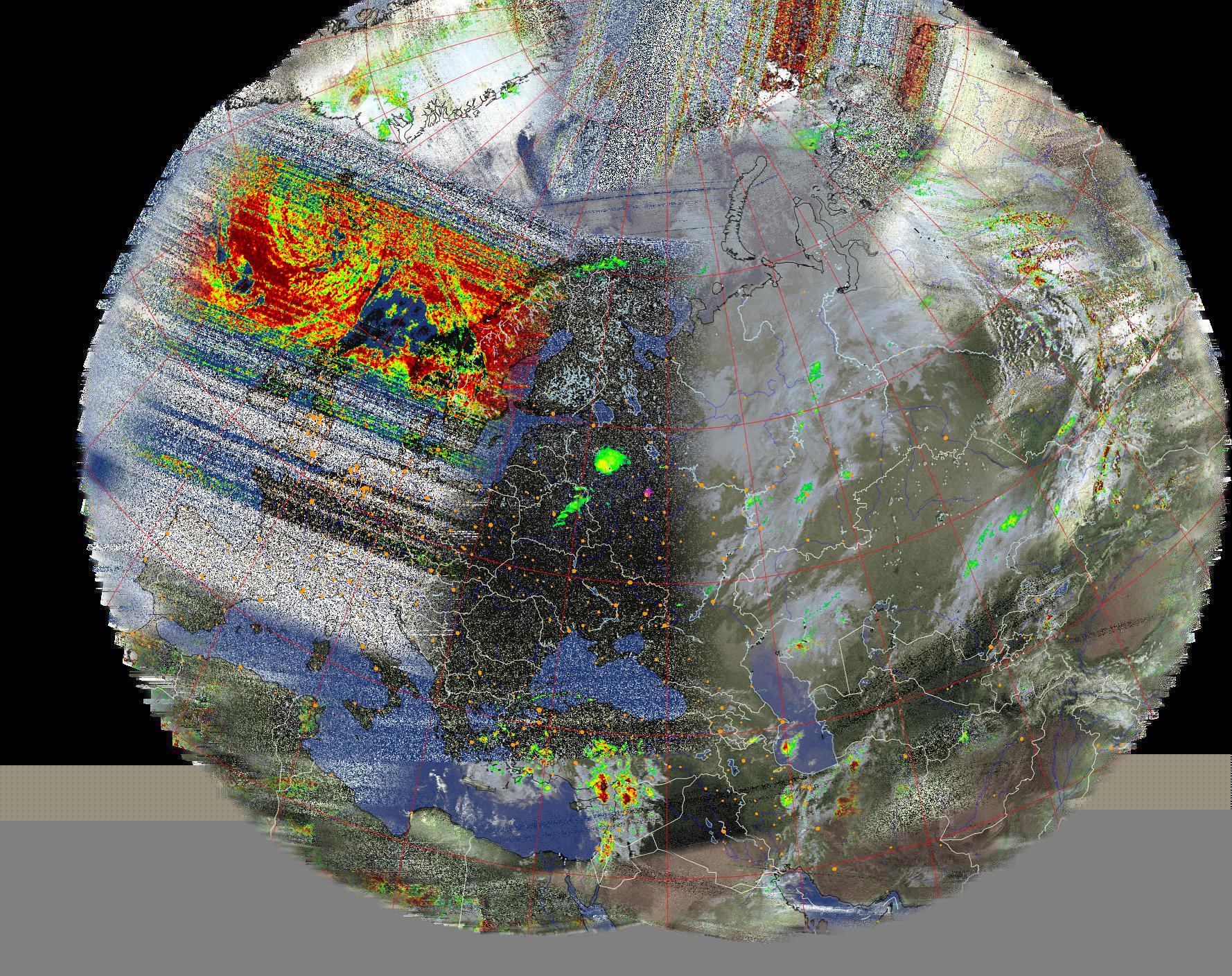
It was collected for three days and I try to save it all.
Modifié le par Lrejwgher
If the websites update the page and replaces an image with a new image without changing the URL each day then Firefox may (or will) reload the image from the server when you try to save the image.
To make Firefox use the image in the cache you can temporarily switch to offline mode or use an extension that can save images from the cache.