


Fonts Disappeared

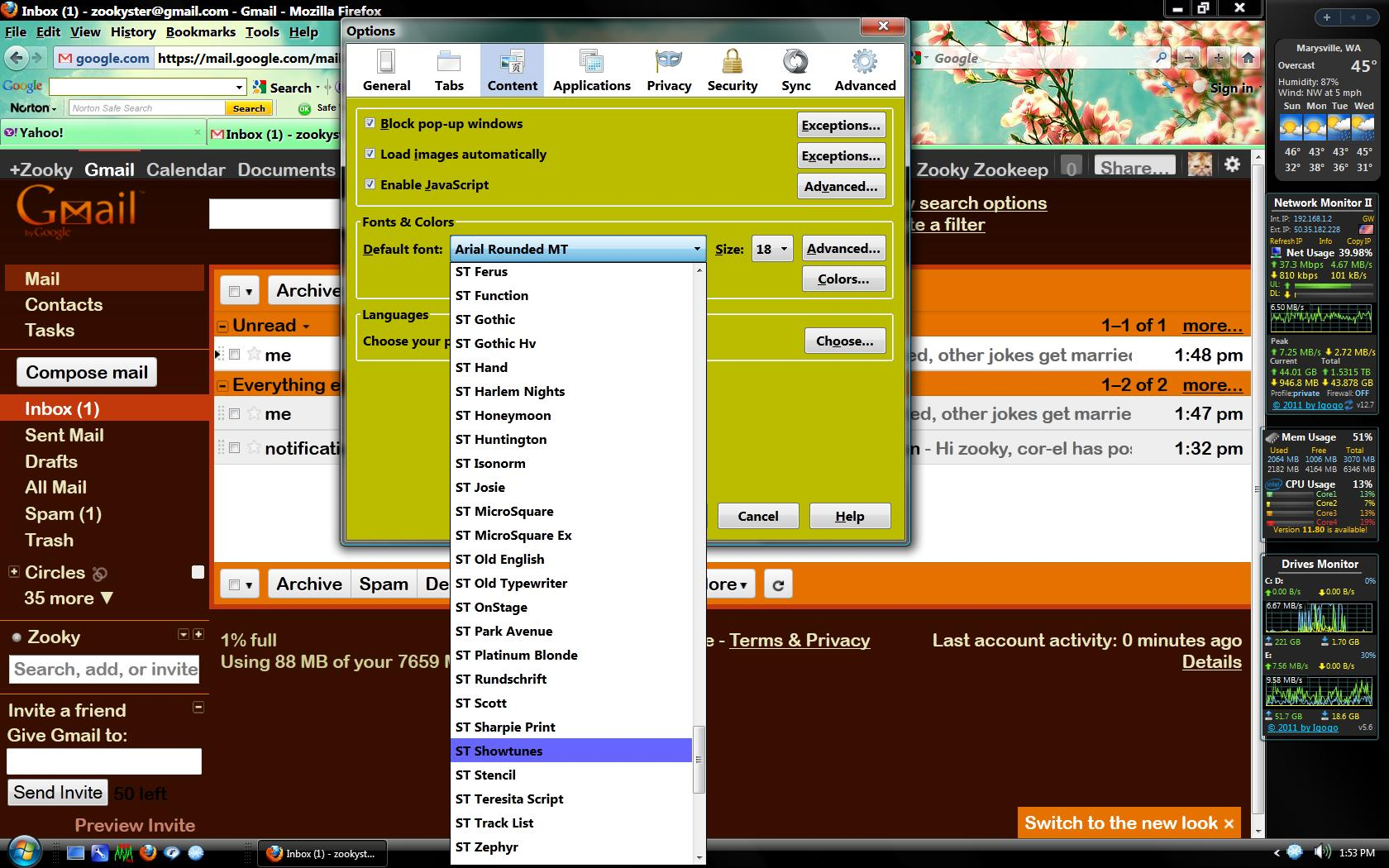
At some point (unknown) whenever I go to Options>Content and want to change the Font Type it only shows a basic set of system fonts. For instance, all of the Clear Type fonts no longer appear as a selection option. This only applies to Firefox. All other browsers find the complete list of available fonts on my system.
Toutes les réponses (8)
Note: I am currently running 8.0.1 but this was occurring on 7.0, too.
Try to set the Boolean pref gfx.font_rendering.directwrite.use_gdi_table_loading to false on the about:config page.
To open the about:config page, type about:config in the location (address) bar and press the "Enter" key, just like you type the url of a website to open a website.
If you see a warning then you can confirm that you want to access that page.
- Use the Filter bar at to top of the about:config page to locate a preference more easily.
- Preferences that have been modified show as bold (user set).
- Preferences can be reset to the default via the right-click context menu if they are user set
- Preferences can be changed via the right-click context menu: Modify (String or Integer) or Toggle (Boolean)
Sadly, this did not correct the problem. Zooky
Can you attach a screenshot and a link to a page where you have that problem?
Use a compressed image type like PNG or JPG to save the screenshot and make sure that you do not exceed the maximum file size (1 MB).
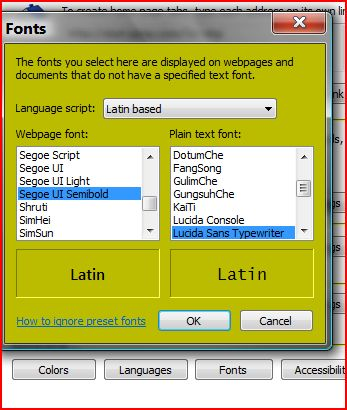
I have attached two snaps. Capture is from Internet Explorer - note that it has Segue UI semi-bold. Capture1 is a screenshot of FF. It does not contain that Font. This is an example, only. FF is missing MANY fonts.
Zooky
That list consists of several sections (serif, sans-serif, monospace).
Doy you inspect the full list of default fonts?
You can do a font test to see which fonts are installed.
This has problems. Everytime I try to run it it takes me to Java install. I allowed it to update me to v.30 but evn then when I ask the program to show me installed fonts with details it takes me right back to Java install, on-n-on. It's a loop!
btw - it may be a mixture of serif and non serif but Internet Explorer found them, FF did not. The Sergoe UI semibold is the one I want to use in FF, just as I use it in IE which has no problem finding it already installed.
I ran a Font Manager and one of the fonts that I was looking for is installed (see attached file). FF does not show a complete list of all fonts installed.
