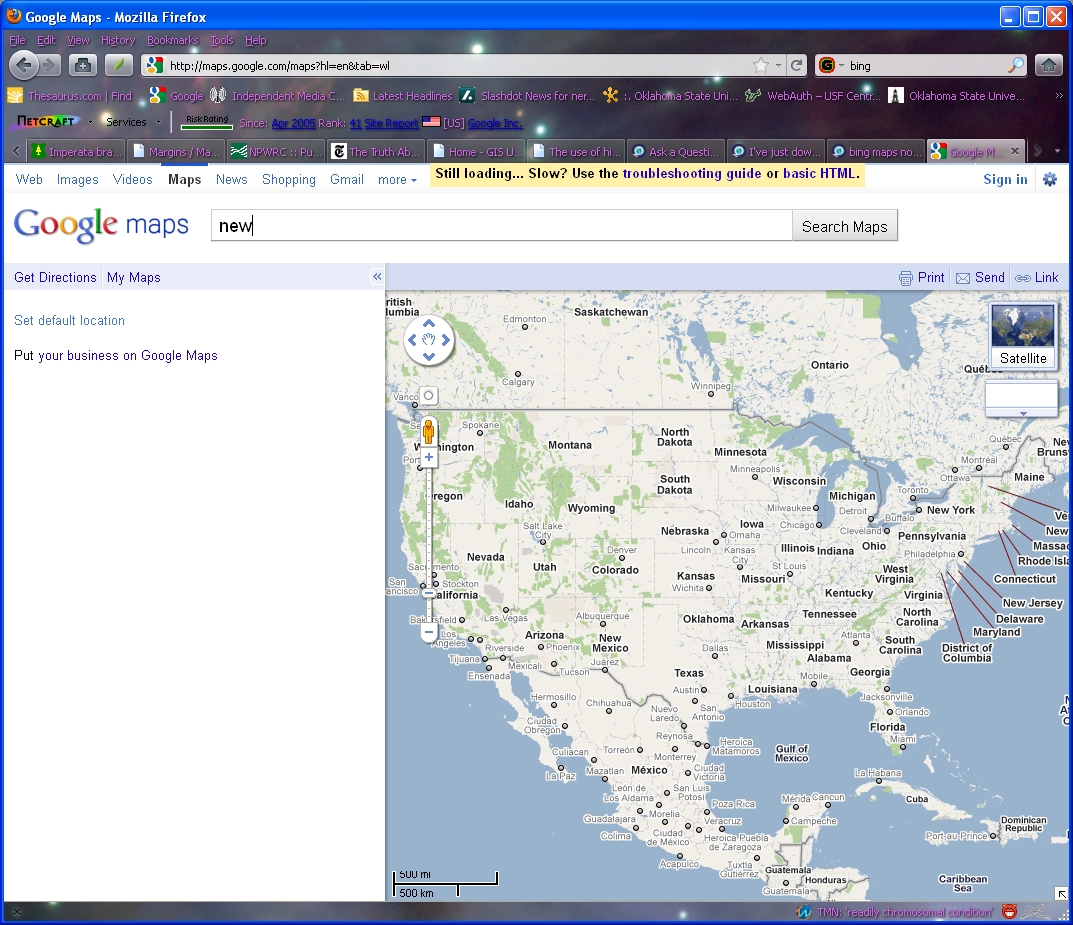
I've just downloaded Firefox 4.0 and Google maps has stopped working. If I change the code (see details) will I screw up the image settings on Firefox? Ta, Tina

http://maps.google.com/support/bin/answer.py?hl=en&answer=18529 This is the Google support page
Where Google says the settings should be FALSE and 0, mine are TRUE ans 1!
Toutes les réponses (5)
The Google help page is out of date.
dom.disable_image_src_set - it should be set to false, you can change yours to false by double-clicking on it.
network.image.imageBehavior - this has not been used since Firefox 1 and has been replaced by permissions.default.image
The only allowed values for permissions.default.image are 1,2 or 3 and the default is 1 (this is the value that you need for this preference). If permissions.default.image is not set to 1 double-click on it and change its value to 1
Hi - thanks for this but I've changed these settings and Google maps still doesn't work. Any other sugestions?
Make sure that JavaScript is enabled. In the Options window, go to the Content panel for the setting to enable JavaScript.
Another troubleshooting option is to clear the cache and deleting cookies for the site, this can sometimes help with accessing a site that previously worked. For details see https://support.mozilla.com/kb/How+to+clear+the+cache and https://support.mozilla.com/kb/Deleting+cookies
Tried all of this, still no result. I'm using XP - does that matter?
I've taken all the steps recommended here and have had no luck. Google maps doesn't work. I even downloaded and installed FF4 again and it didn't help.