


Mozilla Firefox default language setting to English not working

Hello Support Team,
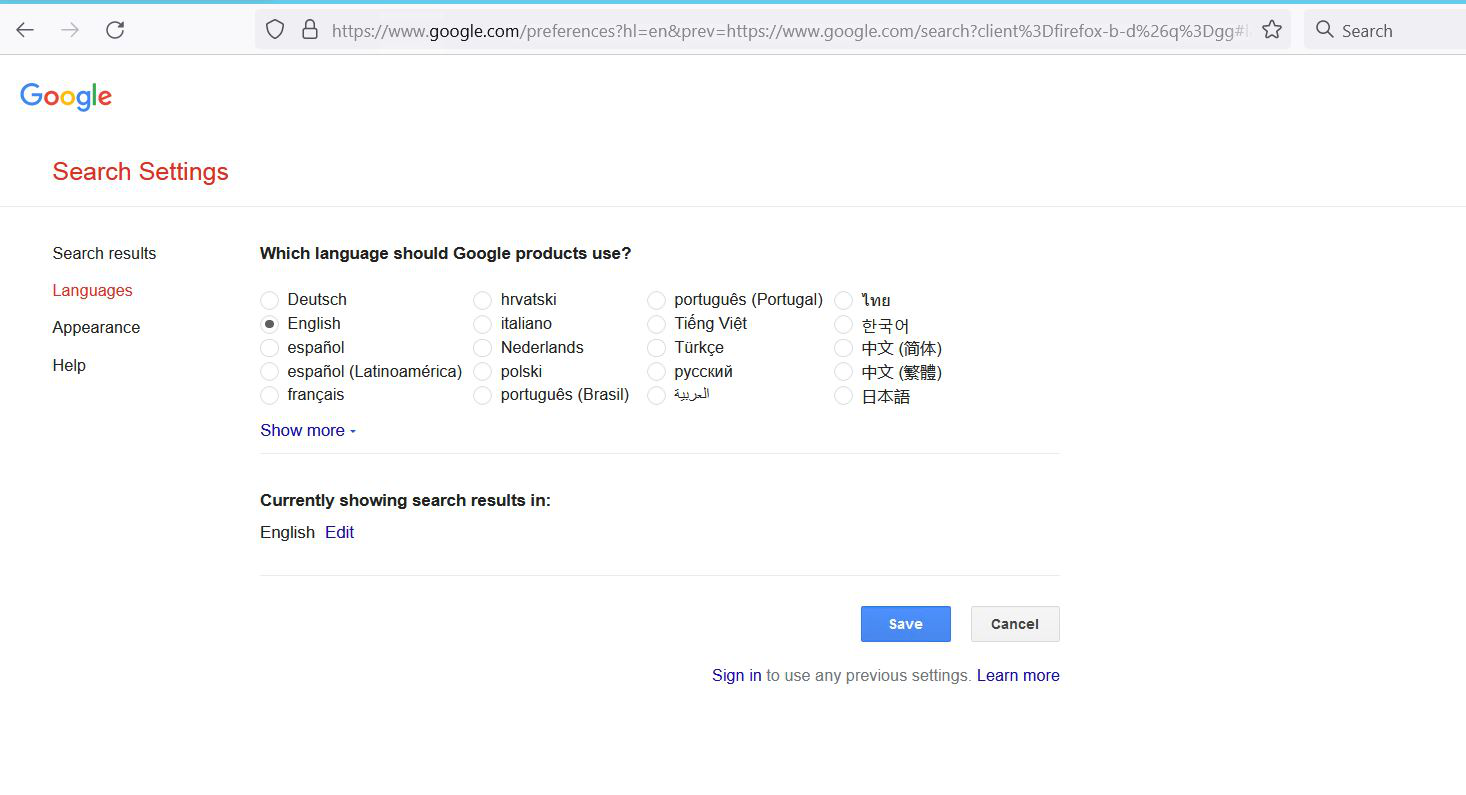
Please help me to set the language for Firefox in google.com, every time when I set the Google search in English, it will change to the current local language once restarted,
Please prove a solution for this
Hello Support Team,
Please help me to set the language for Firefox in google.com, every time when I set the Google search in English, it will change to the current local language once restarted,
Please prove a solution for this
Toutes les réponses (1)
You can use these steps to make a website recognize and remember you.
- create a cookie allow exception with the proper protocol (https:// or http://) to make a website remember you
You can check that you aren't clearing important cookies.
- using "Delete cookies and site data when Firefox is closed" keeps cookies with an allow exception
- using "Clear history when Firefox closes" to clear cookies clears all cookies including cookies with an allow exception you may want to keep
- clearing "Site Preferences" clears exceptions for cookies, images, pop-up windows, and software installation and exceptions for passwords and other website specific data
See also:
- Settings -> Privacy & Security
Cookies and Site Data: "Manage Exceptions"