


I allow my Mic and camera, firefox blocks it

firefox on windows 11, keeps blocking my camera and Microphone despite express permissions to allow, i look in permissions and the site is clearly marked to allow camera, but when i goto sitye, no camera or mic is allowed until i delete the permission that is supposed to allow it.
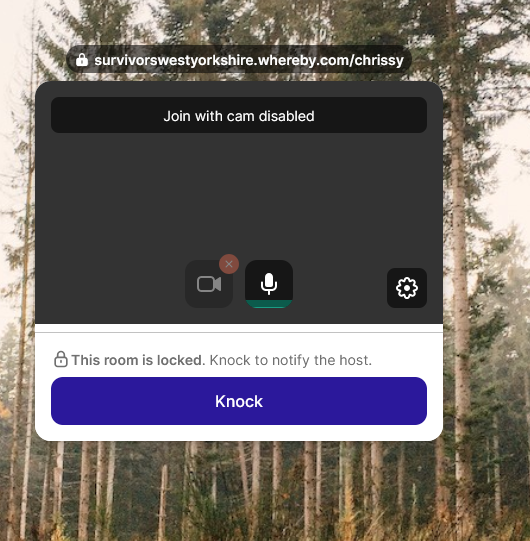
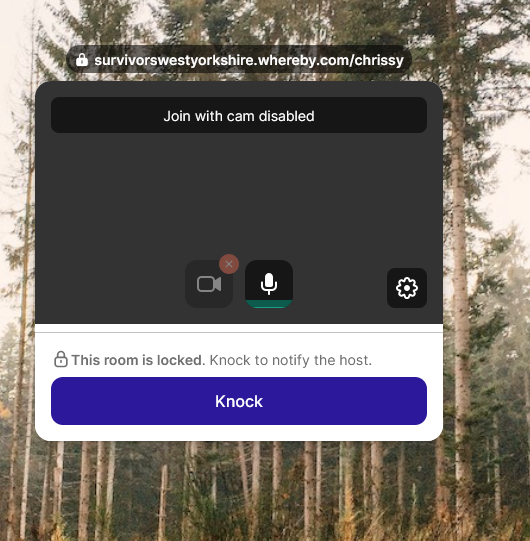
I have counselling at https://survivorswestyorkshire.whereby.com/chrissy
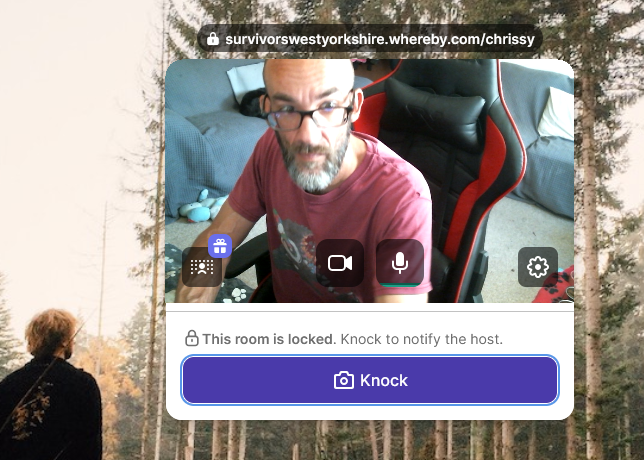
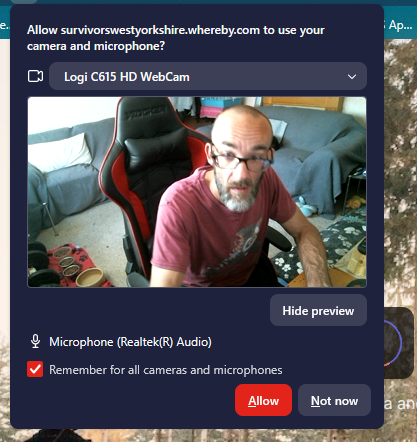
I allow my camera and mic.
I return to the site and it tells me camera and microphone blocked.
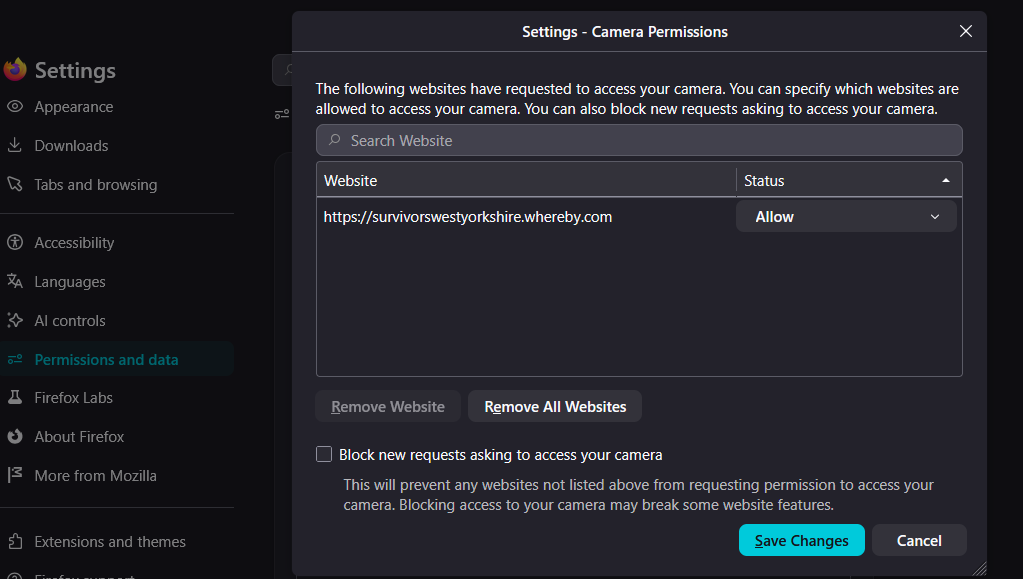
I goto0 settings>Permissions>Camera
It clearly states that the website is allowed to use the devices, but when on the website the devbices are blocked. Whats messed up is, if i delete your settings>Permissions>Camera, it allows me to use my camera and mic, until i refresh the webpage and its blocked again.
This makes zero sense and is every reason for me not to use Mozille Firefox as a browser at all.
Sincerely
Complex Autist
Toutes les réponses (4)
Hello, first check to see if Firefox is up to date, then go to Settings > Camera and remove the site. Go back to the site and refresh the page; it should then ask if you want to allow the site to access your microphone and camera. Select “Yes” and “Always allow.” Let me know if the problem persists.
Modifié le par Hector
Hi, since you're using a Logithec camera, is there software for it? If so, check to see if you've enabled the camera for Firefox.
Modifié le par Hector
Hi,
I can reproduce the issue, but only with temporary permissions. When I check "Remember for all cameras and microphones", it works for me even after reloading.
To clarify, have you tried this in any other browser? What has the result been?

i am also facing this problem