How do I uninstall a web app?
Suddenly I have Firefox "web apps" in my Start menu. Don't want them. Don't need them. How do I remove them?
Windows 11.
Ouvert


Suddenly I have Firefox "web apps" in my Start menu. Don't want them. Don't need them. How do I remove them?
Windows 11.
I recently switched from Debian to Fedora Workstation. Everything works fine, even better under Fedora, except Firefox. There is this quirk, where whenever I wake up my s… (lire la suite)
I recently switched from Debian to Fedora Workstation. Everything works fine, even better under Fedora, except Firefox. There is this quirk, where whenever I wake up my system from suspension, and I try to search something, Firefox just shows a loading sign as if it was loading the page, but I see via the inspect tool that it isn't even sending any HTTPS requests to the server. I know this problem specifically affects Firefox, because other programs that require an internet connection, such as fetching mail via Thunderbird or installing packages via DNF work completely fine. In order to get Firefox to actually work, I have to completely close and reopen the application, forcing me to lose unsaved work in some cases. I've tried everything, from restarting my machine to waiting to see if it will be patched in a future update, but nothing has gotten better. Please help me. Thank you in advance.
I haven't changed anything in Firefox Browser settings. But when I open a bank statement, it is opening in the firefox browser, not in Acrobat. For years it opened in Ac… (lire la suite)
I haven't changed anything in Firefox Browser settings. But when I open a bank statement, it is opening in the firefox browser, not in Acrobat. For years it opened in Acrobat. I checked Firefox Settings - Downloads for .pdf and it is still set to open them in Acrobat application. I have toggled the options, but still will not open in Acrobat. I have rebooted PC and tried again, still not opening the .pdf in Acrobat. Please advise what I should do Thank you
https://i.gyazo.com/74cf268bf4dff38c2945ff3a3227234f.png This is the constant image i keep getting i have asked AI about it and i have already taken multiple steps cleare… (lire la suite)
https://i.gyazo.com/74cf268bf4dff38c2945ff3a3227234f.png This is the constant image i keep getting i have asked AI about it and i have already taken multiple steps cleared caches/history, personal settings and others including
I would like to link firefox with wild tangent games. Right now my games are not launching and I was wondering if it's because I changed browser from chrome to firefox? … (lire la suite)
I would like to link firefox with wild tangent games. Right now my games are not launching and I was wondering if it's because I changed browser from chrome to firefox?
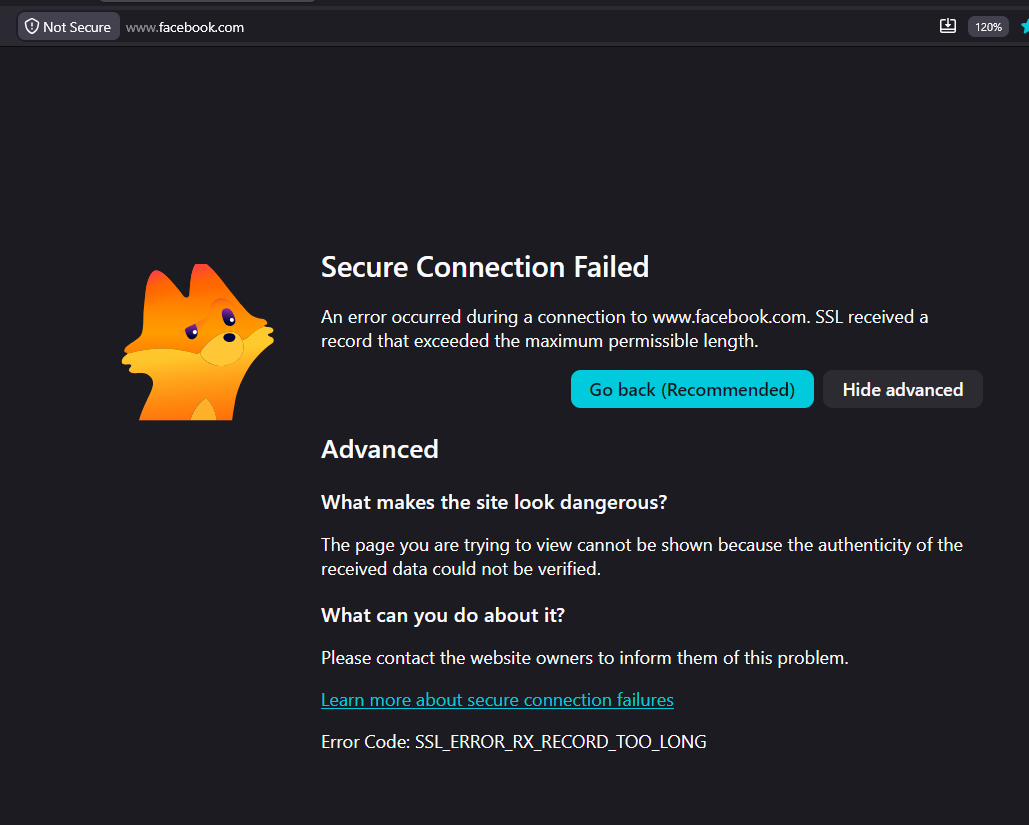
when i go to my website on firefox it says "Secure Connection Failed" but it loads fine on safari. i've never seen it do this before. Is this a firefox issue? full error … (lire la suite)
when i go to my website on firefox it says "Secure Connection Failed" but it loads fine on safari. i've never seen it do this before. Is this a firefox issue?
full error message: Secure Connection Failed
The page you are trying to view cannot be shown because the authenticity of the received data could not be verified. What can you do about it?
The issue is most likely with the website, and there is nothing you can do to resolve it. You can notify the website’s administrator about the problem.
Error Code: PR_CONNECT_RESET_ERROR
how do i fix this?
my push notification is saying windows 10 instead of 11.
cusytomize browser wallpaper
Hello, I just downloaded v153.0.4 and now there are no wallpapers on my New Tabs or Home Page. No custom url for new tabs either and the Firefox Home is a blank page. Wha… (lire la suite)
Hello,
I just downloaded v153.0.4 and now there are no wallpapers on my New Tabs or Home Page. No custom url for new tabs either and the Firefox Home is a blank page.
What's up with that?
- Andre'a
I have albinism. Pure white backgrounds are not an annoyance – they cause physical eye pain and trigger migraines. Every time I visit support.mozilla.org or accounts.fire… (lire la suite)
I have albinism. Pure white backgrounds are not an annoyance – they cause physical eye pain and trigger migraines. Every time I visit support.mozilla.org or accounts.firefox.com, I am forced to endure #FFFFFF with no way to change it.
To anyone about to defend Mozilla blindly: this is about accessibility and eye pain, not brand loyalty, so do not silence me.
What Mozilla has done:
The only remaining workaround is a userContent.css hack with filter: invert(1) – which requires a visually impaired user to manually edit CSS files and restart the browser. That is not accessibility – that is hostility.
Security excuse – debunked:
What I demand:
Make support.mozilla.org and accounts.firefox.com respect the system prefers-color-scheme media query. If you insist on light branding, add an official dark toggle in the site header – stored in a cookie or account preference. Stop blocking extensions from applying user‑chosen themes to your own sites. That is not security; it is control. You are a non‑profit that claims to value accessibility and user control. Your actions say otherwise. Fix these two domains. No CSS hacking should be required for basic vision safety.
Hello. When I open a new tab page, all 6 panels below keep scrolling right like their not loading correctly. I have tried everything to make this go away since it is very… (lire la suite)
Hello. When I open a new tab page, all 6 panels below keep scrolling right like their not loading correctly. I have tried everything to make this go away since it is very distracting. Any ideas of how to fix?
On my Firefox Home Page, I selected two rows of PINNED shortcuts. Each time I open a webpage that webpage is added not only to the two selected rows of shortcuts, but "k… (lire la suite)
On my Firefox Home Page, I selected two rows of PINNED shortcuts. Each time I open a webpage that webpage is added not only to the two selected rows of shortcuts, but "keeps" EVERY webpage selected after filling the two selected shortcut rows. It is not only annoying and inconvenient, but s l o w s work time to a crawl around these shortcuts ... few, if any, are helpful. If I want to re-entry an UNPINNED shortcuts, I go to history and select the one I want. WHEN is Fire Fox to solve this seemingly simple but annoying problem?
I blocked too many ads on weather.com and now the page won't load. I unstalled adblock but it still wont work.
How do i turn on the VPN mode
can auto scroll be son Firefox if not why not?
When I select text in firefox's built in pdf viewer, a menu with comment and highlight options automatically pops up. I haven't been able to figure out any way to turn th… (lire la suite)
When I select text in firefox's built in pdf viewer, a menu with comment and highlight options automatically pops up. I haven't been able to figure out any way to turn this off. This is a problem because when I'm using the viewer at work firefox now puts this menu exactly over the next piece of information I need. (eg blocks the next row in a process log)
I am using Firefox 153.0.4 (64-bit). Windows 11.
Frequent hangs and blank tabs upon accessing websites
MacOS: If not already running, Firefox does not load requested URL on launch MacOS 26.5.2, Firefox 152.0.4 How to reproduce: 1) Set Firefox as the default browser 2) Comp… (lire la suite)
MacOS: If not already running, Firefox does not load requested URL on launch MacOS 26.5.2, Firefox 152.0.4
How to reproduce: 1) Set Firefox as the default browser 2) Completely quit Firefox 3) Open a URL (e.g. open Spotlight, type a query, select "Search the web", or any of the many other ways) 4) Observe Firefox opens but does not open a tab with the externally requested URL
This used to work fine. It still works on Windows. Reproduced on two different Macs. If Firefox is already running, it works as expected.
I need to recover my 100 plus Favorites. How do I do it?
Yesterday (August 10) I tried logging into my account on Domini Funds (https://uportal.ultimusfundsolutions.com/app/dominifund/#login). My login worked okay, but only hal… (lire la suite)
Yesterday (August 10) I tried logging into my account on Domini Funds (https://uportal.ultimusfundsolutions.com/app/dominifund/#login). My login worked okay, but only half of the site's menu loaded and none of my account data loaded. There was just a white circle with a blue streak orbiting inside. After 60-90 seconds of this display, I aborted the attempt to access my data.
I tried logging into the site again today after I had been prompted to download and use a new version of Firefox. The same result: log-in was successful, but only a partial menu loaded and none of my account data was loaded. The orbiting blue streak ran for 60 seconds before I gave up and aborted.
I then tried to access the site using an old version of Microsoft Internet Explorer and everything displayed as expected. I had a full menu displayed and I could view and interrogate my account data.
I only visit this site 3-4 times a month. My last visit was on August 1. Everything displayed properly then.