


CardBook in v152 can't scroll window to save new entry or edited contact

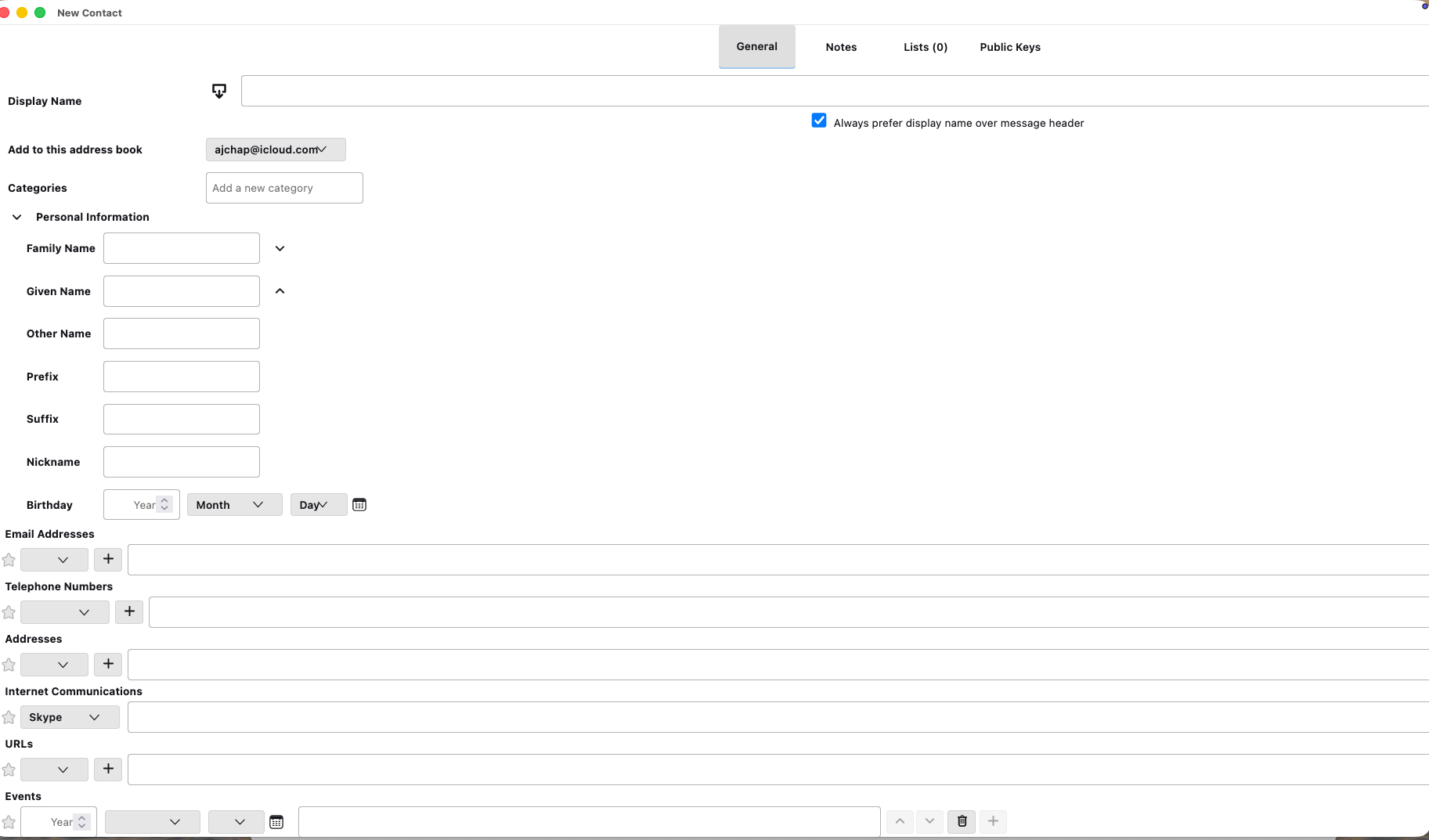
Just updated to v152 (from 142 esr) on MacOS (26.6 public beta 2) and CardBook creating new contact or edit existing contact and am unable to scroll to bottom of window to the save option
Toutes les réponses (2)

Solution choisie
The problem seems to be the lack of scroll bars. This is actually a Cardbook problem, not a Thunderbird one. I remember running into a similar bug several months ago and it was eventually fixed. You should contact the developer about that (difficult, I know - I'm a user, too.)
https://gitlab.com/CardBook/CardBook/activity
Perhaps they are already aware of it. In the meantime a workaround that works for me on Windows is to use the <Ctrl+Plus> and <Ctrl+Minus> key combination to shrink and expand the text in the edit window until you can get at the buttons. Or you can keep hitting the Tab key to cycle the focus through all the controls until you (blindly) land on the Save button. It will take some trial and error.
Thank you. Reported to CardBook and the minimizing screen solvers immediate issue