Thunderbird burning energy on Macbook M2

Hello,
I have a MacBook Air M2, and I'm experiencing energy usage issues related to Thunderbird. This has kept happening for a long time now actually, surviving through at least two Mac OS updates, and a huge number of TB updates. Everything's up to date. I tried to follow this: https://support.mozilla.org/en-US/questions/1269944 and this: https://wiki.mozilla.org/Thunderbird:Testing:Memory_Usage_Problems?_gl=1*86dj4d*_ga*MTkzNzQ0MjA3MS4xNzYyOTY4OTMx*_ga_2VC139B3XV*czE3NjMzMTM3NDckbzIkZzAkdDE3NjMzMTM3NDckajYwJGwwJGgw but didn't succeed. Actually, in my case, the issue is more noticeable: I normally have TB open in background - sometimes everything's fine, and the battery goes down as normal, while sometimes instead the battery drops quickly, and checking in the Mac activity monitor I can see that the CPU usage of TB is totally abnormal. When this happens, I can actually see the activity bar in TB being live (bottom right corner, as it happens when TB is checking for new mails), but never disappearing. When I notice it, I just reboot TB, and the bar shuts off as normal after a quick mail check. Moreover, checking the 24hr energy usage by app, TB is often on top with nonsense values.
I tried multiple times to rebuild the database, and do most of the tricks suggested, but didn't fix. Yes I have a huge mail archive, but the problem is not the standard management of this database: basically it seems that every now and then, TB decides to run some activity which it gets stuck in, and this kills the CPU.
Thank you in advance for your help!
Toutes les réponses (3)
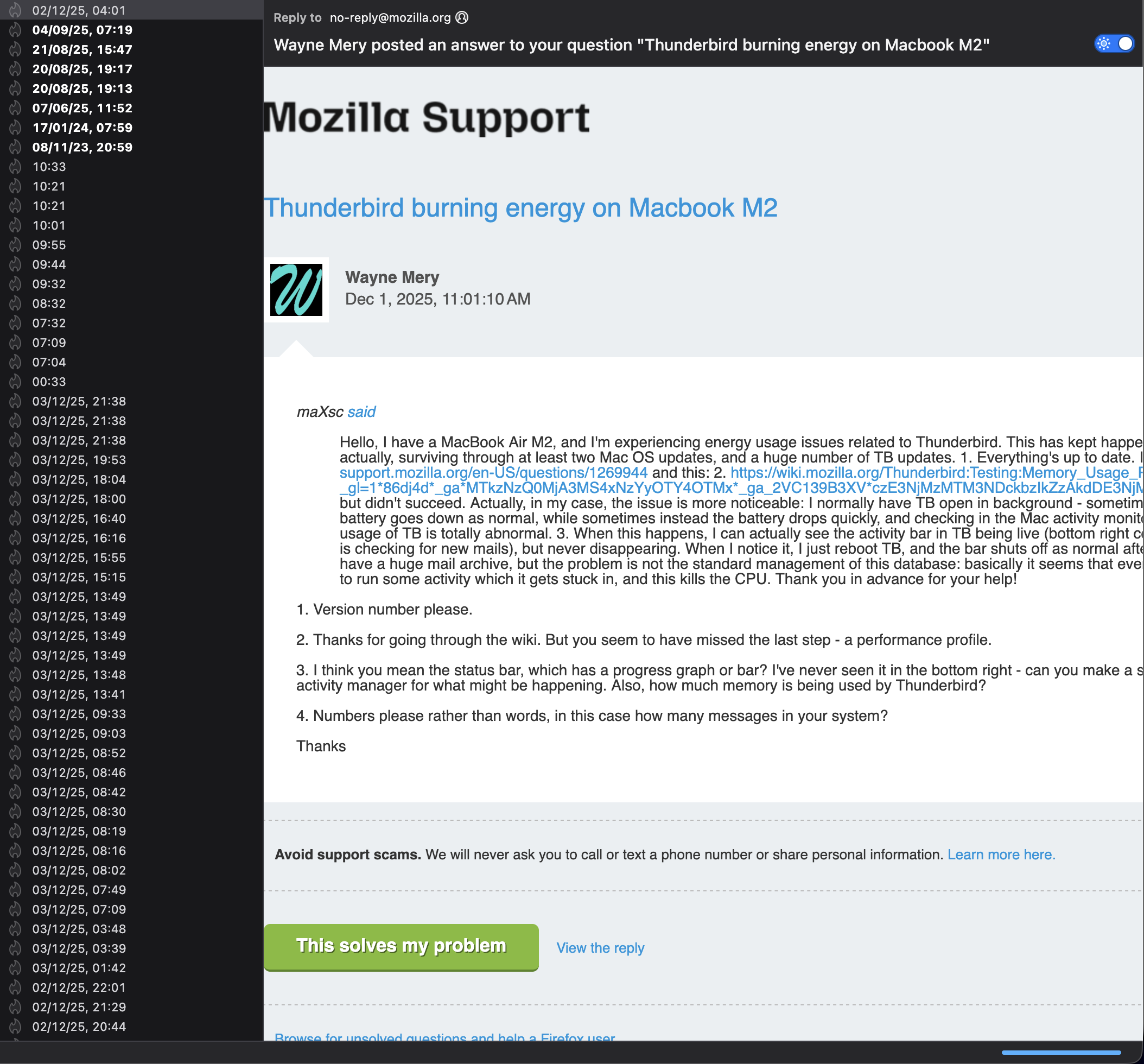
maXsc said
Hello, I have a MacBook Air M2, and I'm experiencing energy usage issues related to Thunderbird. This has kept happening for a long time now actually, surviving through at least two Mac OS updates, and a huge number of TB updates. 1. Everything's up to date. I tried to follow this: https://support.mozilla.org/en-US/questions/1269944 and this: 2. https://wiki.mozilla.org/Thunderbird:Testing:Memory_Usage_Problems?_gl=1*86dj4d*_ga*MTkzNzQ0MjA3MS4xNzYyOTY4OTMx*_ga_2VC139B3XV*czE3NjMzMTM3NDckbzIkZzAkdDE3NjMzMTM3NDckajYwJGwwJGgw but didn't succeed. Actually, in my case, the issue is more noticeable: I normally have TB open in background - sometimes everything's fine, and the battery goes down as normal, while sometimes instead the battery drops quickly, and checking in the Mac activity monitor I can see that the CPU usage of TB is totally abnormal. 3. When this happens, I can actually see the activity bar in TB being live (bottom right corner, as it happens when TB is checking for new mails), but never disappearing. When I notice it, I just reboot TB, and the bar shuts off as normal after a quick mail check. 4. Yes I have a huge mail archive, but the problem is not the standard management of this database: basically it seems that every now and then, TB decides to run some activity which it gets stuck in, and this kills the CPU. Thank you in advance for your help!
1. Version number please.
2. Thanks for going through the wiki. But you seem to have missed the last step - a performance profile.
3. I think you mean the status bar, which has a progress graph or bar? I've never seen it in the bottom right - can you make a screen shot? And check Tools > activity manager for what might be happening. Also, how much memory is being used by Thunderbird?
4. Numbers please rather than words, in this case how many messages in your system?
Thanks
Hello, thank you for jumping in! Version number: 140.5.0esr / MacOS 26.1 Screenshot of the bar attached: the blue bar in bottom right corner appears normally only when downloading new email or compacting, but with this issue it stays there. Tools> active manager only shows the last mailboxes that have been checked, but there’s no live activity. If I clear the list, it stays empty until next mailbox check. With blue bar on, the memory used by TB is 1.59GB now. Not sure if this changes over time. Number of messages: around 22.000 spread over 5 accounts, plus roughly 90.000 in a number of archived mailboxes in the local directory. Both live and local mail directories are not in the default location but directly into the home of MacOS.
I have the feeling that the issue is triggered by an automatic mailbox compacting action which is somehow unfinished and stays pending for ages. I’ll try to record a performance profile as you asked, but since there’s no obvious way to trigger the issue, I’ll have to catch it. I just relaunched TB now, and everything’s fine so the performance profile would be useless I guess.