


Email Link under File in the top left corner of the browser is chosing the wrong address to mail from
When on a web page, if I would like to share that page with someone I go to the top of FireFox browser window, top left corner, left click on File , go down to Email Link... and left click on it.
Previous to two days ago it always opened my Gmail client and prefilled my information, subject and URL of the page and then I typed in the recipient's address.
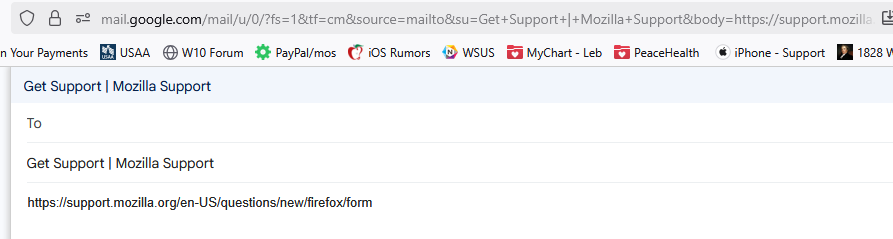
Now it no longer shows the same window, it does not show the sent from information. Also it is sending from my wife's email address, which is hidden.
Solution choisie
Fred said
What you can't see is that if you hover over the Gmail Tab in the top right corner it shows what address the email is being sent from. Somehow I managed to change that from my Gmail address to my wife's Gmail address. Sorry i took so long to reply, been very, very busy.
OK, I think I see what you need to do:
- go to https://myaccount.google.com
- you should see 'Welcome, <wife's name>
- click <wife's name> in the circle at the upper r. corner
- scroll down and click 'Sign out of all accounts'
Then try to email a link. You should be presented with a 'Choose an account' screen. Click 'Use another account' and enter your user ID and PW > click 'Next'. The message will appear > enter Recipient > click 'Send'
Lire cette réponse dans son contexte 👍 1Toutes les réponses (7)

My bad, I am using Gmail. BUT, I just got a DuckDuckGo forwarding address in the last few days.
Thanks, Fred
Fred said
My bad, I am using Gmail. BUT, I just got a DuckDuckGo forwarding address in the last few days. Thanks, Fred
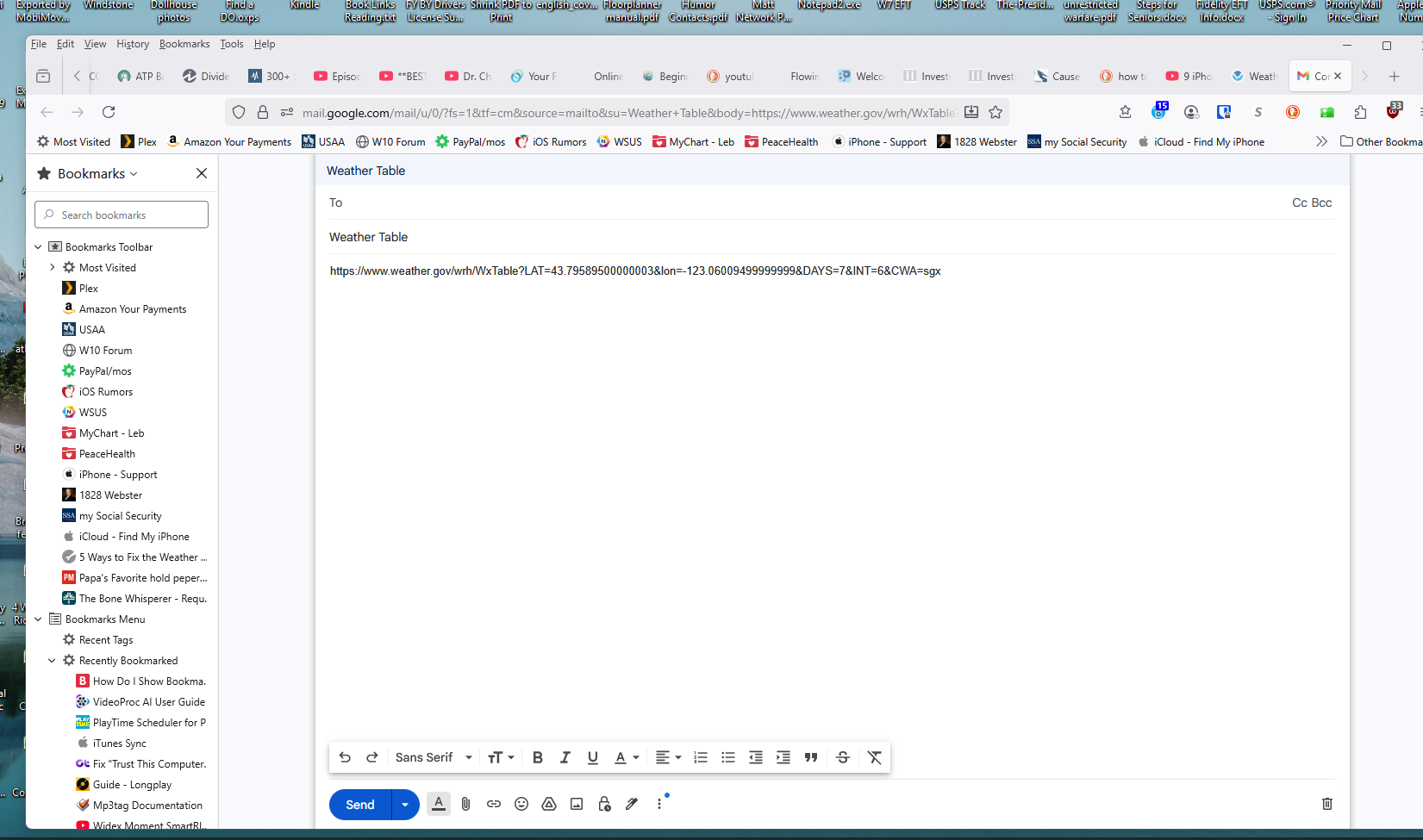
Can you post a screenshot of the whole page as it shows when you click 'Email link'?
What you can't see is that if you hover over the Gmail Tab in the top right corner it shows what address the email is being sent from. Somehow I managed to change that from my Gmail address to my wife's Gmail address. Sorry i took so long to reply, been very, very busy.
Solution choisie
Fred said
What you can't see is that if you hover over the Gmail Tab in the top right corner it shows what address the email is being sent from. Somehow I managed to change that from my Gmail address to my wife's Gmail address. Sorry i took so long to reply, been very, very busy.
OK, I think I see what you need to do:
- go to https://myaccount.google.com
- you should see 'Welcome, <wife's name>
- click <wife's name> in the circle at the upper r. corner
- scroll down and click 'Sign out of all accounts'
Then try to email a link. You should be presented with a 'Choose an account' screen. Click 'Use another account' and enter your user ID and PW > click 'Next'. The message will appear > enter Recipient > click 'Send'
Absolutely as you described and the answer worked beautifully. I will store this answer in my Gmail tabs for instant access. I could not find any information on Google Help about this particular problem. Wished I could give you a thumbs up somewhere. I thank you so very much, Fred
Fred said
Absolutely as you described and the answer worked beautifully. I will store this answer in my Gmail tabs for instant access. I could not find any information on Google Help about this particular problem. Wished I could give you a thumbs up somewhere. I thank you so very much, Fred
Cool - you're welcome :-)