


opening EML file stored on NAS problem

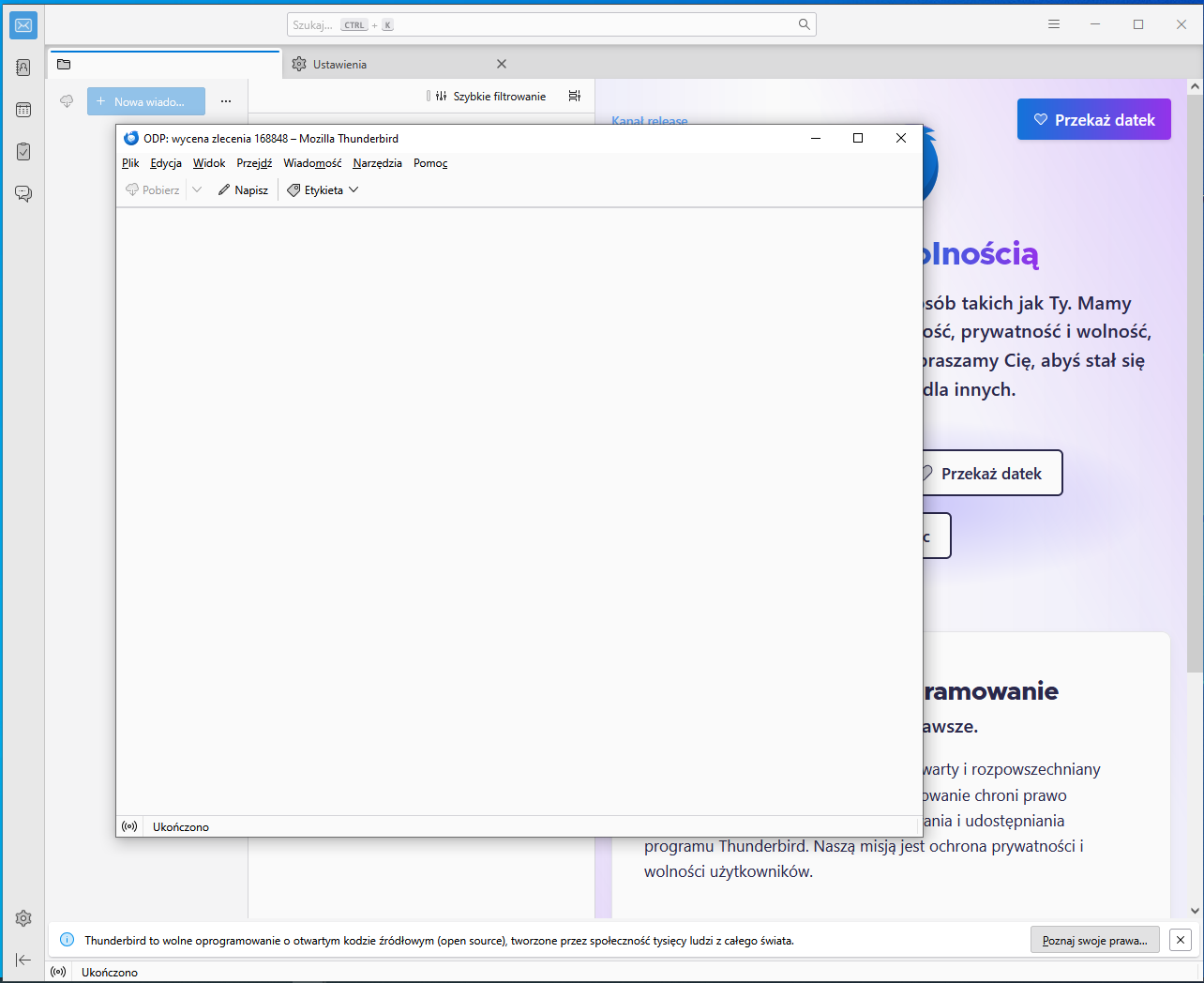
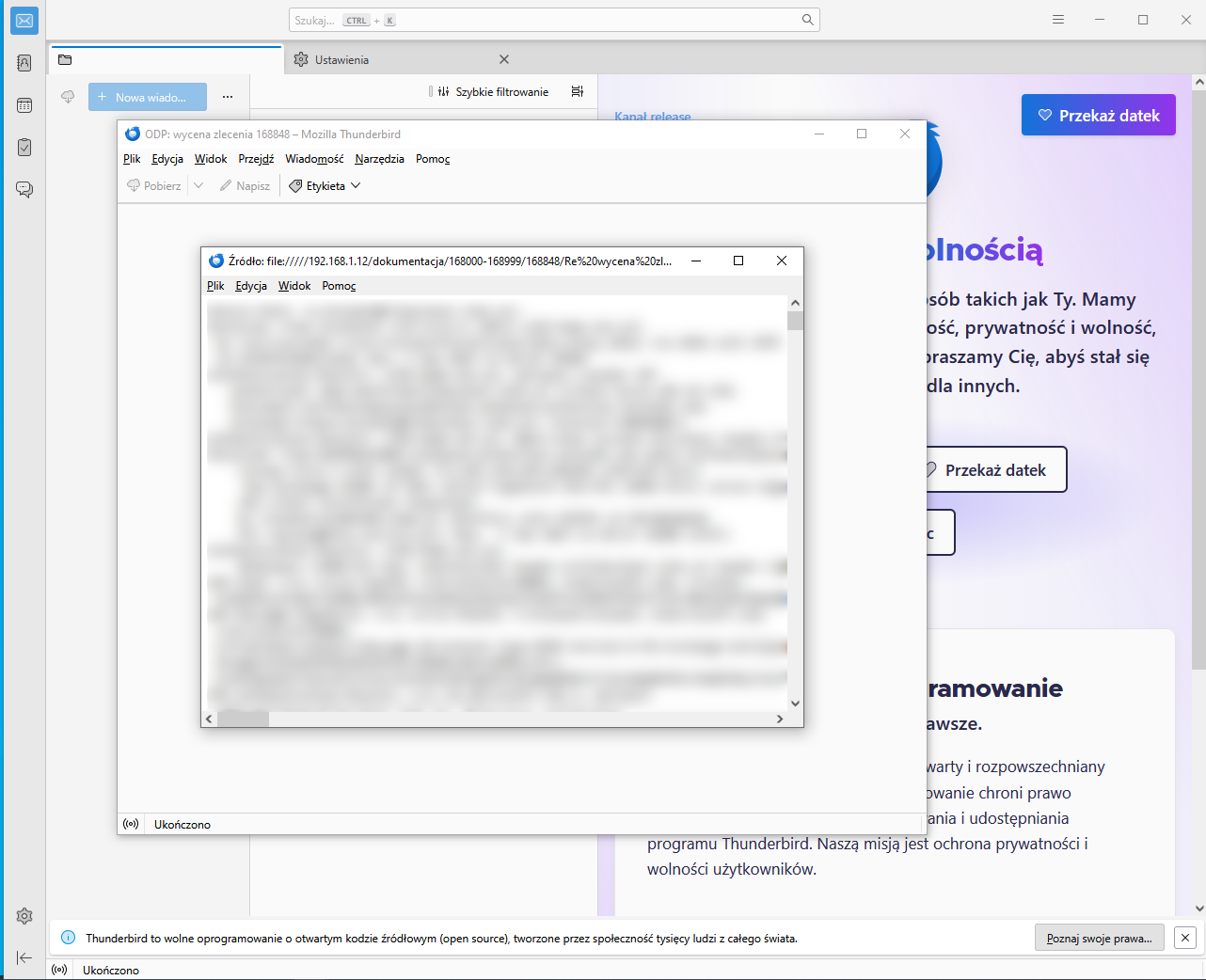
When I try to open EML file stored on NAS that was previously stored using the same Thunderbird app (version 142.0 (64 bits)) the preview is blank (photos attached) although the message source shows content. When I copy this EML file from NAS to desktop and then open, the preview shows up correctly.
How to make it possible to open the EML straight from NAS and show its contents in the preview window.
Some time ago, with the previous (unknown) version of Thunderbird it was possible to open the EML straight from NAS and show its prebiew correctly.
Toutes les réponses (2)

Solution choisie
piotr.rendaszka schrieb
How to make it possible to open the EML straight from NAS and show its contents in the preview window.
Click here this should solve your problem. I had the same issue and found this work arround.
Hope this helps Klein
Ikleinyou said
Click here this should solve your problem. I had the same issue and found this work arround.
Thank you Klein. It solved the problem. Basically adding server address e.g. in this form
in settings editor under mail.allowed_unc_hosts setting
Modifié le par piotr.rendaszka