


Trying to copy Bookmarks from Firefox Nightly to Firefox running Windows 11

I have followed all of the on line instructions to move/copy Bookmarks from Firefox Nightly (current version as of 20February025) to regular Firefox browser. Both are running on same machine. Nightly install is also running Firefox ad blockers. Following all of the instructions on line I can find to accomplish, but cannot move book marks to Firefox. Have copied bookmarks from Firefox Nightly as HTML file to stand alone device but unable to get the bookmarks to import from stand alone device into Firefox. Assistance please.
Solution choisie
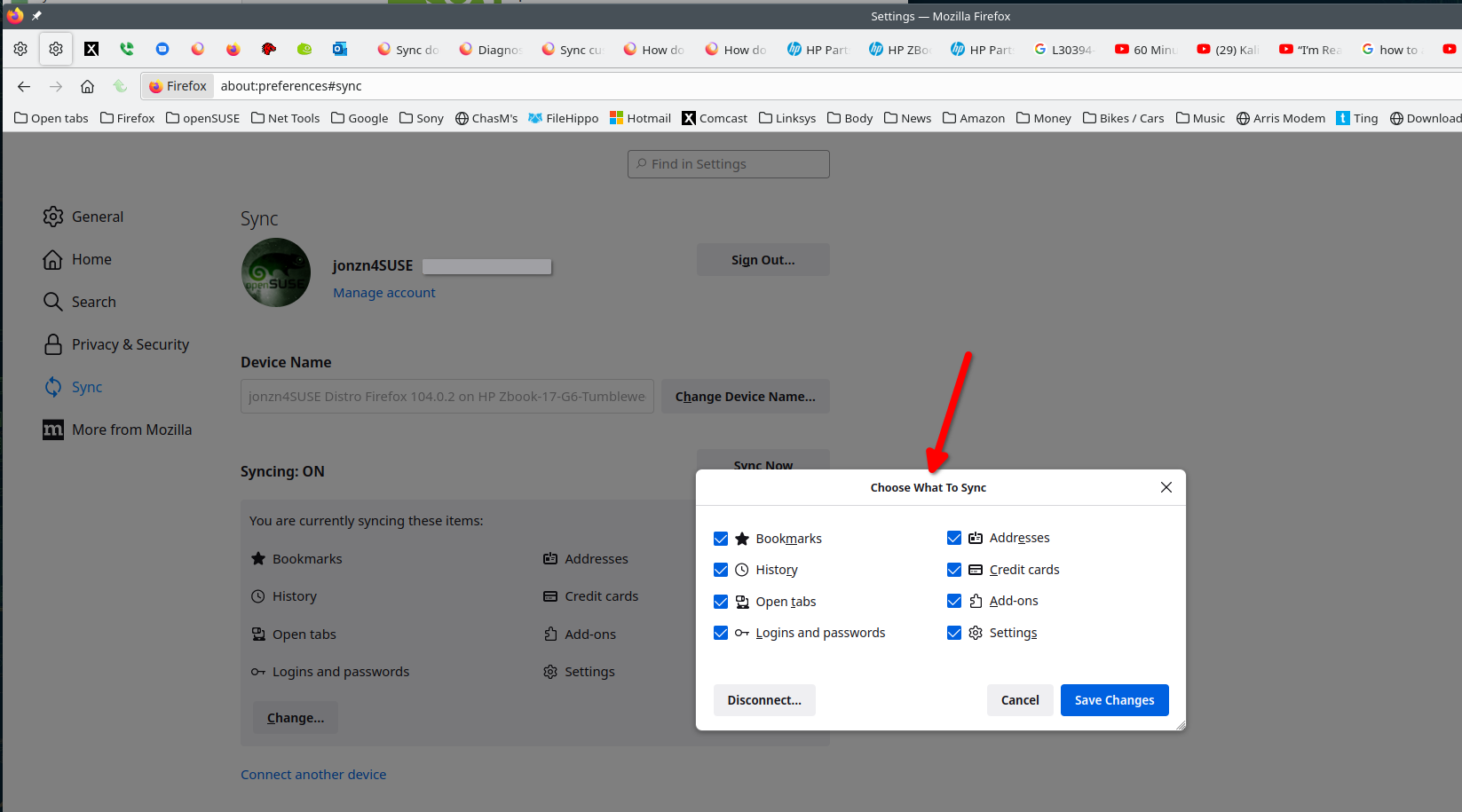
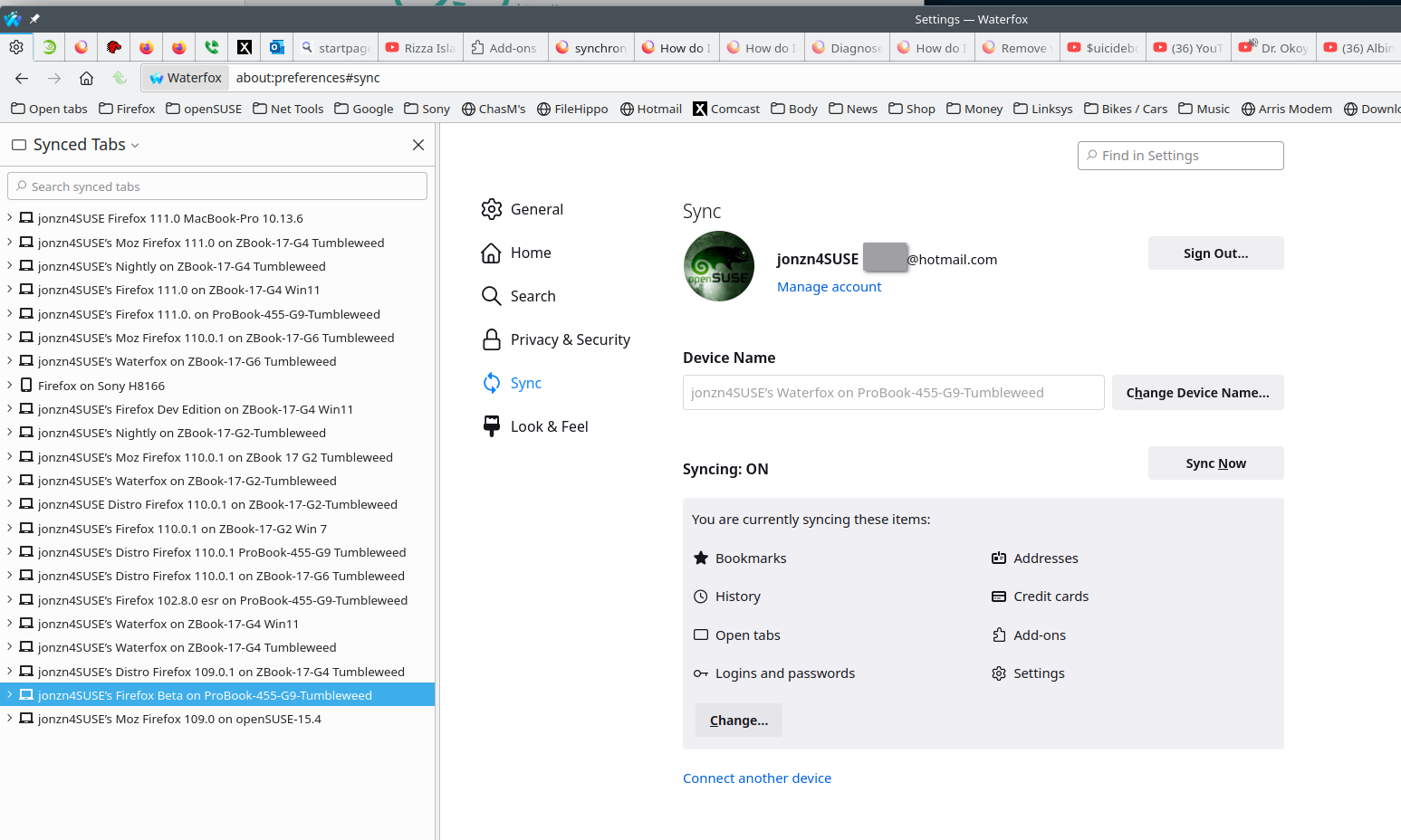
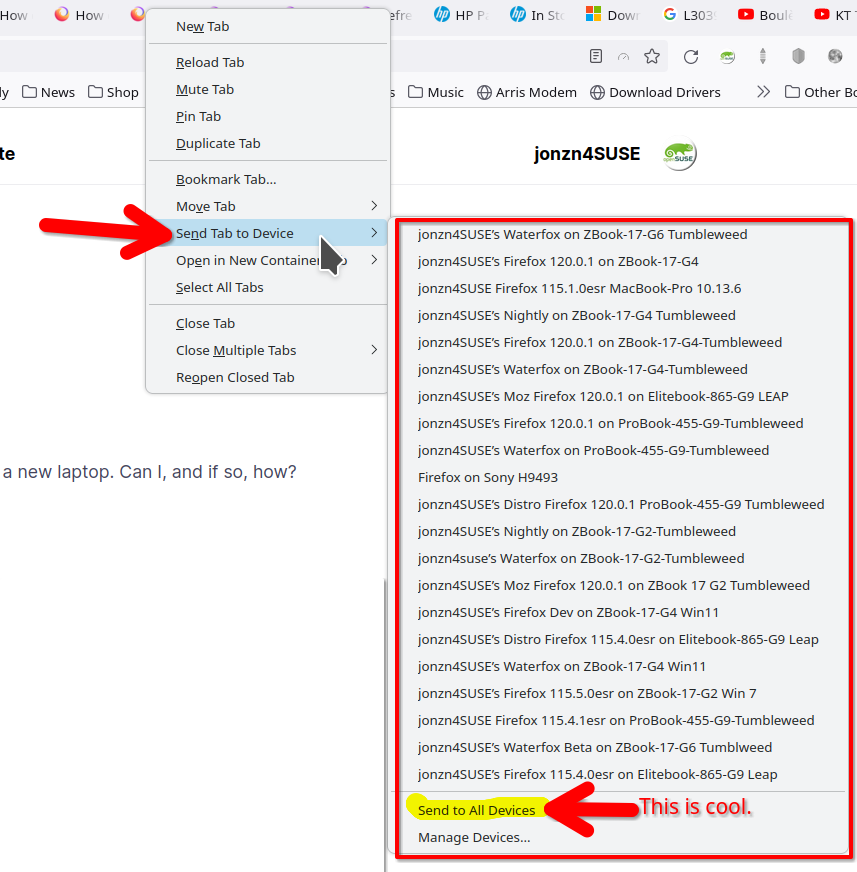
How about trying Sync? see screenshots https://support.mozilla.org/en-US/kb/how-do-i-set-sync-my-computer https://support.mozilla.org/en-US/kb/how-do-i-choose-what-information-sync-firefox Log into the browser that has the bookmarks first. Give sync some time to work if you've never used it before. Then sign into the other browser and watch the magic. The checked sync options will start populating the 2nd browser. The tabs will not come over, but you'll be able to see, open, and send them.
Lire cette réponse dans son contexte 👍 1Toutes les réponses (2)
Solution choisie
How about trying Sync? see screenshots https://support.mozilla.org/en-US/kb/how-do-i-set-sync-my-computer https://support.mozilla.org/en-US/kb/how-do-i-choose-what-information-sync-firefox Log into the browser that has the bookmarks first. Give sync some time to work if you've never used it before. Then sign into the other browser and watch the magic. The checked sync options will start populating the 2nd browser. The tabs will not come over, but you'll be able to see, open, and send them.
jonzn4SUSE Many thanks! Worked fine.