


email Send problems, DMARC policy enforcement

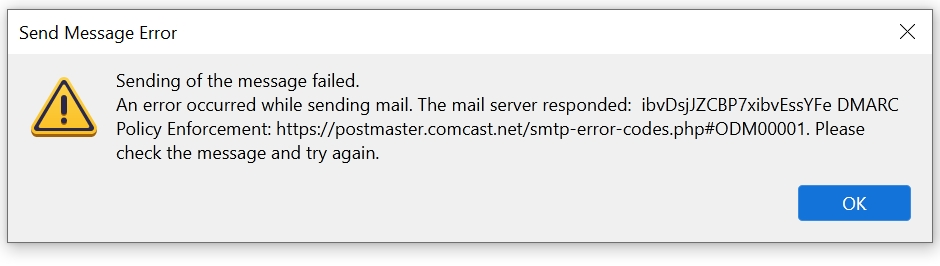
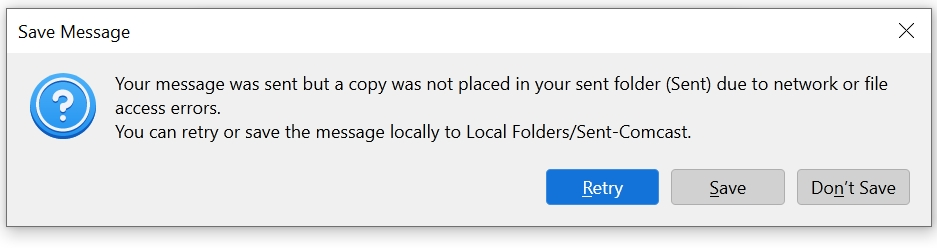
Hello, recently I've been getting several Certificate warning messages that seem to have cleared up, but two problems persist. When I try to send email from domain hosted accounts (POP3), I get the image I have added, stating the sending has failed. When I send email from my ISP account (Comcast), I get "message was sent," but can't be copied to the Send folder. Any ideas? Thank you. (Windows 10 desktop, Norton Antivirus)
Modifié le par Wayne Mery
Toutes les réponses (2)
So your domain is hosted by comcast? Perhaps you and they need to talk. https://forums.xfinity.com/conversations/email/notice-dmarc-policy-for-comcastnet/667075ff729ad353204c8409
As for the other. Prevent the Norton product from scanning in the Thunderbird profile folder, and prevent it scanning encrypted connections and see if things get better. Even better uninstall it.
Thank you for the reply. I contacted Comcast, but they were of no help, although the "copy to send " problem cleared up. I contacted Webhostit, which hosts my email accounts. For some reason, I had my outgoing server set to Comcast. When I changed it to the domain hosted by Webhostit, the certificate messages went away and everything seems to be working fine now.