


I can only type alphabets on Chrome os

I installed Linux version Firefox on Chromebook relying on this instruction: https://support.mozilla.org/en-US/kb/run-firefox-chromeos?utm_source=www.mozilla.org-firefox-browsers-chromebook&utm_medium=referral&utm_campaign=seo
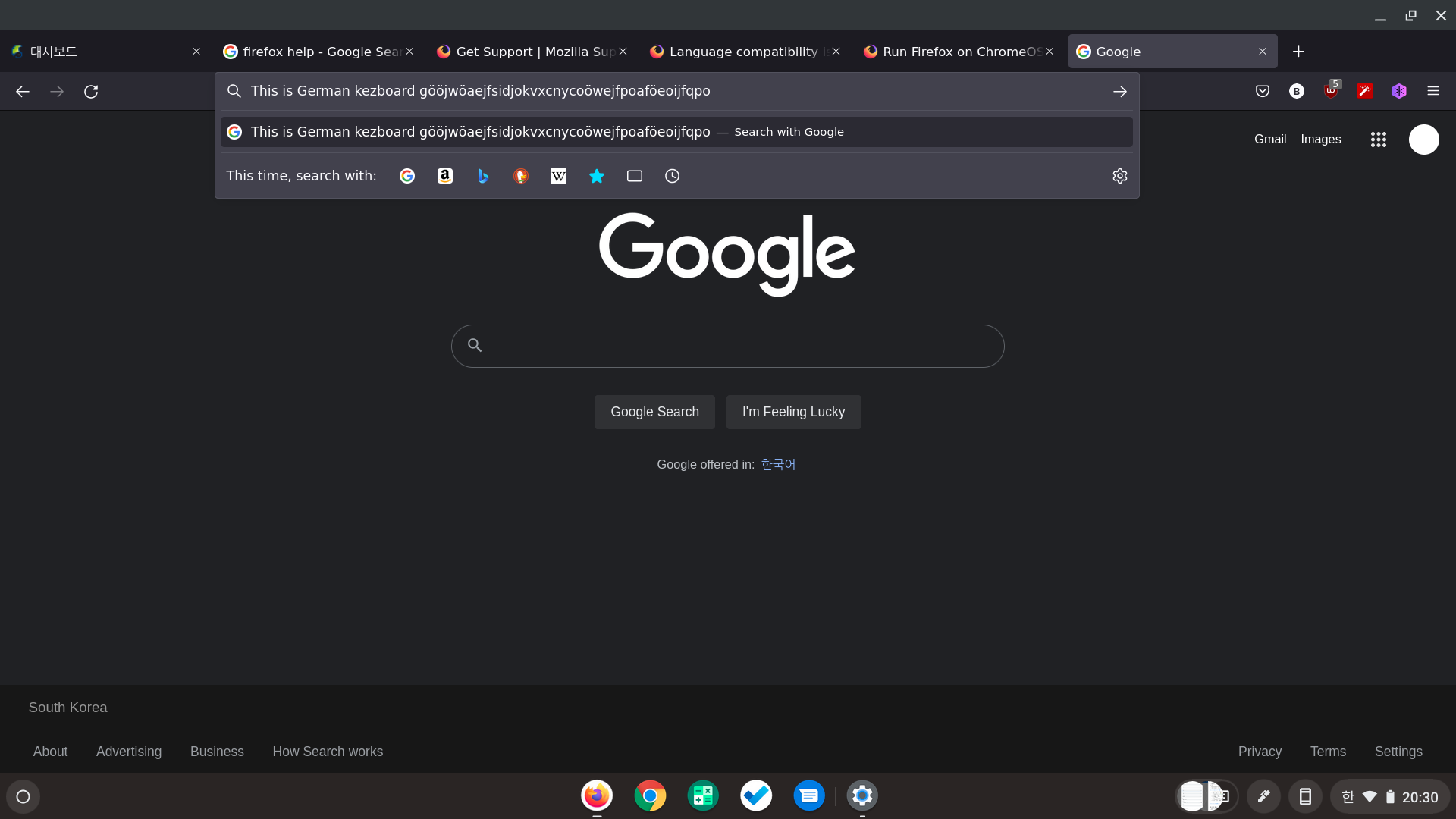
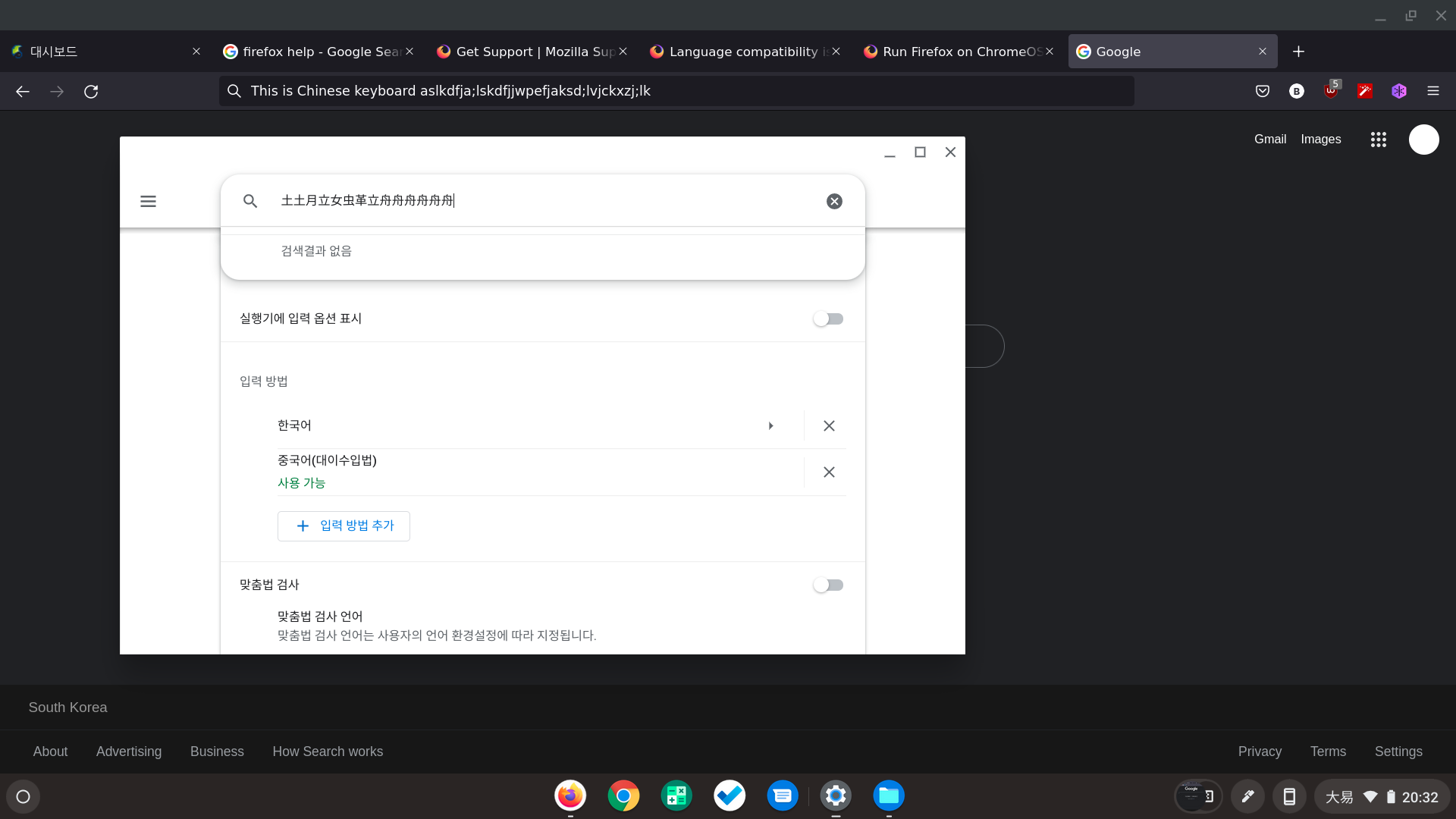
and I cannot type any letters other than English alphabet, even though I've set OS and input language to Korean. Problem is consistent to other typing language, except some languages that seems to have letters from alphabet combination.
While it seems that it's normal that some Chrome OS keyboard shortcuts are not compatible on Linux application, I'm not only unable to switch input language on Firefox but also not able to type any Korean letters after switching the input language outside Firefox.
Toutes les réponses (3)
Firefox is a Linux application.
Do you have these fonts installed for Linux applications like worked for the user in this question ?
- /questions/1351552 Language compatibility issue on chrome os
That was my previous question. It helped me to browse Korean, but I still cannot type Korean letters. I don't see any boxes anymore, but it always works like I'm typing in English keyboard. Is there any option that I should tweak to enable non-alphabet input?
I think that you should ask about this at a Chromebook oriented forum as it is not likely that someone here can answer this.