


Thunderbird email adress suggest
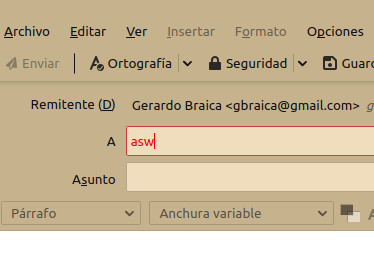
I've installed thunderbird on Windows 7, all the accounts settings are done and works Ok. My accounts are POP3. My address book have many emails address, but when I write a new email and I write the adrress destination thunderbird don't show any coincidence in the text box, thunderbird can't access the saved address. I have to open address book, look for the email address manually, and copy/paste it. Thanks.
Toutes les réponses (3)
In Address Book, do the contacts have the First, Last, Display Name and Email fields filled with the correct items? If you imported contacts from a csv file, the fields might be empty if the import procedure was incomplete. If the contacts are already filled in properly, see if the autocomplete works in safe mode (Help/Restart with add-ons disabled).
The contacts are filled in properly because it happens with the address that thunderbird collected from my answers. So I will try in safe mode. Thanks.
Check the obvious: autocomplete is enabled in Options/Composition/Addressing.