

Ce sujet de discussion a été archivé.
Veuillez poser une nouvelle question si vous avez besoin d’aide.

Archivé
Cannot Connect to Incoming or Outgoing Mail Server after Changing Password

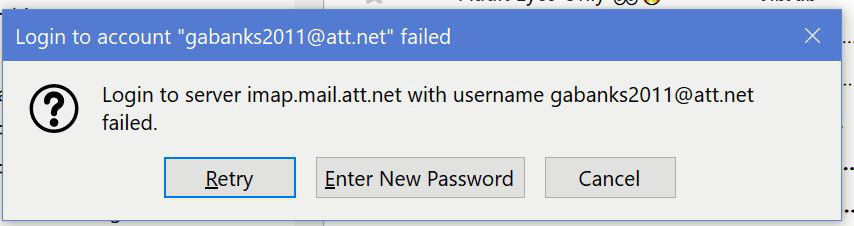
After changing my password for my ATT mail account, I can use that email account via webmail and by using the mail app on my iPhone. In Thunderbird, I entered the new password several times through the "Saved Passwords" feature. However, each time I use Thunderbird to try to receive or send messages in that email account, I get the error message "Login to server imap.mail.att.net with username +++++ failed. Retry. Enter New Passoword. Cancel." Adding the new password there doesn't do the trick either. What's going wrong? How can I correct this? Thanks for the help.
After changing my password for my ATT mail account, I can use that email account via webmail and by using the mail app on my iPhone. In Thunderbird, I entered the new password several times through the "Saved Passwords" feature. However, each time I use Thunderbird to try to receive or send messages in that email account, I get the error message "Login to server imap.mail.att.net with username +++++ failed. Retry. Enter New Passoword. Cancel." Adding the new password there doesn't do the trick either. What's going wrong? How can I correct this? Thanks for the help.
Toutes les réponses (1)
Generate a secure mail key on the AT&T site and use that as the password in TB.
https://www.att.com/support/article/u-verse-high-speed-internet/KM1010523/