


accounts.firefox.com doesn't load on Firefox 78.6.1 ESR x86_64 (RHEL 8)
Hi,
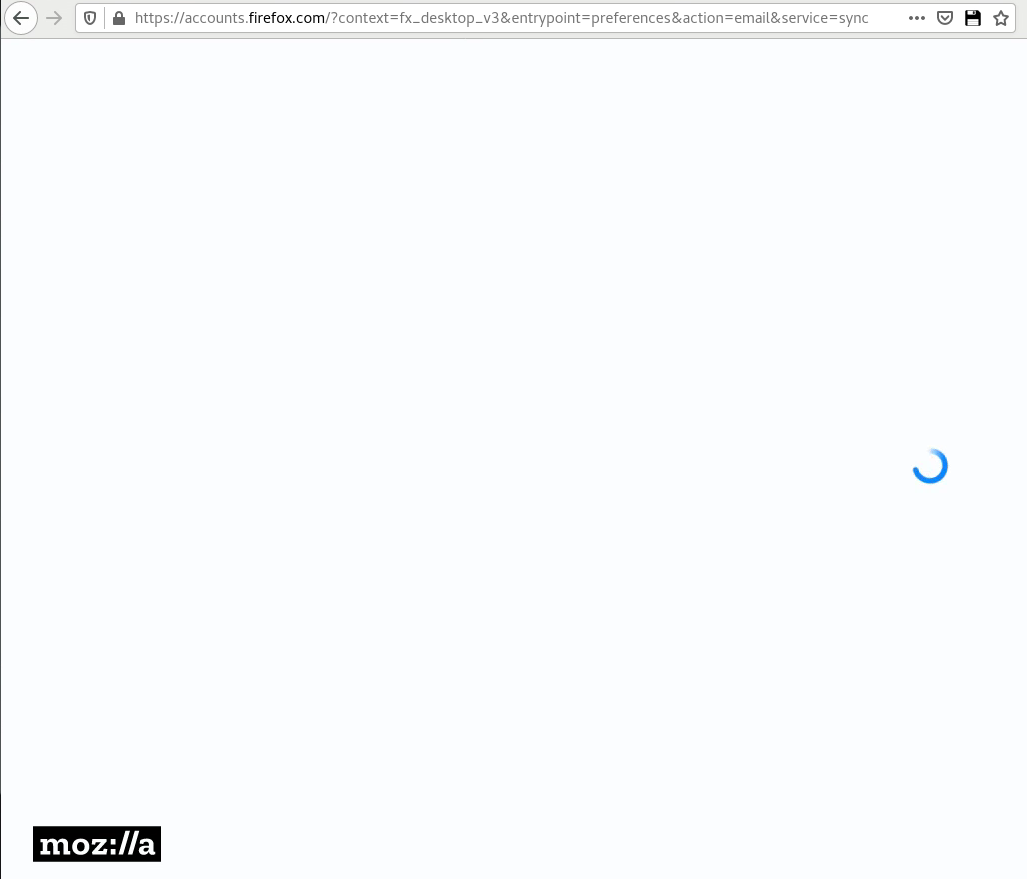
When i try to open the page https://accounts.firefox.com to login in order to setup sync on my browser (Firefox 78.6.1 ESR x86_64 on RHEL 8) it doesn't load (please see attachment picture).
Any idea what can be the problem?
Toutes les réponses (3)
closing the browser while it was trying to load the page then opening it again, it loads the first page, but then i input my email to login and gets stuck again.
Modifié le par maverick.pt

Make sure you are not blocking content.
Start Firefox in Safe Mode {web link}
A small dialog should appear. Click Start In Safe Mode (not Refresh). Is the problem still there?
https://support.mozilla.org/en-US/kb/enhanced-tracking-protection-firefox-desktop
Many site issues can be caused by corrupt cookies or cache.
Warning ! ! This will log you out of sites you're logged in to. You may also lose any settings for that website.
- How to clear the Firefox cache {web link}acking-protection-firefox-desktop
You can check the Web Console (Tools -> Web Developer) for messages about blocked content and about the presence of mixed or unsafe content.
You can check the Network Monitor to see if content is blocked or otherwise fails to load.
If necessary use "Ctrl+F5" or "Ctrl+Shift+R" (Mac: Command+Shift+R) to reload the page and bypass the cache to generate a fresh log.