


https://infosec.navy.mil/crypto/index.jsp?topic=documents This is a governmnet website I need to use for work. It is blocked by FireFox.

I am working on a company computer and I am trying to log into a government website using FireFox. FireFox blocks the website.
Toutes les réponses (2)
Hello btmcneely,
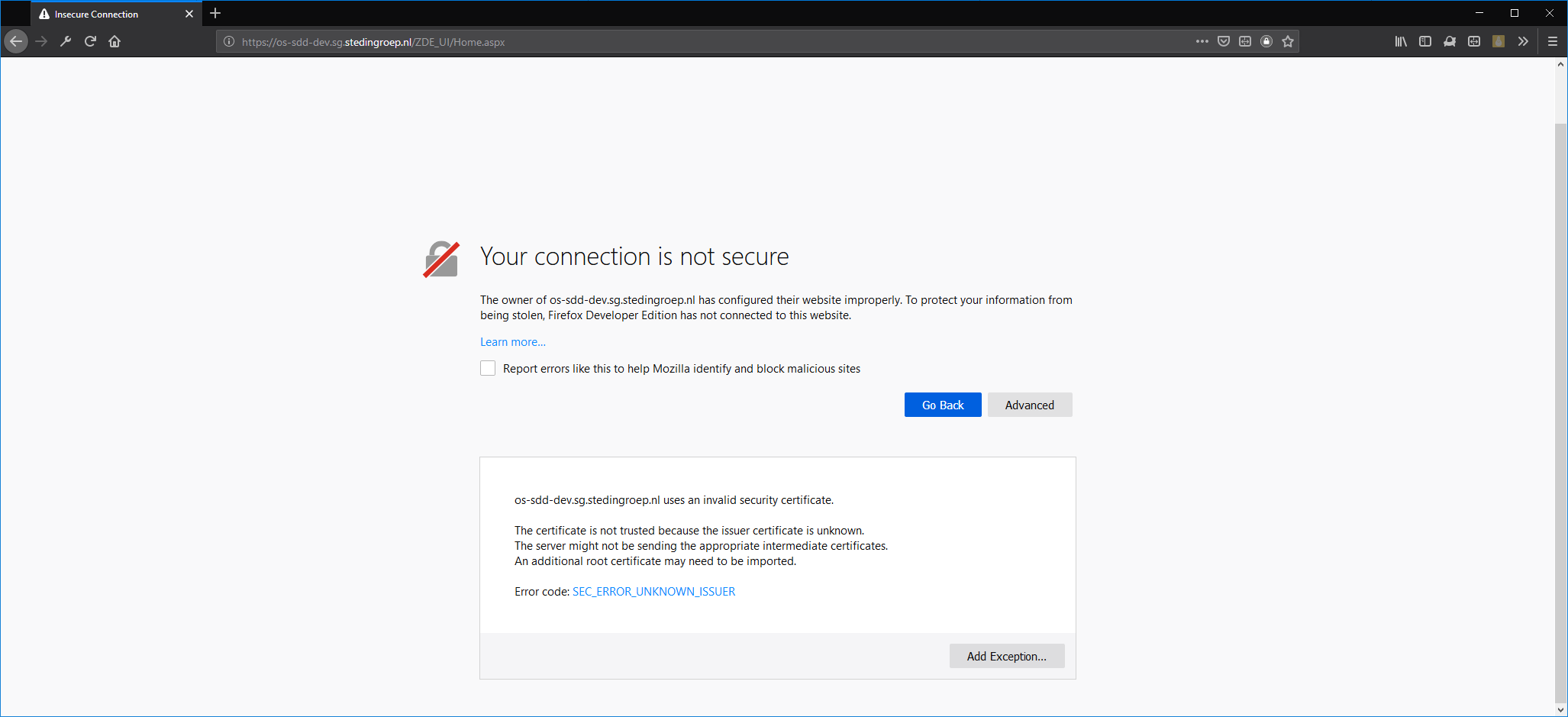
What kind of block/error does it give?
If it is a "your connection is not secure" block, you can click "advanced" followed by "add exception", a popup will open prompting you to click confirm security exception.
You can permanently store this exception by clicking on the check box right next to the text "permanently store this exception" you can also retrieve the certificate by clicking on "get certificate". Afterwards just click on confirm security exception to enter the site.
Modifié le par Mick
As a footnote to the first reply, you can instead make a temporary exception for this PDF and install the military's root certificate so that you won't need to make individual site exceptions:
https://help.nmcp.med.navy.mil/path/pdf/helpme/Install_DoDRootCertificate.pdf