


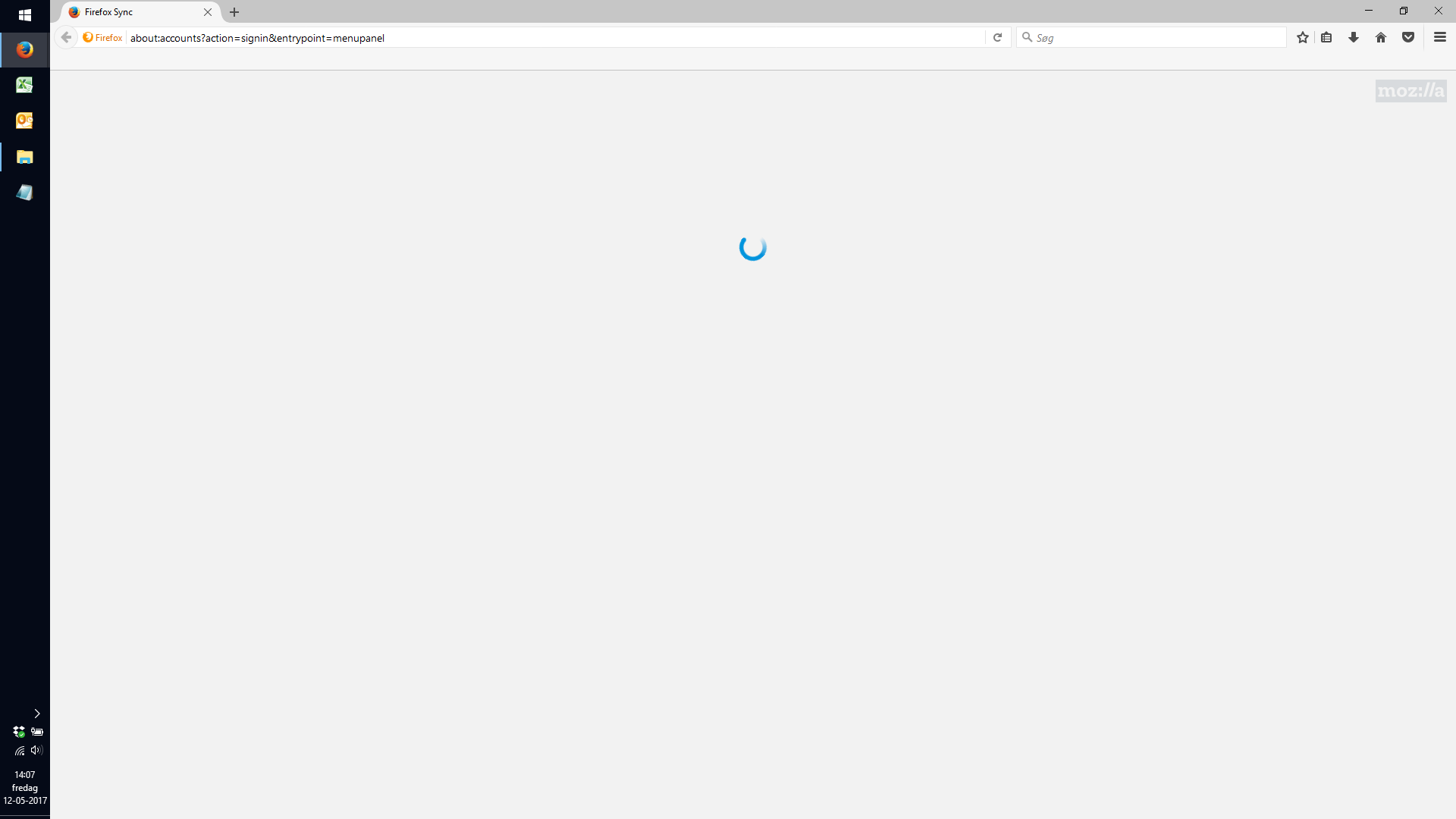
At the time, it is not possible to log into sync. The screen is just loading without any progress. I use the latest version of Firefox and have tested alot

I have tried to log in to sync through all these links, but the attached screen appears in all cases and will not forward me to the login page: about:accounts?action=signin&entrypoint=menupanel about:accounts?action=signin&entrypoint=menubar about:accounts?action=signin&entrypoint=preferences about:accounts
I have tried on different machines and different internet connections - all having the latest version of Firefox (53.0.2), on Windows 10.
Solution choisie
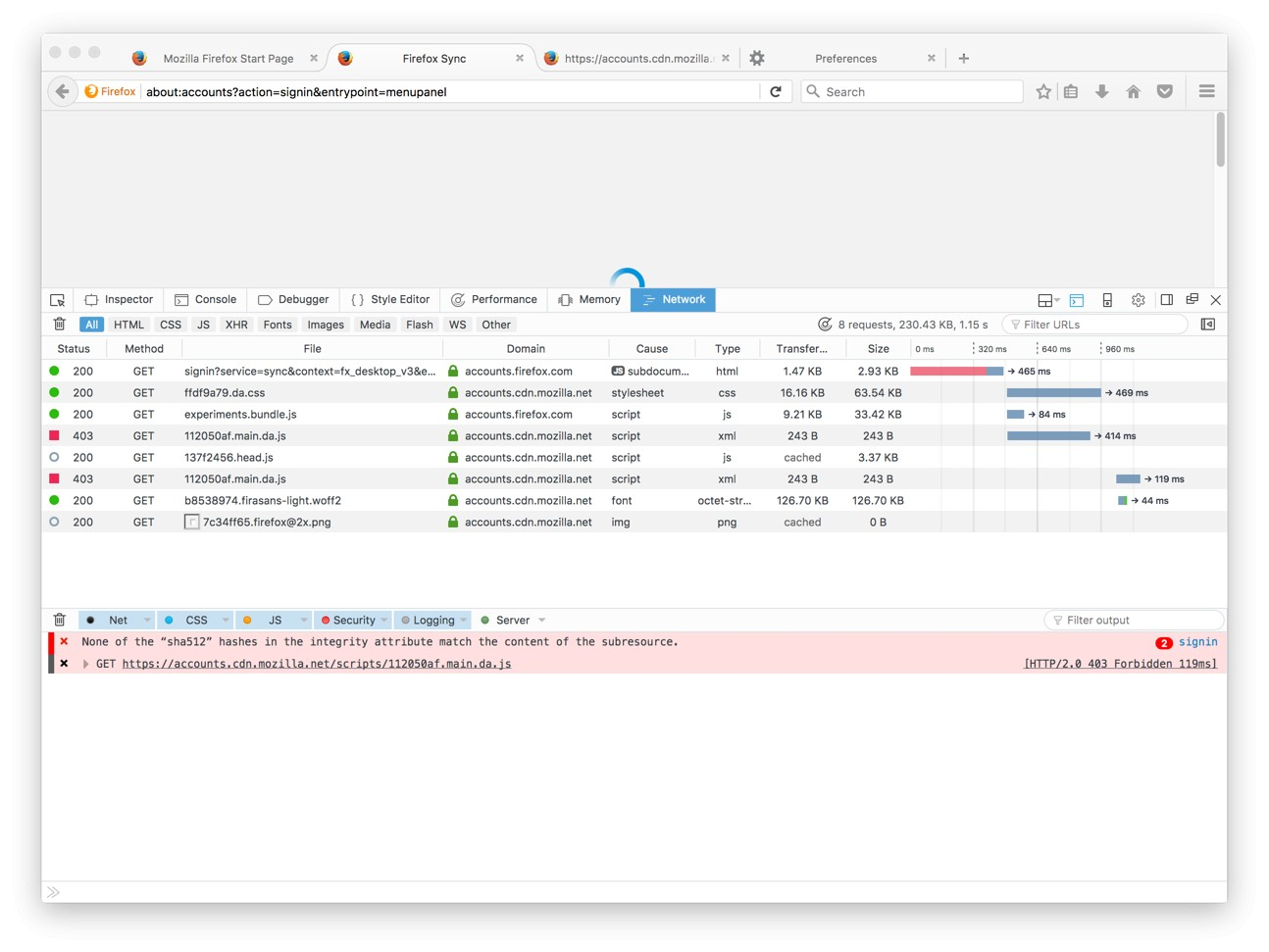
I see a problem, the Danish locale is not loading properly.
WORKAROUND: Switch your locale temporary to ENGLISH to login to Firefox Accounts and Sync.
Meanwhile we are going to be fixing this on the server. Thanks for the report!
Lire cette réponse dans son contexte 👍 0Toutes les réponses (5)
Hello, We cannot reproduce this issue.
Could you please try the following:
1.
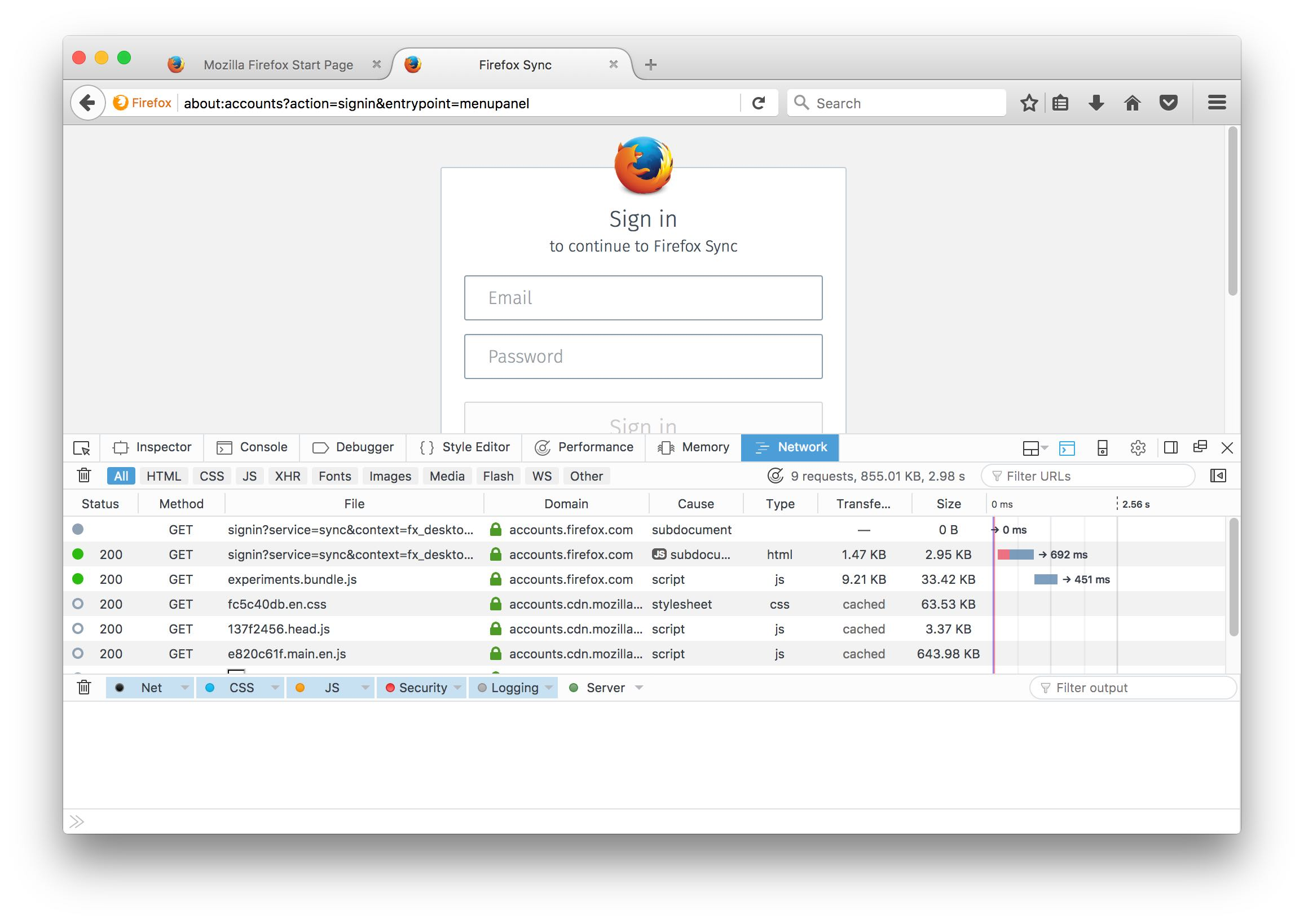
- Open the DevTools Network Panel ( Tools -> WebDeveloper -> Network)
- Focus on the Network panel and press ESCAPE to open the Console under it.
- Refresh the `about:accounts` page
- (See my attached screenshot)
- Please let us know if you see errors reported
2. Other thing to try:
Are you able to open this file in your browser: https://accounts.cdn.mozilla.net/scripts/e820c61f.main.en.js
Solution choisie
I see a problem, the Danish locale is not loading properly.
WORKAROUND: Switch your locale temporary to ENGLISH to login to Firefox Accounts and Sync.
Meanwhile we are going to be fixing this on the server. Thanks for the report!
Modifié le par Vlad Filippov
This should be now fixed.
Please let us know if you still have this issue
Now it works again. Thank you very much and have a nice weekend