


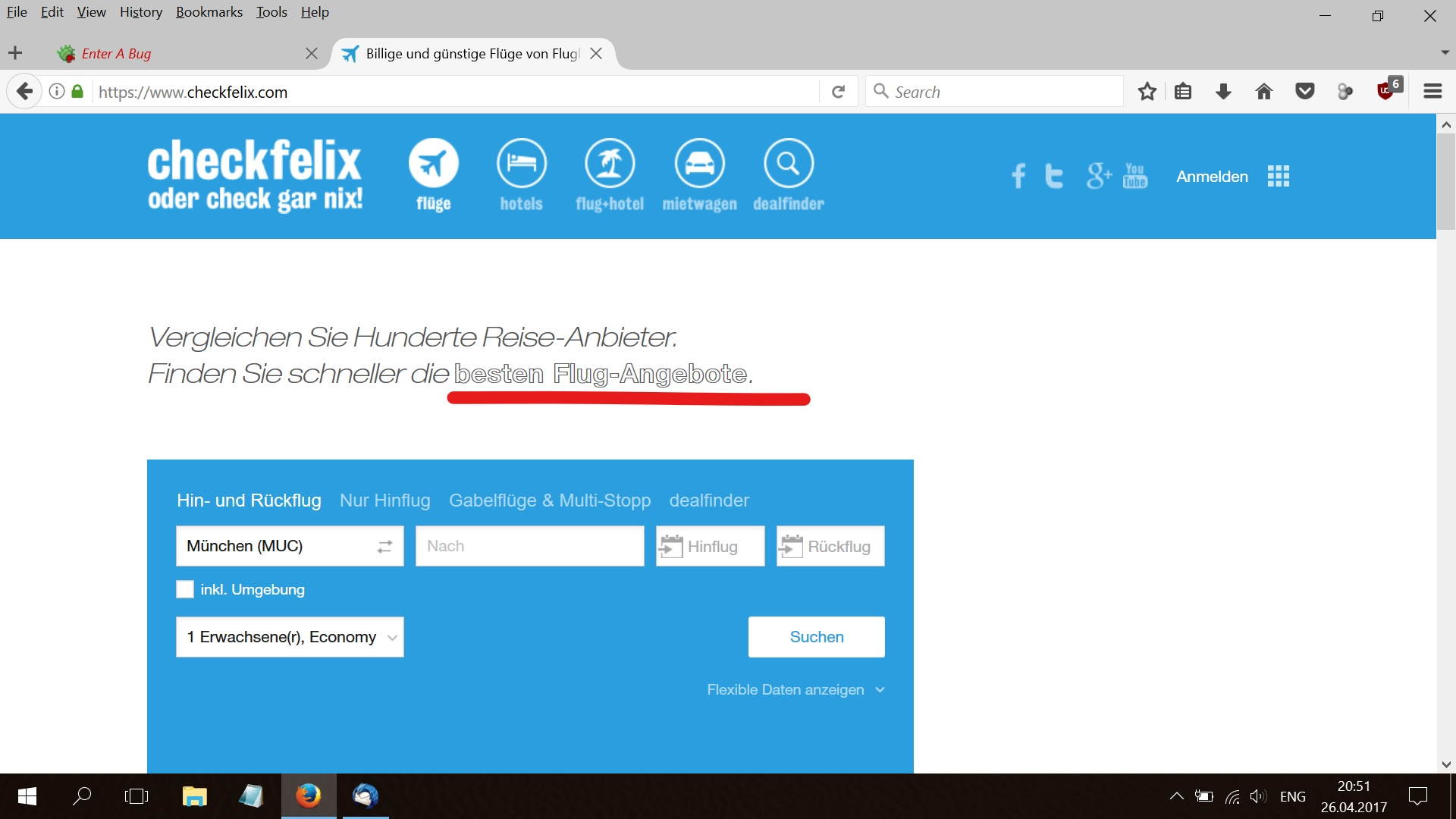
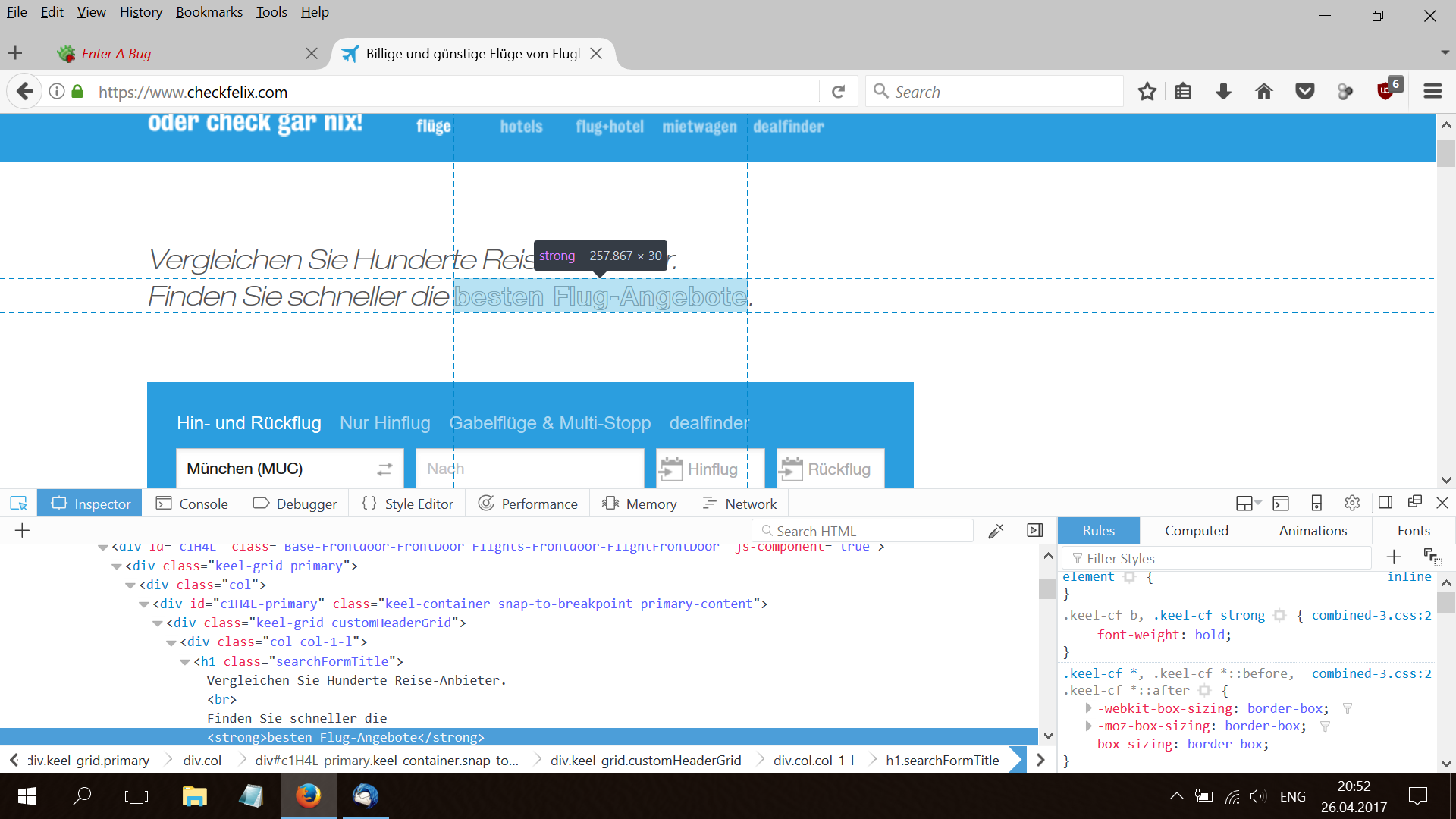
<strong> gets not displayed as bold, but outline

I have a similar problem like reported in this bug report: https://bugzilla.mozilla.org/show_bug.cgi?id=464731 ... text in the tag doesn't get displayed in bold, but as outlined text.
How can I solve this issue?
Modifié le par reini76
Solution choisie
That site's preferred font for that text is "Helvetica Neue", which can be ugly in Firefox for Windows.
Usually, Windows does not even have that font, but it could be installed with some other software, such as the ancient Safari for Windows (not secure, not recommended).
This thread mentions a custom style rule workaround, but if you need something more step-by-step, let me know:
Lire cette réponse dans son contexte 👍 1Toutes les réponses (2)
Solution choisie
That site's preferred font for that text is "Helvetica Neue", which can be ugly in Firefox for Windows.
Usually, Windows does not even have that font, but it could be installed with some other software, such as the ancient Safari for Windows (not secure, not recommended).
This thread mentions a custom style rule workaround, but if you need something more step-by-step, let me know:
Thanks for the quick reply! That solved my problem! :-))) Many thanks!!!!