


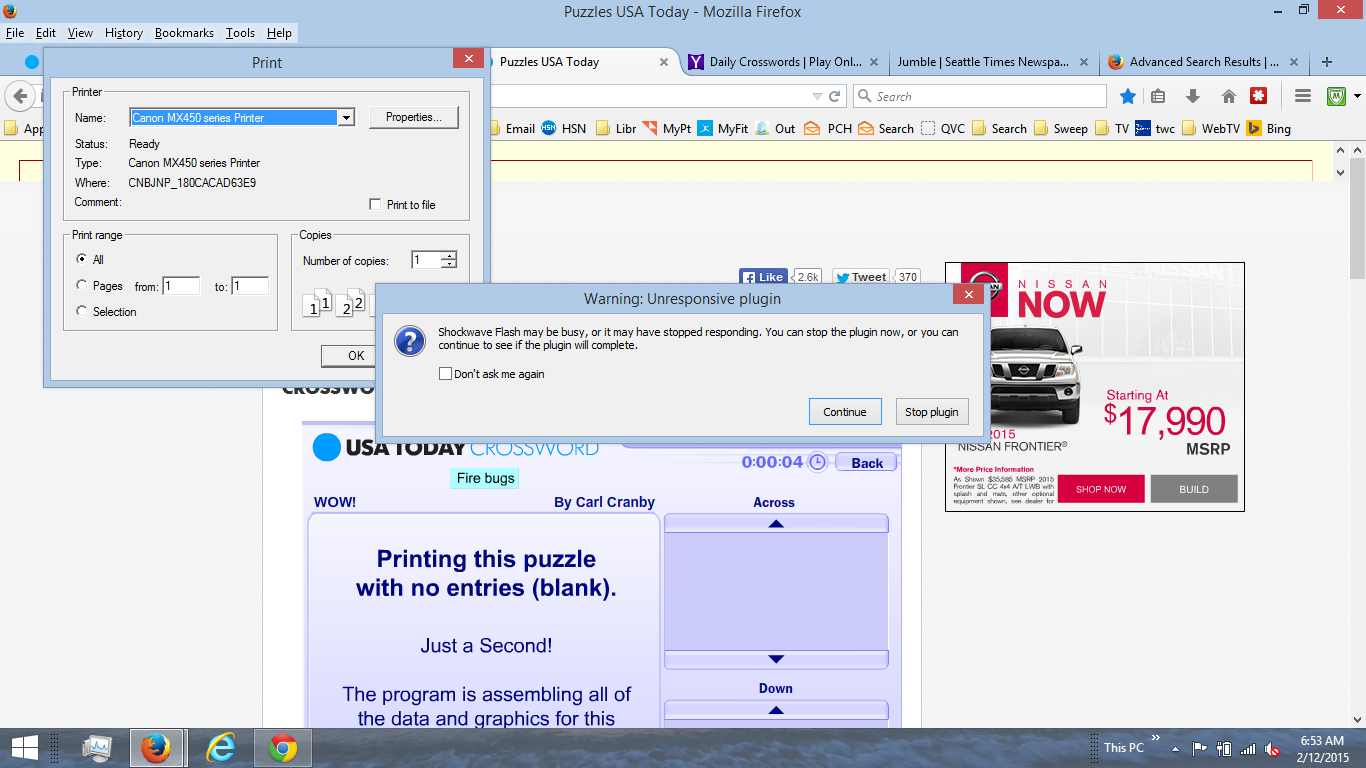
I get FLASH ERRORS when i try to open my crosswords every time, DON'T GET THE M ON OTHER BROWSERS

These are two of the links that fail every time on firefox https://games.yahoo.com/game/daily-crosswords.html http://puzzles.usatoday.com/#. i send crash reports, check and updated add-ons. This problem followed occurs on windows 7 & 8. When I reload the pages and click continue in the pop up it crashes.
Modifié le par BB
Toutes les réponses (1)

Flash Plugin - Keep it up to date and troubleshoot problems and:
Some problems with Flash video playback can be resolved by disabling hardware acceleration in your Flash Player settings. (See this article for more information on using the Flash plugin in Firefox).
To disable hardware acceleration in Flash Player:
- Go to this Adobe Flash Player Help page.
- Right-click on the Flash Player logo on that page.
- Click on Settings in the context menu. The Adobe Flash Player Settings screen will open.
- Click on the icon at the bottom-left of the Adobe Flash Player Settings window to open the Display panel.
The image "fpSettings1.PNG" does not exist.
- Remove the check mark from Enable hardware acceleration.
- Click Close to close the Adobe Flash Player Settings Window.
- Restart Firefox.
This Flash Player Help - Display Settings page has more information on Flash Player hardware acceleration, if you're interested.
Does this solve the problem? Let us know.