


Firefox Addons page login is not working

I was trying to upload a theme I've made to the Firefox add-ons page, but whenever I try to log in into my Firefox account, it either sends me back to the sign in page or redirects me to the add-ons home page but does not log me in. I've tried on my phone and multiple browsers, but I can't seem to login at all. Any help would be appreciated
Kaikki vastaukset (4)

Did you get any kind of message?
Many site issues can be caused by corrupt cookies or cache.
Warning ! ! This will log you out of sites you're logged in to. You may also lose any settings for that website.
- How to clear the Firefox cache {web link}
If there is still a problem, Start Firefox in Safe Mode {web link} by holding down the <Shift> (Mac=Options) key, and then starting Firefox.
A small dialog should appear. Click Start In Safe Mode (not Refresh). Did this help?
While you are in safe mode;
Try disabling graphics hardware acceleration in Firefox. Since this feature was added to Firefox it has gradually improved but there are still a few glitches.
How to disable Hardware Acceleration {web link}
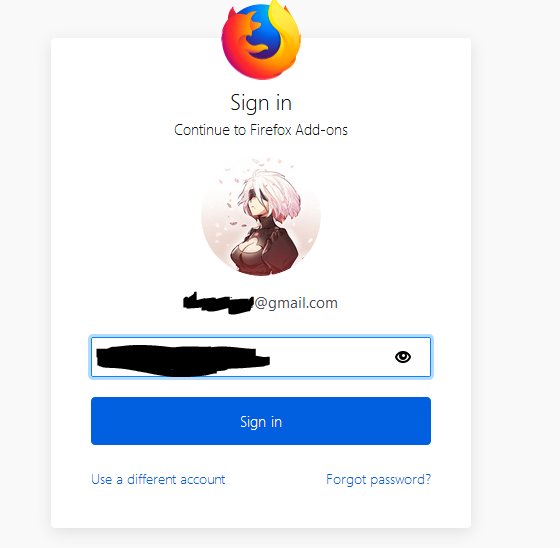
No message showed up it just redirected me back to the login page. I've just tried everything you suggested, but its still the same. This is the page it redirects me to
I called for more help.
Remove History For One Site
Open the History Manager <Control><Shift> H. In the search bar, enter the name of the site. Right-click on one of the listings and select Forget About This Site. This should remove all information, including any passwords / settings.
hi, perhaps related to https://discourse.mozilla.org/t/amo-in-read-only-mode-on-monday-february-25th/36149 - that should be back to normal now...